APU Software Dynamics Optimizer 6.0.3 for Mac
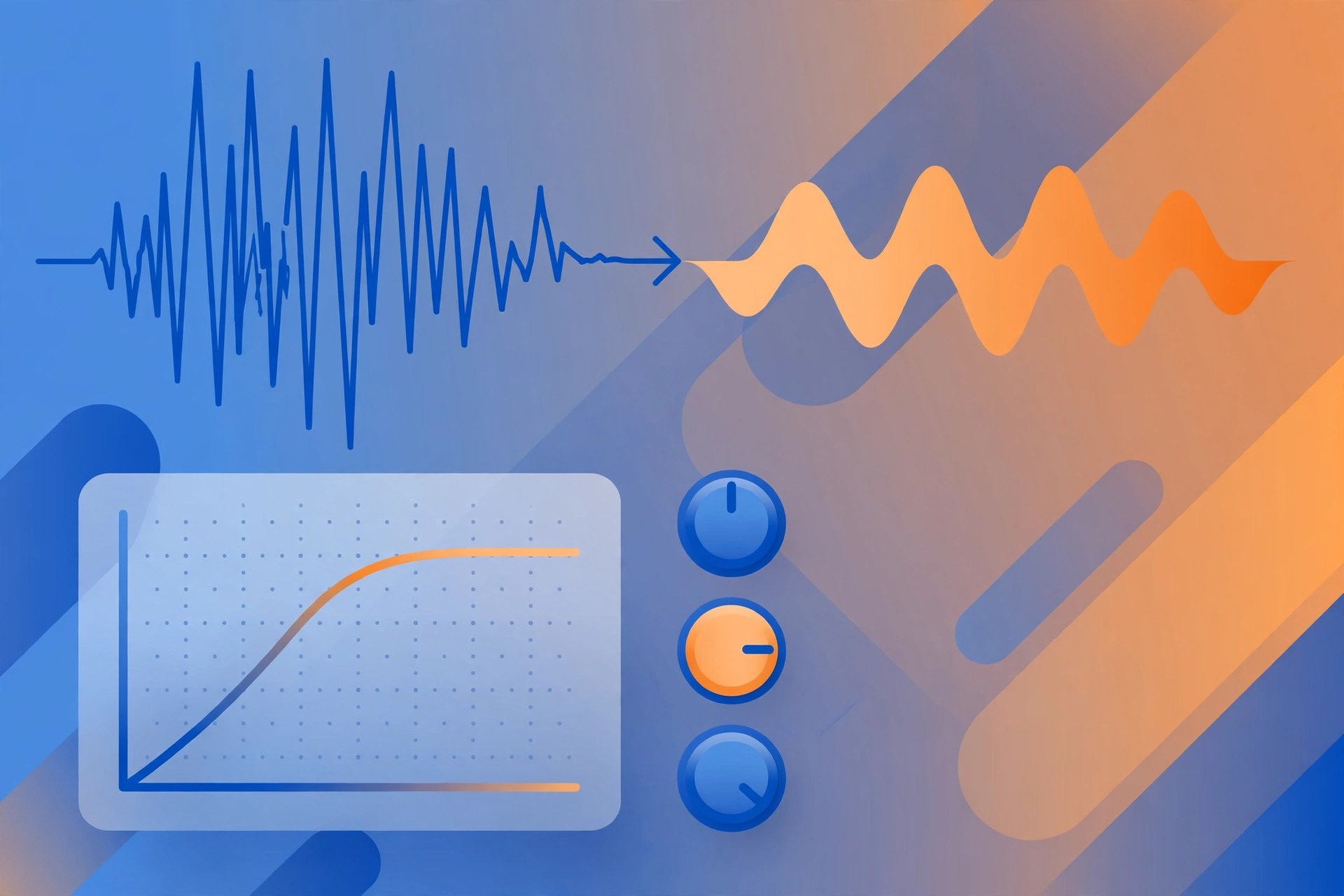
Mac AudioAPU Dynamics Optimizer, from APU Software, takes a different approach to dynamics processing: instead of reacting in real time like a compressor plug-in on a mix bus, this standalone Mac app analyses your complete finished recording first, then reshapes its loudness range toward a target you choose. That whole-file view suits finished mixes, podcasts and narration that need a consistent dynamic shape before delivery. APU Software Dynamics Optimizer 6.0.3 for Mac is the current release in the Loudness Series 6 line.
Key Features
- Whole-file analysis, so adjustments account for the loudness range of the entire recording
- Target distributions: uniform, normal, source-match, or match another file as a reference
- Loudness types including LUFS (momentary, short-term, integrated), RMS, Peak and True Peak
- Multi-channel support covering stereo, surround and Dolby Atmos formats
- Post-export review that checks finished files against the limiter ceiling and target
How to Download
- Download the trial from APU Software and test it on a finished mix.
- Get it from the developer: Download from the official site
- Install the standalone app, open a recording, choose a target distribution and range, then export and review the result.
System Requirements
Dynamics Optimizer requires macOS 10.14 or later on Intel or Apple silicon (x64 and ARM builds), with OpenGL 3.2. The current release is a standalone application rather than a DAW plug-in.
FAQs
How is this different from the APU Loudness Compressor?
The Compressor works in real time inside your DAW. The Optimizer shares the same underlying engine but sees the whole waveform first, so it can plan dynamics across the full recording.
Is there a trial?
Yes. APU Software offers a trial through its download page, and the Optimizer is listed at $40 on the official product page.







Leave a Reply