Applite for Mac
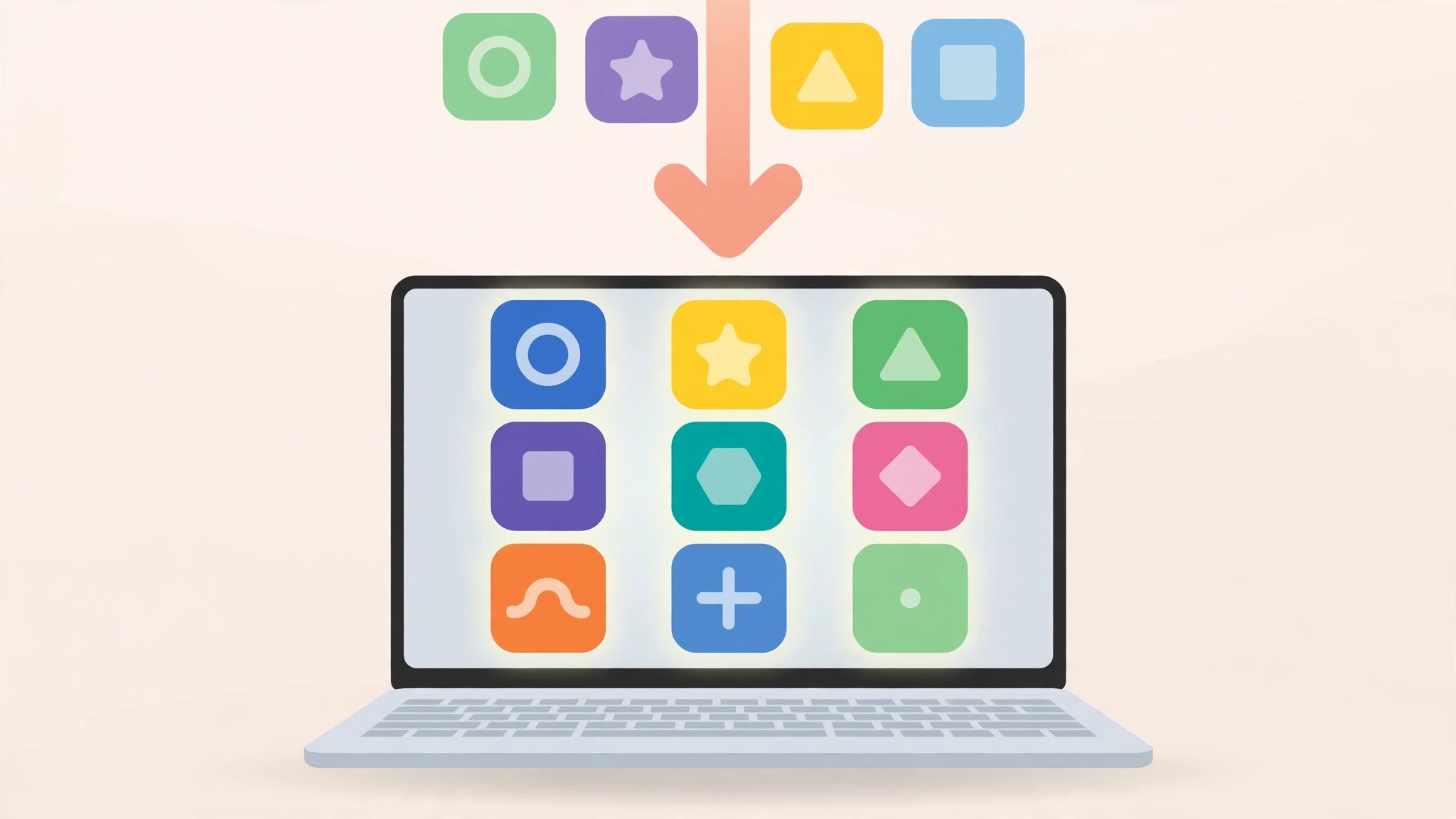
Mac UtilitiesPlenty of good Mac software never reaches the App Store, and fetching it by hand means hunting down disk images and clicking through installers. Applite gives that software a proper store front. It is a free, open source app built on Homebrew Cask, so you can browse categories, install with one click and keep everything updated from one window, without ever opening Terminal.
Key Features
- Browse thousands of Mac apps by category or search by name
- Install apps with one click and skip installer windows
- Update all the apps you installed from a single place
- Uninstall apps and delete their leftover data in one step
- Export your app list and rebuild it fast on a new Mac
How to Download
- Use the download button on this page to get the Applite disk image.
- You can also Download from the official site to fetch the same app from its home page.
- Open the image, move Applite to Applications, and let it set itself up on first launch.
System Requirements
Applite needs macOS 14 Sonoma or later and runs natively on Apple silicon and Intel Macs. It brings its own separate copy of Homebrew, so no developer tools or prior setup are required.
FAQs
Is Applite really free?
Yes. It is free and open source under the MIT licence. There is no paid version, no subscription and no account to create before you can use it.
Do I need to know Homebrew to use it?
No. Homebrew does the installing in the background, but Applite hides all of it. You browse and click, as you would with any store.
Does Applite collect my data?
No. The app has no accounts, no analytics and no telemetry. It only manages the software you choose to install, update or remove through it.







Leave a Reply