AnyRec Video Converter 1.0.30 for Mac
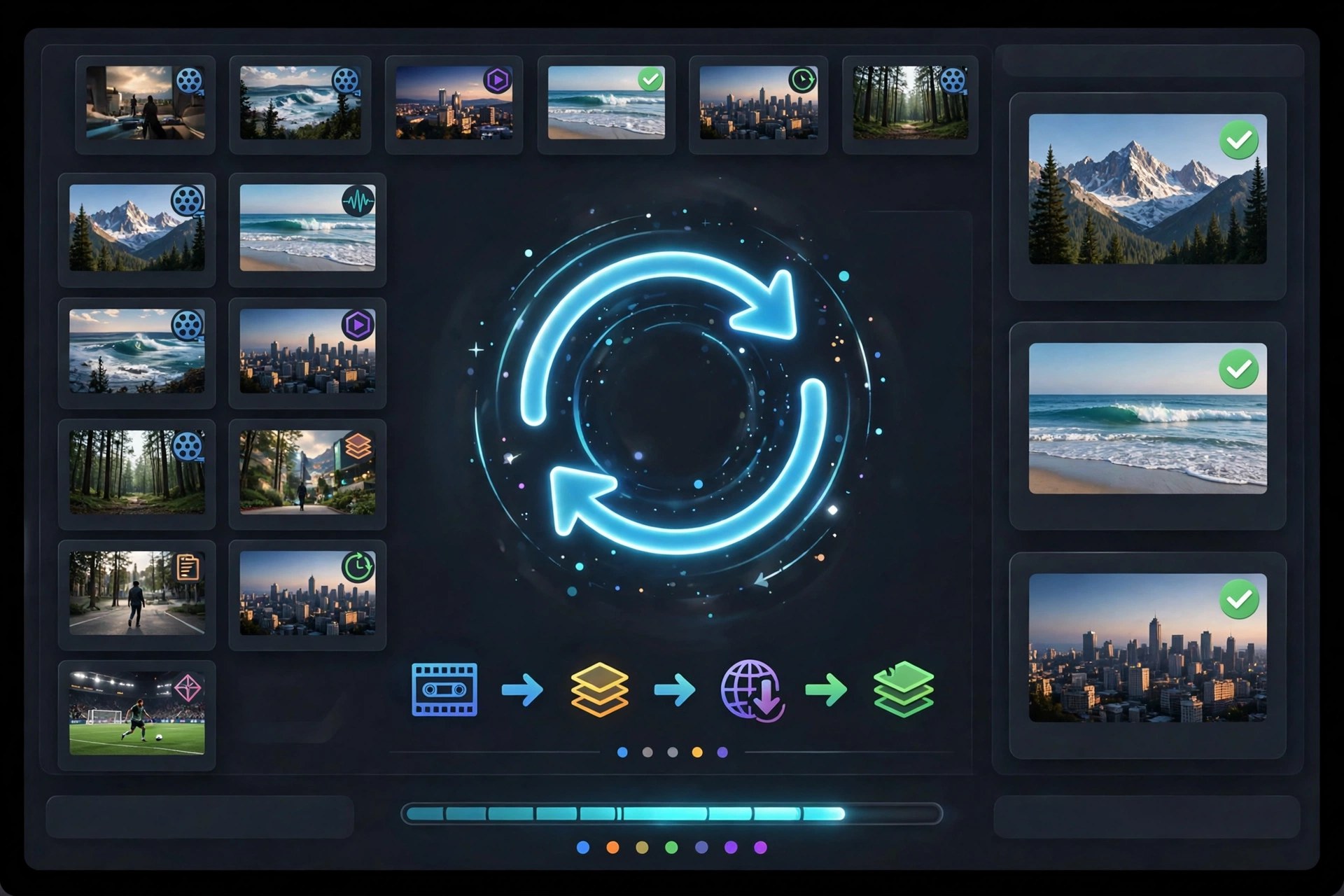
Mac VideoAnyRec Video Converter is AnyRec's desktop app for converting video and audio files on macOS without uploading them to a website. Version 1.0.30 for Mac handles conversion between more than 1,000 formats and device profiles, so footage from a phone, camera, or screen recording can be turned into an MP4, MOV, MKV, or audio file that plays where you need it. Alongside the converter sits a Toolbox with extra utilities for everyday jobs like trimming, merging, and compressing clips.
The Mac build runs on Intel and Apple Silicon machines and is designed for batch work: add a folder of files, pick one output format, and let it process the queue offline with no file size limit. AnyRec offers a free trial so you can test conversions before buying a license — it is not a free full version, and the registered version unlocks the complete feature set.
Key Features
- Convert video and audio between 1,000+ formats and device presets
- Batch conversion with no maximum file size limit
- Toolbox with trimming, merging, compression, and other editing tools
- Adjust resolution, frame rate, bitrate, and encoder before converting
- Works fully offline on Intel and Apple Silicon Macs
How to Download
- Open the official AnyRec page for Video Converter and choose the Mac download.
- Start your download from the official site: Download from the official site
- Open the downloaded package, install the app, and launch it to start the free trial.
Is AnyRec Video Converter free?
There is a free trial, but the full converter is paid software. The trial lets you test conversions before deciding on a license.
Does it work on Apple Silicon Macs?
Yes. The Mac version supports both Apple Silicon and Intel processors, and conversions run locally on your machine.







Leave a Reply