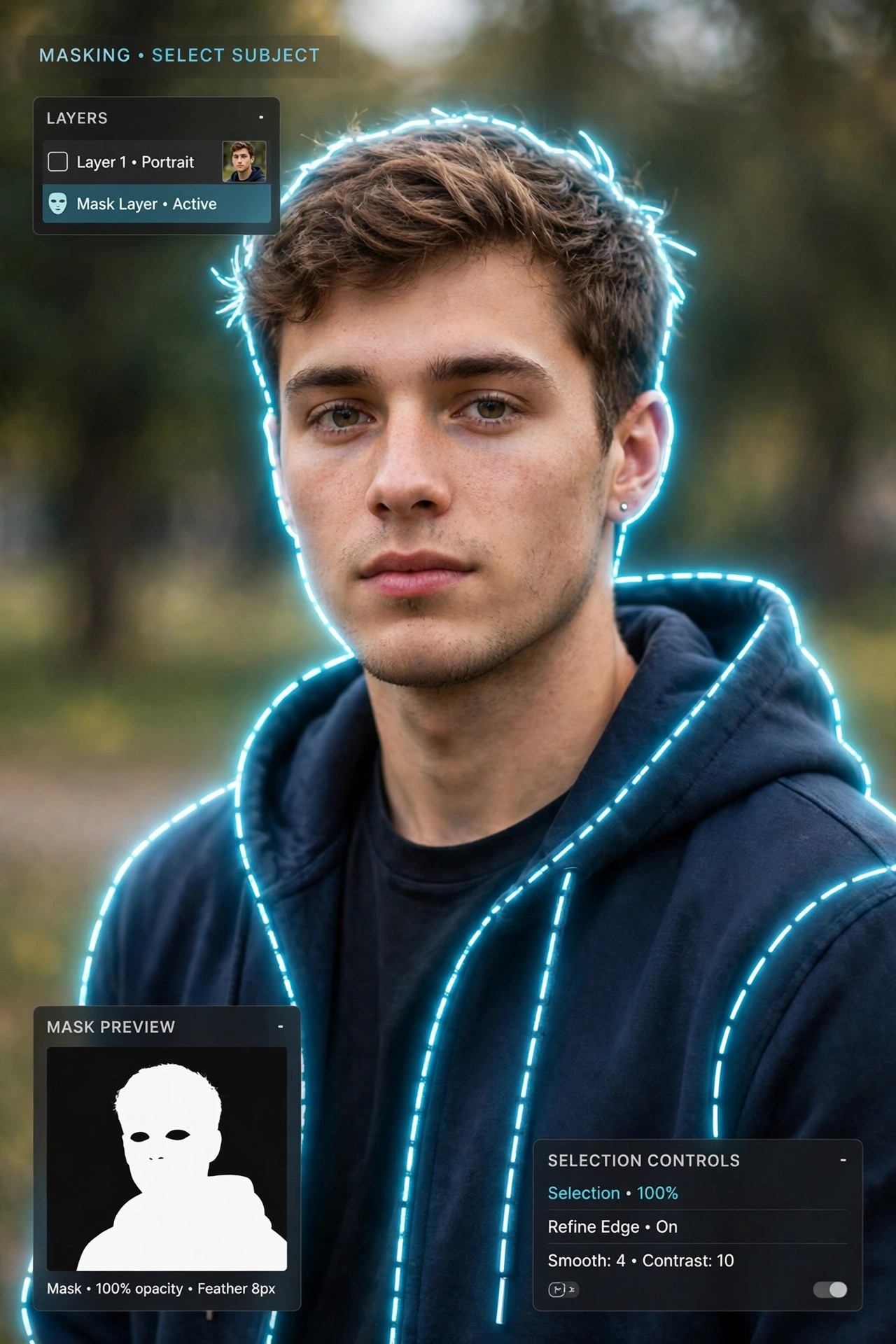
AKVIS SmartMask 9.0 for Mac
Mac Photo & DesignAKVIS SmartMask 9.0 for Mac is a selection and masking tool from AKVIS, designed to cut objects out of photos far faster than manual pen-path work. Selections are where collages, product shots and portrait retouching usually slow down — especially around hair, fur, tree branches or a semi-transparent veil — and SmartMask exists to shorten exactly that step.
You mark roughly what should stay and what should go, and the software works out the boundary, including soft and fuzzy edges. It runs as a standalone Mac application and as a plugin for Adobe Photoshop and other compatible editors. SmartMask is paid software with Home, Home Deluxe and Business licences, plus a free 10-day trial from AKVIS if you want to test it on a tricky cut-out first.
Key Features
- Auto mode recognises keep and remove areas from a few coloured pencil strokes — no precise tracing needed
- Manual mode adds smart brushes and a Quick Selection tool for refining difficult edges
- Handles complex subjects such as hair, fur, glass and transparent fabric that defeat simple selection tools
- Chroma Key mode removes a solid background colour automatically, with a Custom Background option for the result
- Works standalone or as a plugin inside Photoshop, Photoshop Elements and other supported editors
How to Download
- Download from the official site
- Select the Mac standalone installer or the Mac plugin on the AKVIS page, or start the free 10-day trial.
- Install SmartMask, try a selection on one of your own photos, and activate it with your licence key after purchase.
Is AKVIS SmartMask free?
No, it is commercial software. AKVIS gives you a free 10-day trial to evaluate both the standalone and plugin editions, but a licence is required for continued use — there is no free full version.
Can it really select hair and fur?
That is one of its main use cases. The edge-detection tools are built for fine, semi-transparent boundaries, and the Refine Edges controls let you clean up stray background colour left around the cut-out subject.







Leave a Reply