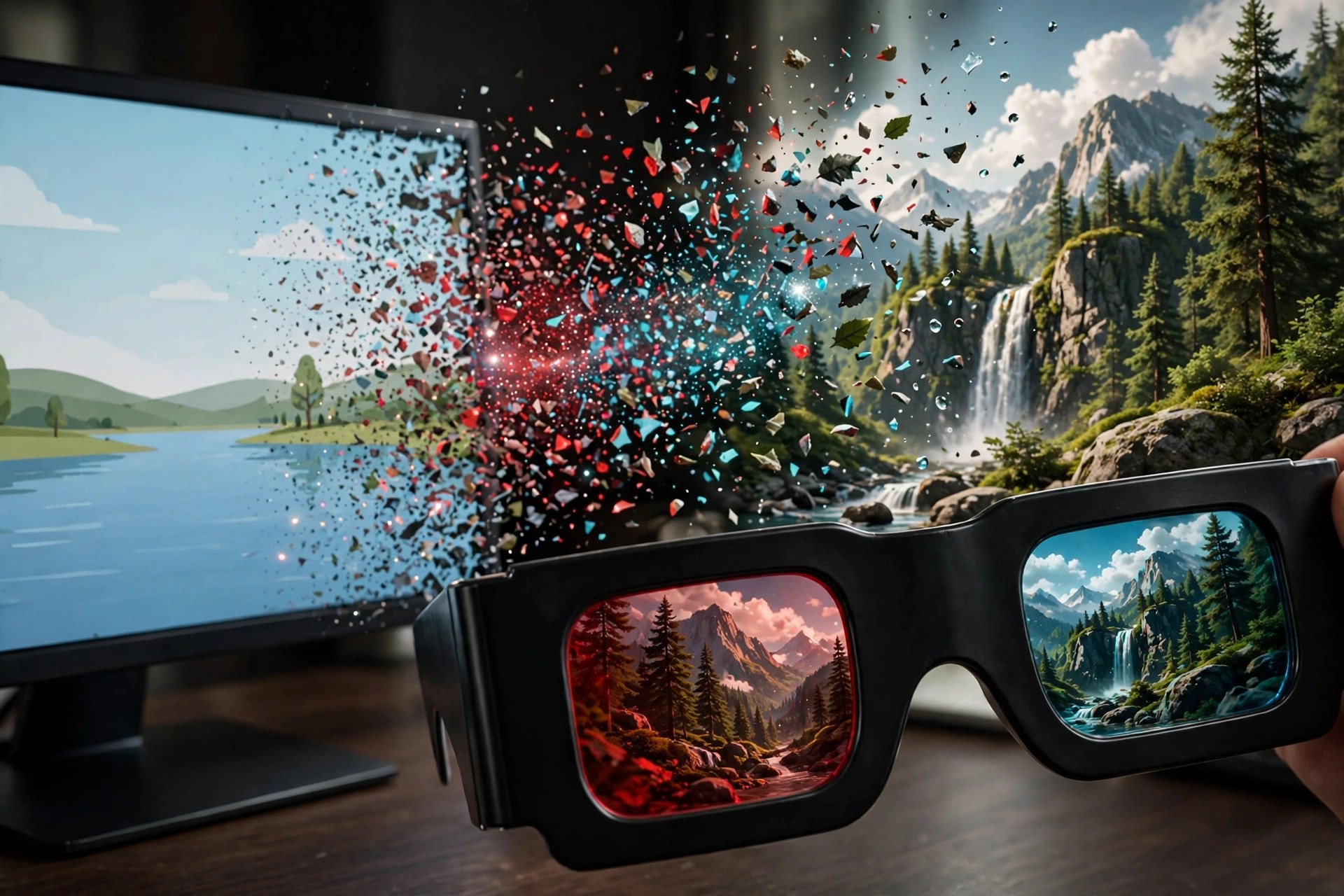
Aiseesoft 3D Converter 6.3.85 for Mac
Mac VideoAiseesoft 3D Converter 6.3.85 for Mac is a specialist video converter from Aiseesoft, built around one job: changing the dimension of your videos. It converts ordinary 2D clips into 3D, converts between different 3D formats, and turns 3D footage back into standard 2D when a device cannot play it.
It is aimed at home users with 3D TVs, projectors or VR-style players who have a library of normal videos they want to watch with depth, as well as owners of 3D camcorder footage that needs converting for regular screens. Broad input support covers common formats such as MP4, MKV, AVI, MOV, WMV and FLV, so most everyday files can be loaded without a separate conversion step first.
Key Features
- Convert 2D video to 3D with a choice of 3D modes
- Anaglyph, Side by Side and Top and Bottom 3D output options
- Convert 3D video to other 3D formats, or back to standard 2D
- Wide input support including MP4, MKV, AVI, MOV, WMV and FLV
- Adjustable 3D depth and basic output settings before you convert
How to Download
- Start your download from the official site: Download from the official site
- Download the Mac version from Aiseesoft and start the free trial to test a conversion.
- Open the installer, add the app to Applications, load a video, pick a 3D mode, and convert.
Is Aiseesoft 3D Converter free?
No. It is paid software, but Aiseesoft offers a free trial of the converter so you can test your files first. Full, unrestricted converting requires buying a licence from Aiseesoft.
What do I need to watch the converted 3D videos?
A 3D-capable display or player and the matching glasses for the mode you chose — for example, red-cyan glasses for Anaglyph output, or a 3D TV for Side by Side files.







Leave a Reply