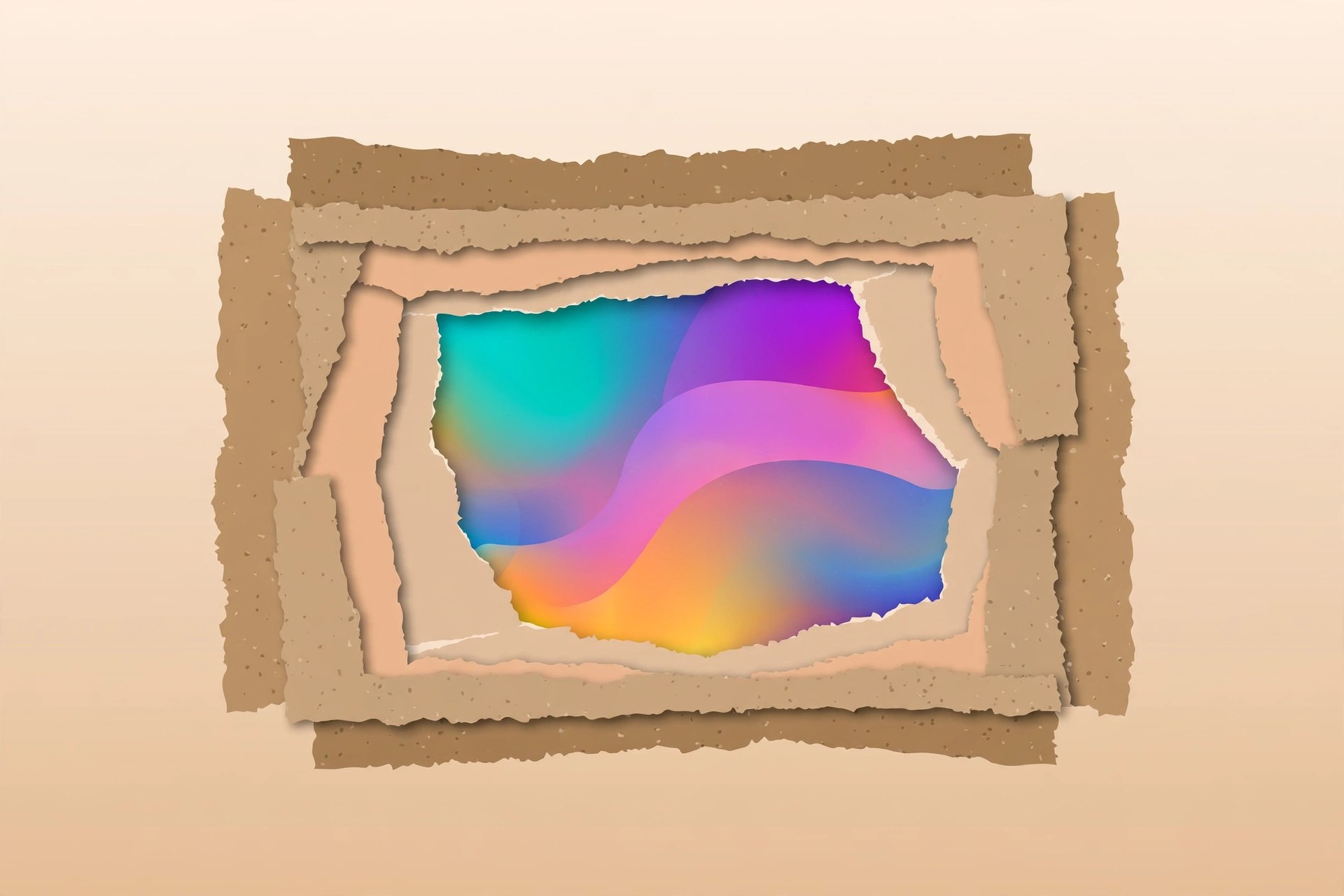
Torn Paper 1.1 for Mac
Mac UtilitiesTorn Paper is a plugin for Adobe After Effects, sold through aescripts, that turns a masked layer into a convincing torn paper effect. If you make title sequences, lyric videos, social clips or collage style animations, it saves you from hunting through stock libraries or scanning real paper by hand. You draw a mask on your layer, apply the effect, and the edges take on the ragged, fibrous character of paper that has actually been ripped.
Key Features
- Turns any masked layer into torn paper, driven by the mask you draw
- Detailed control over the torn edge so you can shape the look of each rip
- Gives flat artwork the texture and depth of real ripped paper
- Useful for titles, photo treatments, collage layouts and paper craft style scenes
- Sold and supported through aescripts, with installation through the aescripts manager app
How to Download
This is a paid plugin, and the official product page is on aescripts.com under the Torn Paper listing by its author. Search the aescripts store for Torn Paper, check the version and compatibility shown there, and buy on that page so your licence is registered to your account. The aescripts manager app then installs and activates the plugin. We could not confirm a stable direct product link while writing this post, so we left the download button out rather than send you to an unverified address.
Frequently Asked Questions
Is Torn Paper a standalone app? No. It is a plugin that runs inside Adobe After Effects, so you need After Effects installed on your Mac.
Is Torn Paper free? No. It is a paid product on aescripts. The store page shows the current price and any sale offers, and buying there is the safe way to receive updates.
How do I install it after buying? Use the free aescripts and aeplugins manager app, which installs the plugin and handles licensing for your account.







Leave a Reply