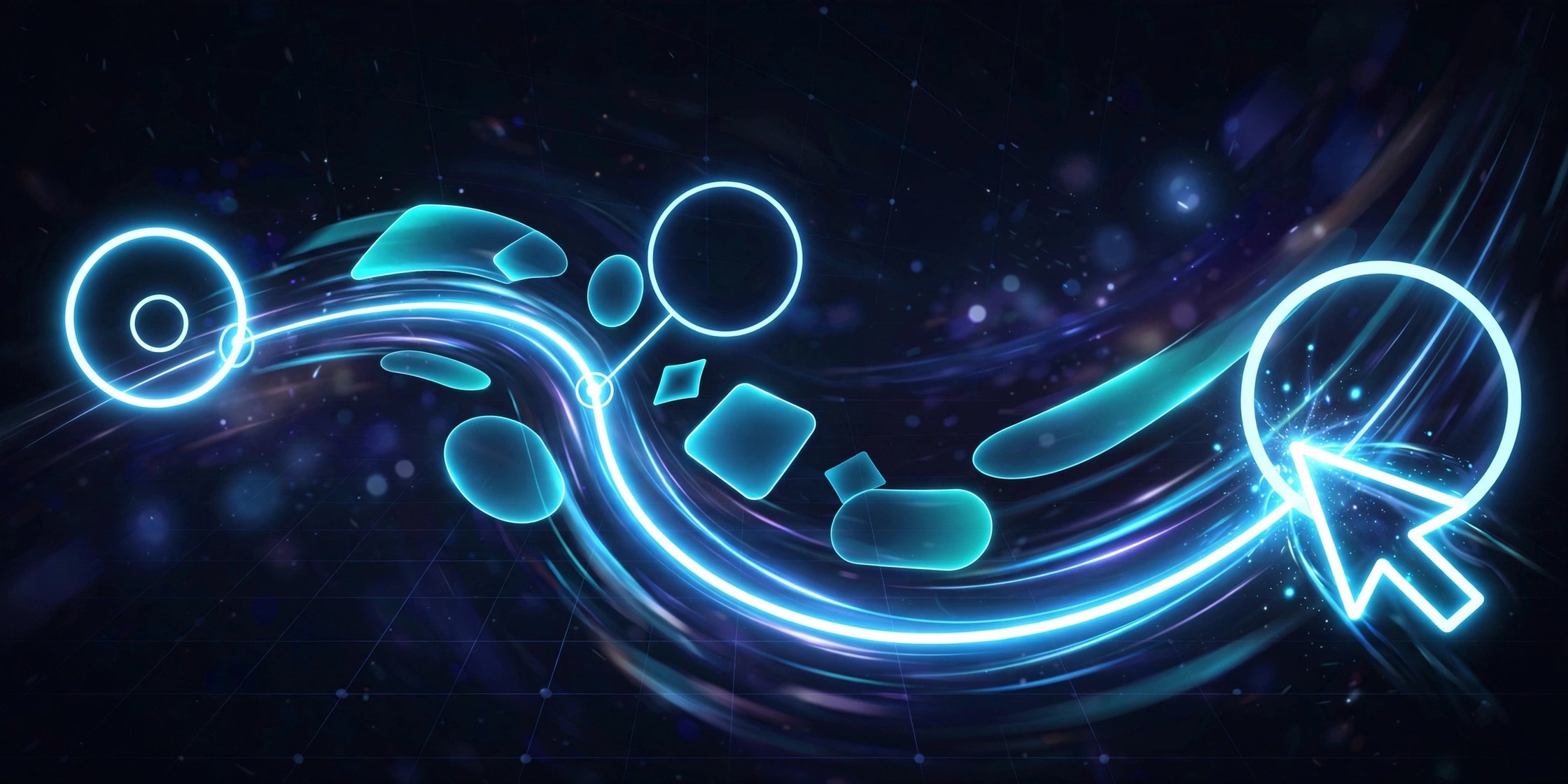
PathDragFX 1.0 for Mac
Mac UtilitiesPathDragFX is a GPU accelerated plugin for Adobe After Effects that pulls your image along the masks you draw. As the picture follows a path, it stretches into painterly strokes, soft gradients and bright trails, which makes it handy for title work, music visuals and glitch style transitions. It is aimed at After Effects artists on Mac who want strong stylised movement from simple artwork, without building the effect frame by frame.
Key Features
- Drags your image along any mask path you draw on the layer
- Creates painterly squeegee strokes with a smeared, painted look
- Builds fluid gradients and glowing light trails from still images
- Makes glitch style streaks for energetic transitions and titles
- Uses the graphics card for fast previews while you adjust the path
How to Download
- Use the download button at the top of this page to get the plugin package.
- Install it with the aescripts and aeplugins manager app, or follow the install steps in the package.
- Open After Effects, draw a mask on your layer and apply the effect.
System Requirements
You need a Mac with Adobe After Effects installed and a graphics setup that supports GPU acceleration, since the effect is rendered on the graphics card.
FAQs
Do I draw the movement myself?
Yes. The paths come from the masks you draw, so you control the direction and shape of every stroke, trail and streak the effect produces.
Is PathDragFX a stand alone app?
No. It is a plugin that runs inside Adobe After Effects, so you need the host app installed on your Mac before you can use it.
What kind of work does it suit best?
It suits stylised motion work such as titles, lyric videos, logo reveals and transitions where a painted or streaked look is the goal.







Leave a Reply