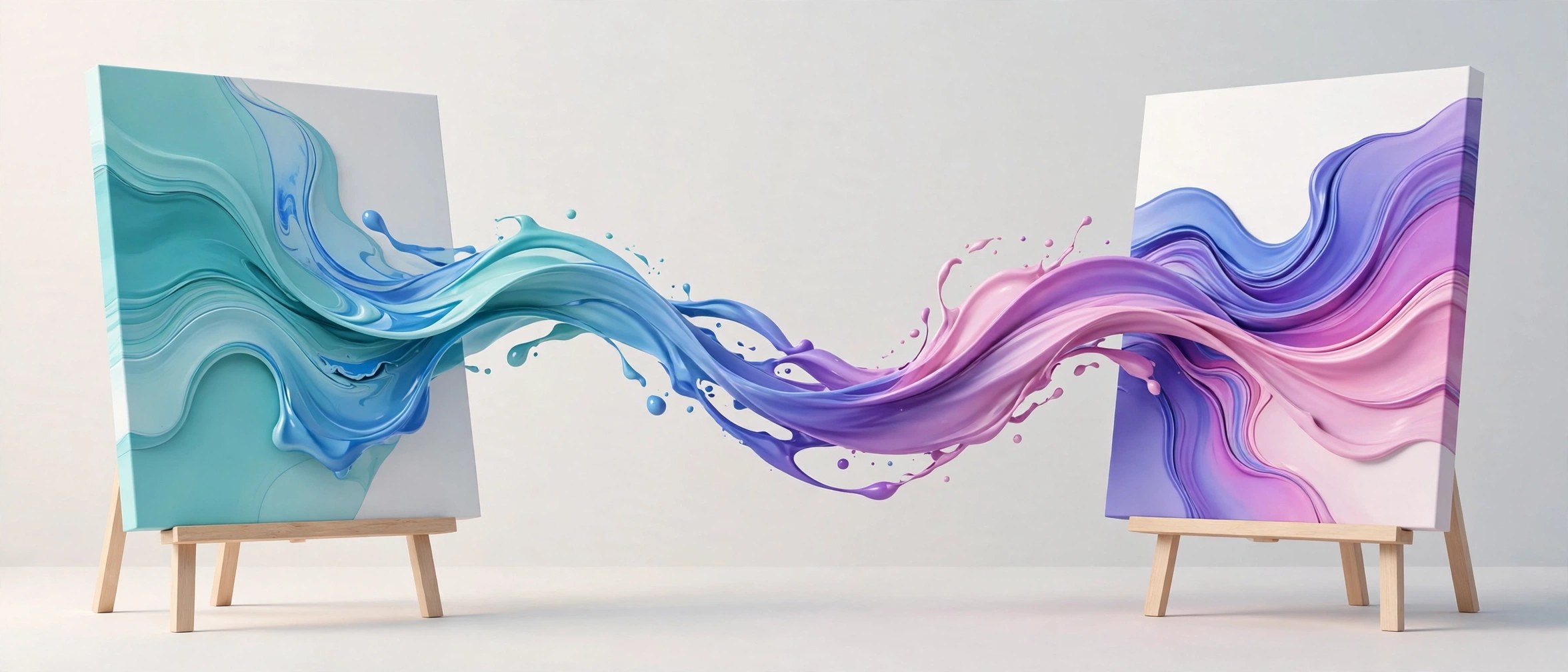
Paint Link 1.0.9 for Mac
Mac UtilitiesPaint Link builds a live bridge between After Effects and Photoshop. Instead of exporting frames and importing them back one by one, you send a frame to Photoshop, paint or retouch it there, and the result flows straight back into your composition. It shines on cleanup work and hand painted looks, especially on tracked and stabilised shots prepared with Lockdown, where you can remove rigs, fix skin or add texture while the footage still moves. Photoshop tools such as Generative Fill and the Neural Filters also become usable on moving images through this link.
Key Features
- Live link between After Effects and Photoshop with no manual export steps
- Paint and retouch moving footage with the full Photoshop brush toolset
- Works well with tracked and stabilised plates for cleanup tasks
- Lets you apply Photoshop Generative Fill to video frames
- Keeps painted frames in sync with your composition
How to Download
- Make sure After Effects and Photoshop are installed on your Mac.
- Use the download button on this page to get the installer.
- Install the tool, restart After Effects, and open Paint Link.
System Requirements
You need a Mac with recent macOS, Adobe After Effects and Adobe Photoshop installed, and enough free disk space for frame caches at your footage resolution.
FAQs
Does Paint Link replace the paint tools inside After Effects?
No. You paint in Photoshop, where the brush and retouch tools are stronger, and the result returns to your composition automatically.
Can I use Generative Fill on moving footage with it?
Yes. Painted or generated content can be applied across a tracked shot instead of being fixed to a single still frame.
Do I need Lockdown to use Paint Link?
No, it works on its own. Many artists pair the two because a tracked plate makes painting on moving surfaces far easier.







Leave a Reply