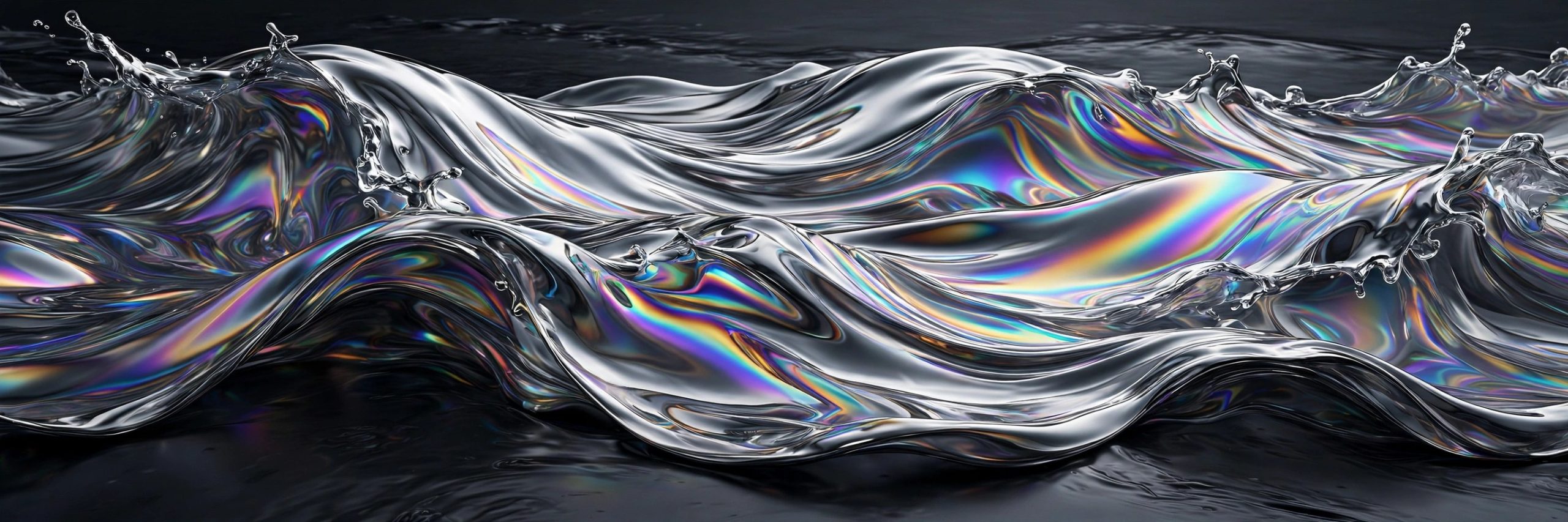
HydroChrome 1.4.9 for Mac
Mac UtilitiesHydroChrome, from Pixel Sorter Studio and sold through aescripts, is a GPU effect for After Effects and Premiere Pro that bends footage into flowing liquid metal. It can turn a plain clip into an abstract moving background, or push titles and logos into a glossy chrome world where highlights slide and ripple as the shot moves. Because it renders on the graphics card, previews stay responsive while you shape the look.
Key Features
- Creates abstract flowing backgrounds from colour, gradients and movement
- Chromifies footage, giving clips a liquid metal surface with moving highlights
- GPU accelerated rendering that previews live in After Effects and Premiere Pro
- Colour and distortion controls for tuning ripples, reflections and flow
- Works on footage, text and graphics for titles, loops and music visuals
How to Download
- Use the download button on this page to get the installer package for your Mac.
- Run the installer or follow the included steps, which usually involve the aescripts manager app.
- Open After Effects or Premiere Pro, apply HydroChrome to a layer, and shape the effect.
System Requirements
HydroChrome runs inside Adobe After Effects or Premiere Pro on macOS and leans on the GPU, so a Mac with a capable graphics card previews heavy looks more smoothly.
FAQs
What kind of work suits HydroChrome?
Abstract backgrounds, liquid chrome titles, lyric videos and loopable visuals. It is at its best when movement matters more than fine detail.
Does it need special hardware?
It is a GPU effect, so it uses your graphics card to render. Recent Apple Silicon Macs handle it well, though very large frames still take longer.
Can I use it on text?
Yes. Apply it to a text layer or a logo and the surface treatment follows the shapes, which makes glossy animated titles quick to build.







Leave a Reply