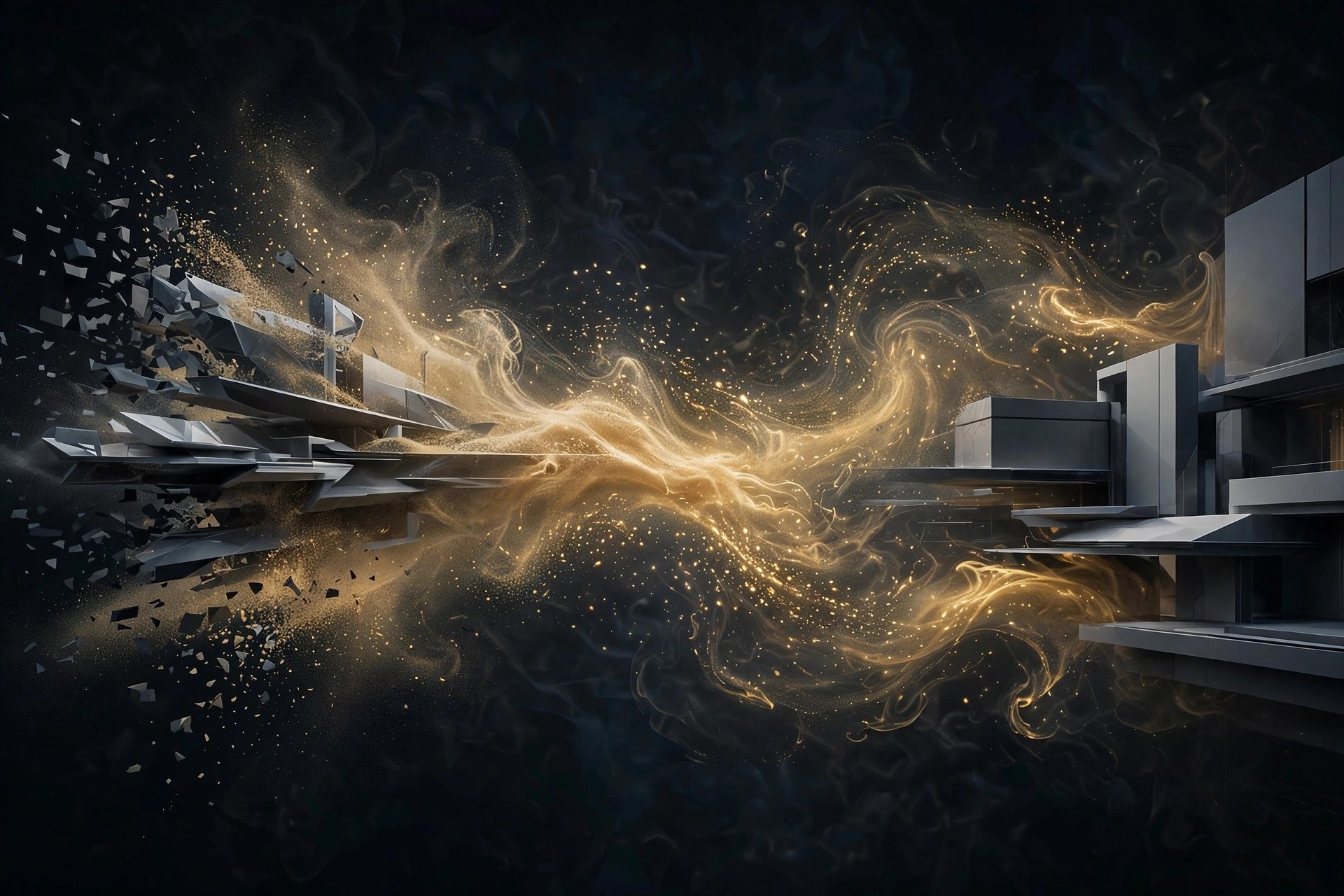
Dust Transition 1.1.2 for Mac
Mac UtilitiesDust Transition is a GPU accelerated plugin for After Effects that dissolves an image into millions of pixel sized particles, turning a plain cut into a cinematic change of scene. The particles are shaped by noise algorithms, so the dissolve feels organic rather than mechanical, and forces like wind and gravity can push the dust in a chosen direction. You can build up to ten layers of particles for a richer, sand like effect, and render the result in 3D space with camera depth of field. Updated Aug 21, 2026.
Key Features
- Dissolves images into millions of pixel sized particles
- GPU accelerated for smooth previews on modern Macs
- Three transition styles: linear, radial and image based
- Up to ten particle layers for detailed, sand like effects
- Wind and gravity controls shape how the dust moves
- Renders in 3D space with camera depth of field support
How to Download
- Check that your Mac runs a supported version of After Effects.
- Use this link to get the installer: Download from the official site and save the file to your Mac.
- Run the installer, enter your licence details and restart After Effects.
- Apply Dust Transition to a layer, choose a style and preview the dissolve.
System Requirements
Dust Transition needs a Mac with a recent version of macOS and a supported version of Adobe After Effects, from 2020 through 2026. Because it is GPU accelerated, a capable graphics processor gives the smoothest previews on larger compositions.
FAQs
Does Dust Transition work in Premiere Pro?
No, this edition is built for After Effects. A separate edition exists for DaVinci Resolve and Fusion.
Can I shape the transition with my own image?
Yes, the image based style lets a black and white image or a precomposition control the shape of the dissolve.







Leave a Reply