Kease 2.4.5 for Mac
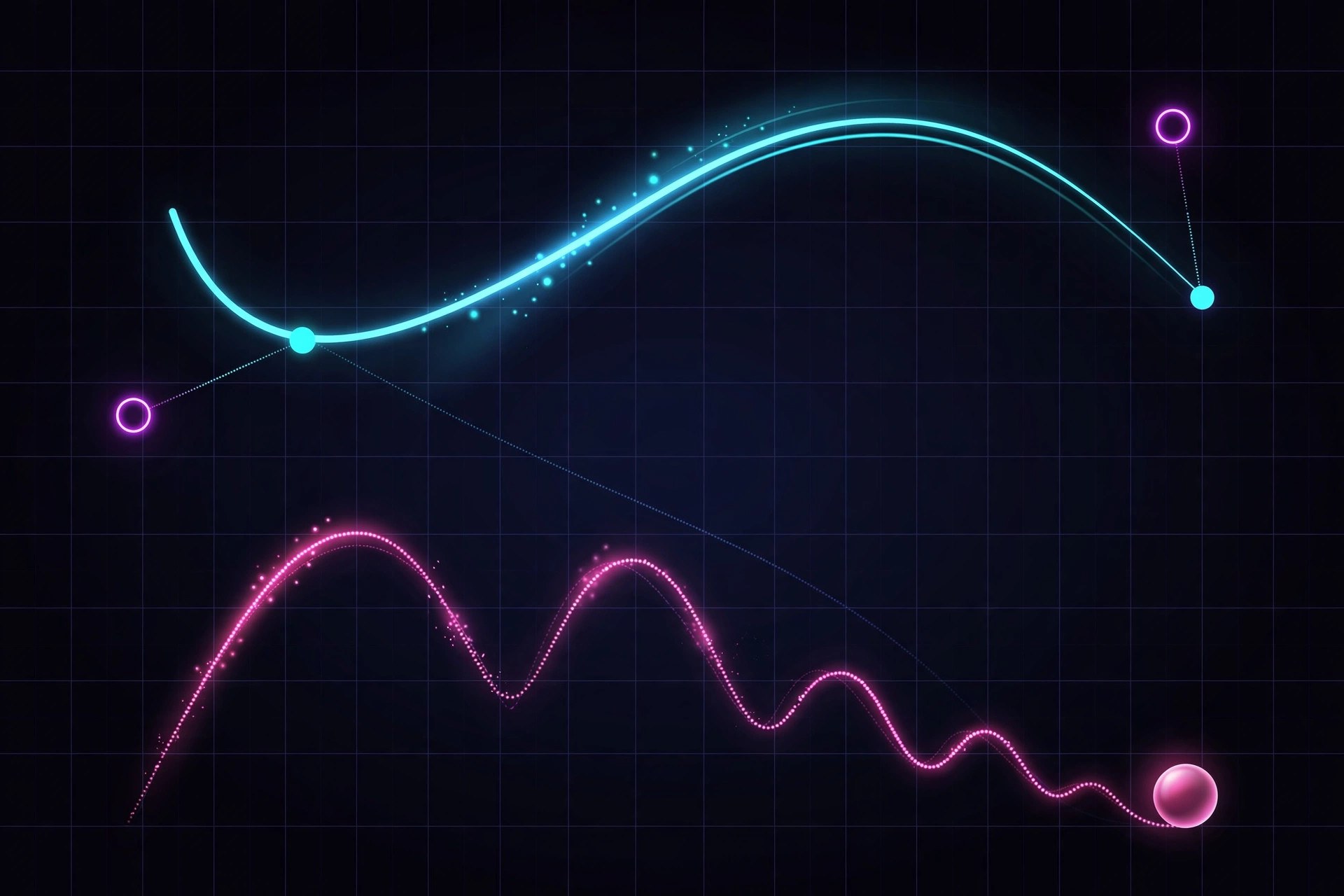
Mac UtilitiesKease is an easing tool for After Effects by Davide Boscolo. It gives animators a dedicated panel for applying, editing and saving easing curves, beyond the standard curves After Effects offers alone. It also supports multi keyframe curves that span several keyframes, so bounce, overshoot and elastic style settles can be saved as one preset and applied in a single click. A free version covers the basics, while Pro unlocks the full library and editor. Updated Aug 21, 2026.
Key Features
- Standard easing curves with a clear visual graph editor
- Multi keyframe curves for bounce, overshoot and anticipation
- Preset library to save, organize and reuse curves
- Copy and paste easing between properties
- Import and export of preset libraries in Pro
- Free version available, with a trial of Pro features
How to Download
- Check that your Mac runs a supported version of After Effects.
- Use this link to get the installer: Download from the official site and choose the free or Pro edition.
- Install the extension file following the product page instructions.
- Open After Effects, launch the Kease panel and apply a preset.
System Requirements
You need a Mac running a current version of macOS with Adobe After Effects installed, since Kease works as an extension inside it. Any Mac that runs After Effects well is enough.
FAQs
What is multi keyframe easing?
Normal easing shapes motion between two keyframes. Multi keyframe easing builds a curve across several keyframes, making motions like a bounce faster to create and reuse.
Is there a free version of Kease?
Yes. The free version includes simple presets and the graph editor. Pro adds unlimited presets and multi keyframe curves.
Is Kease a subscription?
No. It is a one time license usable on two devices at once, with no monthly fees.







Leave a Reply