CRTX 1.3.0 for Mac
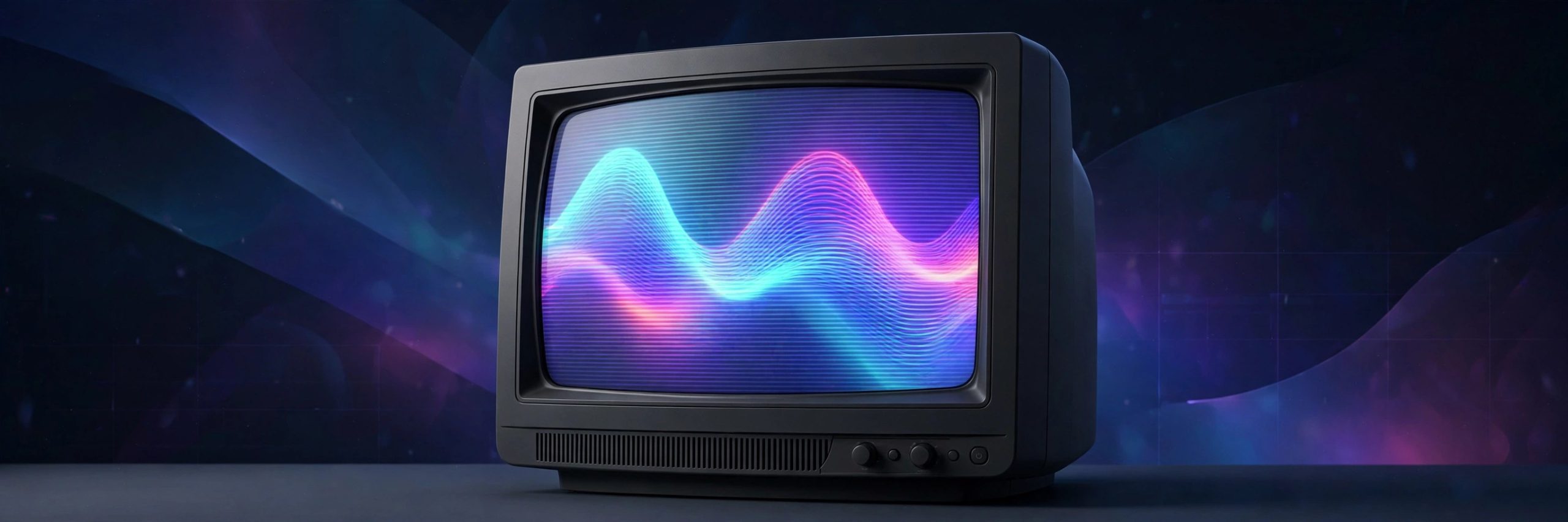
Mac UtilitiesMost CRT looks are just a static overlay pasted over clean footage, and the eye spots the trick in seconds. CRTX works differently. It redraws every frame the way a real tube would, so the image reacts to the motion, brightness and edges in your shot. Highlights bloom into nearby phosphors, colours smear like an aging set, and sync can tear when you ask it to. The current release adds rendering in real time. Aim for a polished broadcast monitor, a worn family TV, an arcade cabinet, or full RF damage and VHS decay.
Key Features
- Reactive CRT simulation that responds to motion and brightness
- More than 150 presets for TVs monitors arcade screens and VHS
- Detailed controls for scan structure masks phosphor bloom and glow
- Analog damage tools for RF noise ghosting and sync failure
- Rendering in real time in After Effects and Premiere Pro
How to Download
- Download from the official site and check the version notes there.
- Install CRTX using the aescripts manager app.
- Restart your host app, apply CRTX, and start from a preset.
System Requirements
You need a Mac with After Effects or Premiere Pro. For 1080p the vendor suggests at least four cores, 16 GB of memory and a compatible graphics card, with stronger hardware for 4K.
FAQs
How is CRTX different from a scanline overlay?
An overlay sits still while footage moves under it. CRTX rebuilds the image as a signal, so bloom and instability follow each frame.
Can I build a clean broadcast monitor look instead of heavy damage?
Yes. The presets include polished professional monitors, and every damage control can be dialled down or off for a subtle result.
Does it work in Premiere Pro as well as After Effects?
Yes. Recent versions support both hosts with the same controls and presets.







Leave a Reply