Bullet Time 1.3.64 for Mac
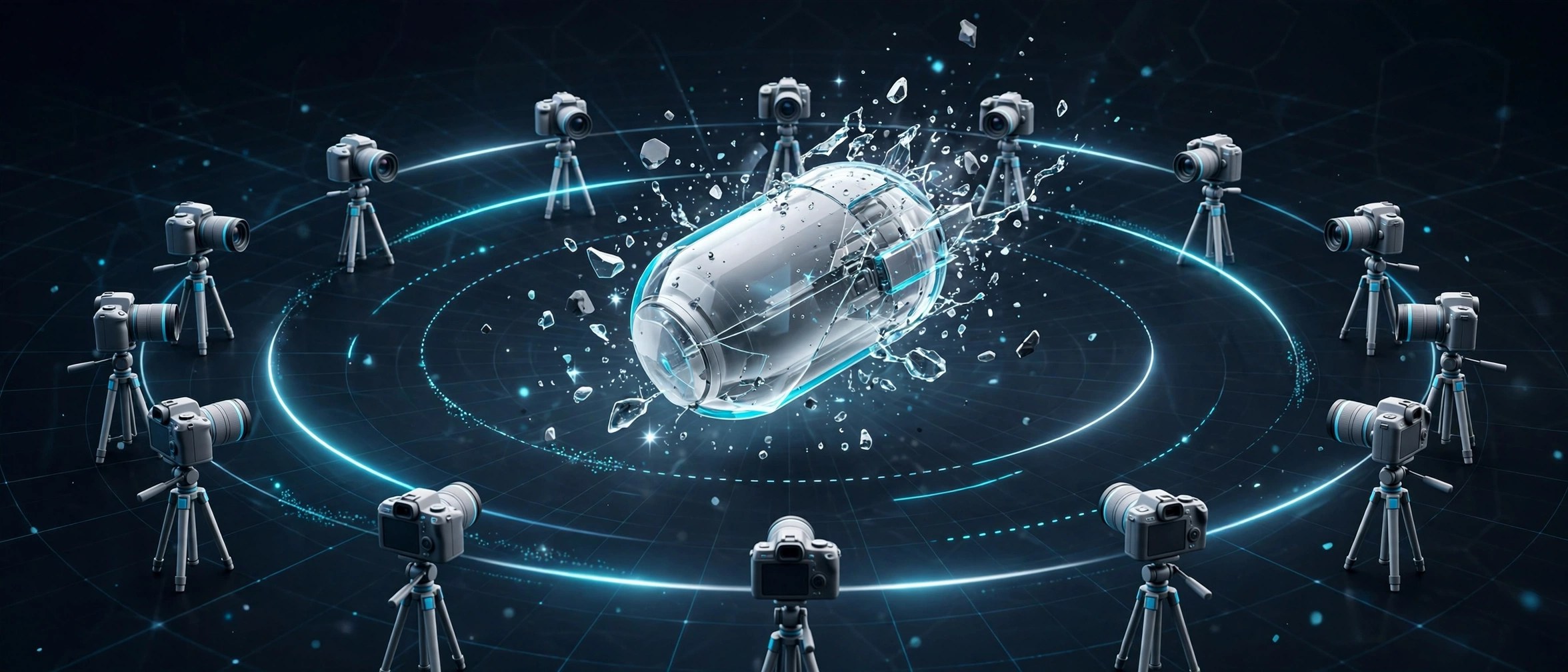
Mac UtilitiesSlowing footage down is easy. Doing it without choppy steps, smeared edges and strange warping is the hard part, especially when the subject moves fast. Bullet Time is a plugin by Blace Plugins, sold through aescripts, that uses AI frame interpolation built for large motion. It creates the in between frames your camera never shot, so a normal clip can play as smooth slow motion or stretch to a new timing.
Key Features
- Creates new frames with AI interpolation for smooth slow motion
- Handles large and fast motion that breaks simpler retiming tools
- Stretches time so clips fit a new duration without jerky playback
- Offers settings to tune fidelity and clean up problem areas
- Works inside After Effects and Premiere Pro on your timeline
How to Download
- Use the download button on this page to get the installer for your Mac.
- Run the installer and follow the steps for your host application.
- Open your editor, apply Bullet Time to a clip, and set the speed or stretch you need.
System Requirements
Bullet Time needs a supported version of Adobe After Effects or Premiere Pro on macOS. AI frame creation is heavy work, so a recent Mac with a strong graphics card processes long clips much faster.
FAQs
Can Bullet Time fix footage shot at a low frame rate?
It can help a lot by inventing plausible in between frames, but results depend on the shot. Fast crossing motion and busy backgrounds are always the hardest cases.
Does it work for time stretching as well as slow motion?
Yes. The same interpolation engine can stretch a clip to a longer duration, which is handy when a shot must land on a music beat or a title.
Is my footage sent to the cloud?
Blace tools run their AI locally on your machine, so your clips stay on your Mac during processing.







Leave a Reply