Aescripts AE Glass 1.3.0 for Mac
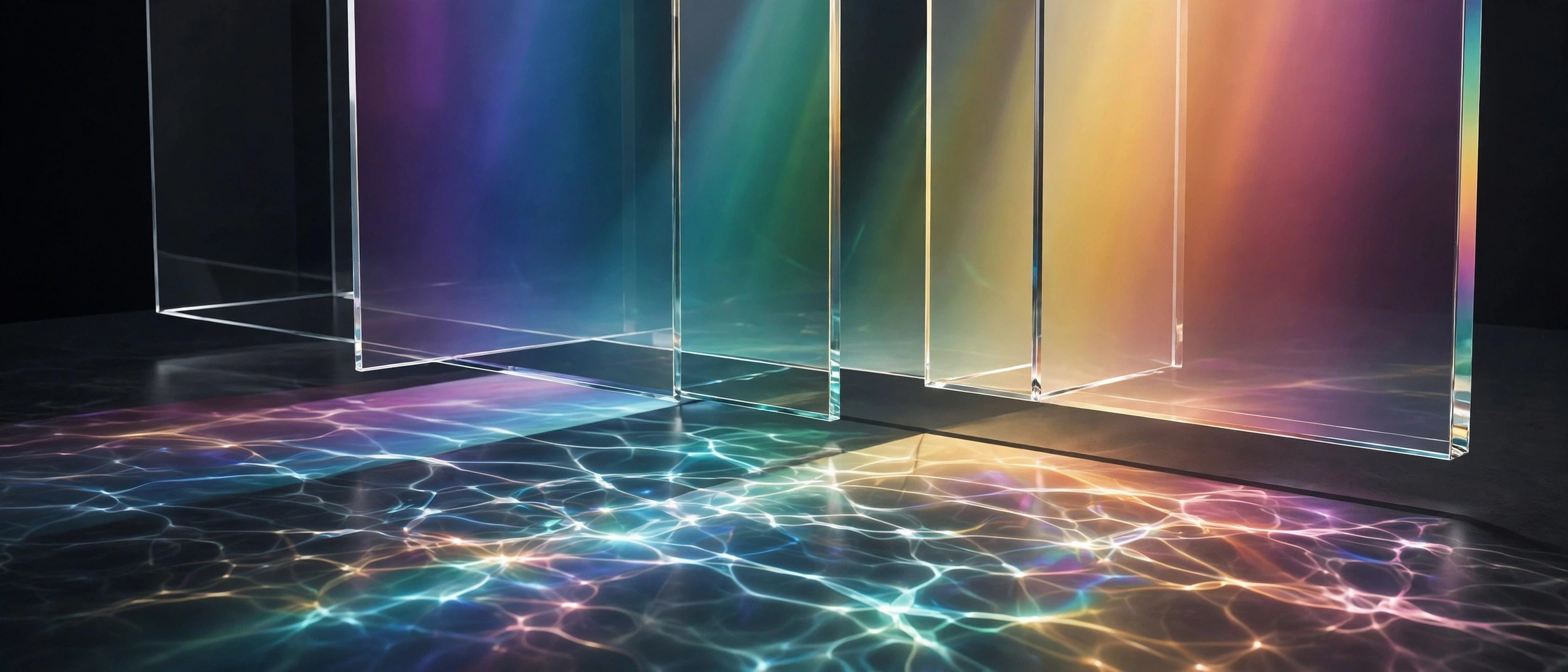
Mac UtilitiesAE Glass is a plugin for Adobe After Effects, sold through aescripts + aeplugins and made by SphereLab. Drop the effect onto a shape, a line of text, a logo or a mask, and that layer turns into convincing glass. The refraction is live, so the glass bends whatever sits behind it as your composition plays, and you can dial in frost, edge light and dispersion to taste. There are no displacement maps to build and no setup ritual.
Key Features
- Live refraction that bends the layers behind your glass in real time
- Frost controls for clear, misted or heavily frosted glass looks
- Edge light and dispersion for realistic glass borders and colour fringing
- Works on shapes, text, logos, masks and layers via the adjustment layer switch
- Native effect with no graphics card required, in 8 bit and 16 bit colour
How to Download
- Use the download button on this page, or Download from the official site to open the product page.
- Get the plugin and install it with the aescripts + aeplugins manager app.
- Restart After Effects, apply AE Glass to a layer, and adjust the effect controls.
System Requirements
AE Glass needs Adobe After Effects 2025, 2026 or 2027 on macOS. It is a native effect plugin and needs no dedicated graphics card.
FAQs
Is AE Glass a standalone app?
No. It is an effect plugin that lives inside Adobe After Effects, applied to layers in a composition like any other native effect.
What can I turn into glass?
Shapes, text, logos and masks all work, and the adjustment layer switch lets the effect work on many other sources too.
How are updates and licences handled?
Sales, licence keys and updates are handled through aescripts + aeplugins, and the manager app installs the plugin for you.







Leave a Reply