Aerate Pro 2.0.1 for Mac
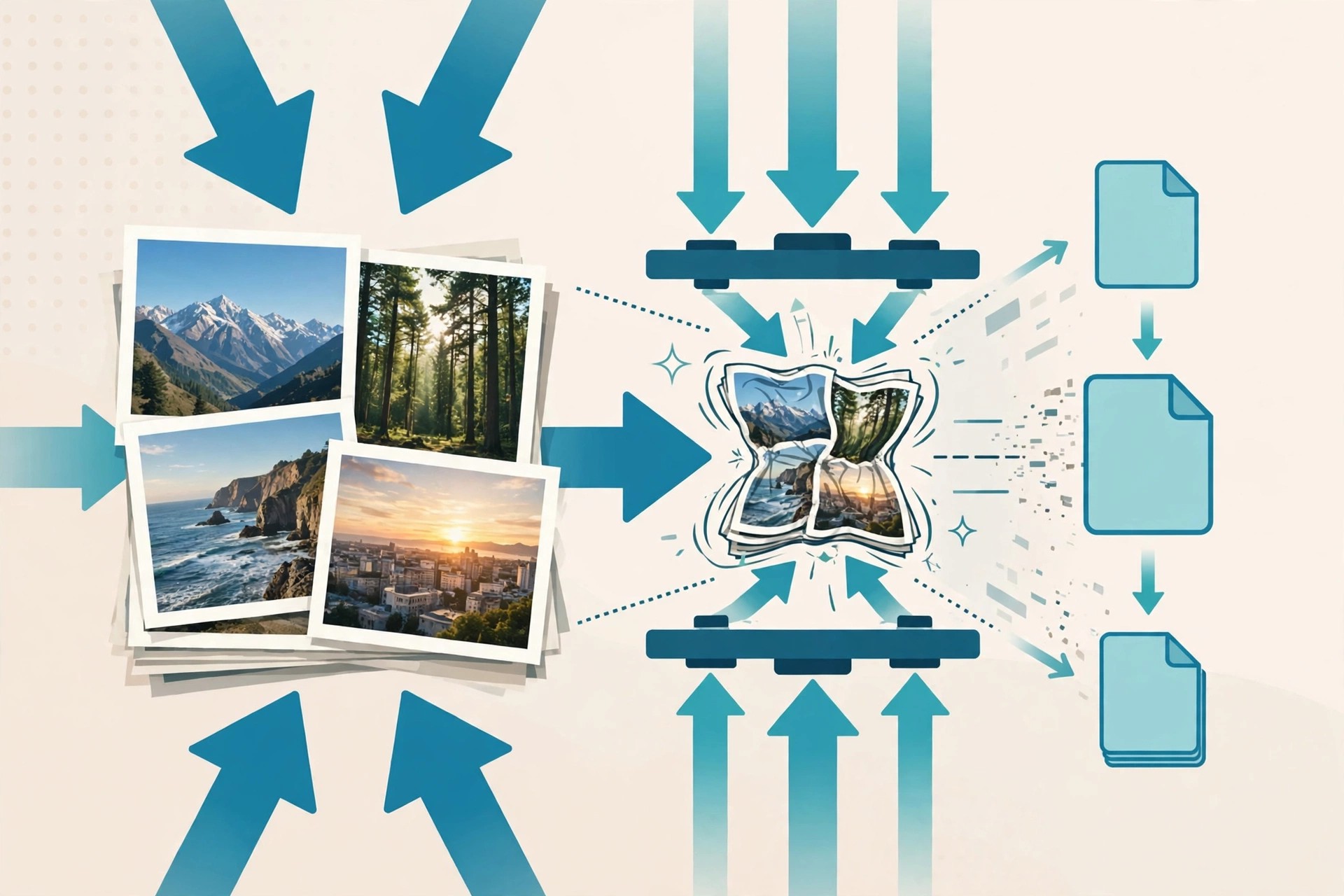
Mac UtilitiesAerate Pro 2.0.1 for Mac is a lossless image compression app from BZG, the studio behind Unite and Coherence. Despite sometimes being listed in the wrong category online, it has nothing to do with audio: you drag in PNG and JPG images and Aerate makes the files dramatically smaller without visible quality loss, using compression engines including Zopfli and OptiPNG and a multi-core mode that puts your whole CPU to work on batch jobs.
It is built for designers, developers and photographers preparing images for websites, apps or email, where file size affects loading speed and storage. Aerate 2 added Fast and Extreme presets, a results view for previewing each image before saving, custom filename suffixes, batch JPG metadata removal, and PSD-to-JPG conversion without Photoshop. It was a paid Mac App Store app; BZG retired Aerate in July 2025, and legacy versions remain on the official page for existing users.
Key Features
- Lossless PNG and JPG compression with Fast and Extreme presets and a mode slider
- Multi-core processing for very fast batch compression of whole folders
- Results preview so you can check and save each image individually
- Batch removal of JPG metadata and custom suffixes for compressed files
- Convert PSD files to JPG and PNG files to JPG without extra software
How to Download
- Download from the official site
- On BZG's official Aerate page, open the changelog to find the legacy downloads the developer still provides.
- Install the app, drag your images or folders in, choose a compression mode, and save the optimised files.
Is Aerate Pro free?
No. Aerate was a paid Mac App Store app. BZG has now retired it, so there is no supported free full version; the developer keeps legacy downloads on its official page for existing users.
Does Aerate reduce image quality?
Its default mode is lossless, shrinking file size without changing the visible image. The results preview lets you compare each image before saving it.







Leave a Reply