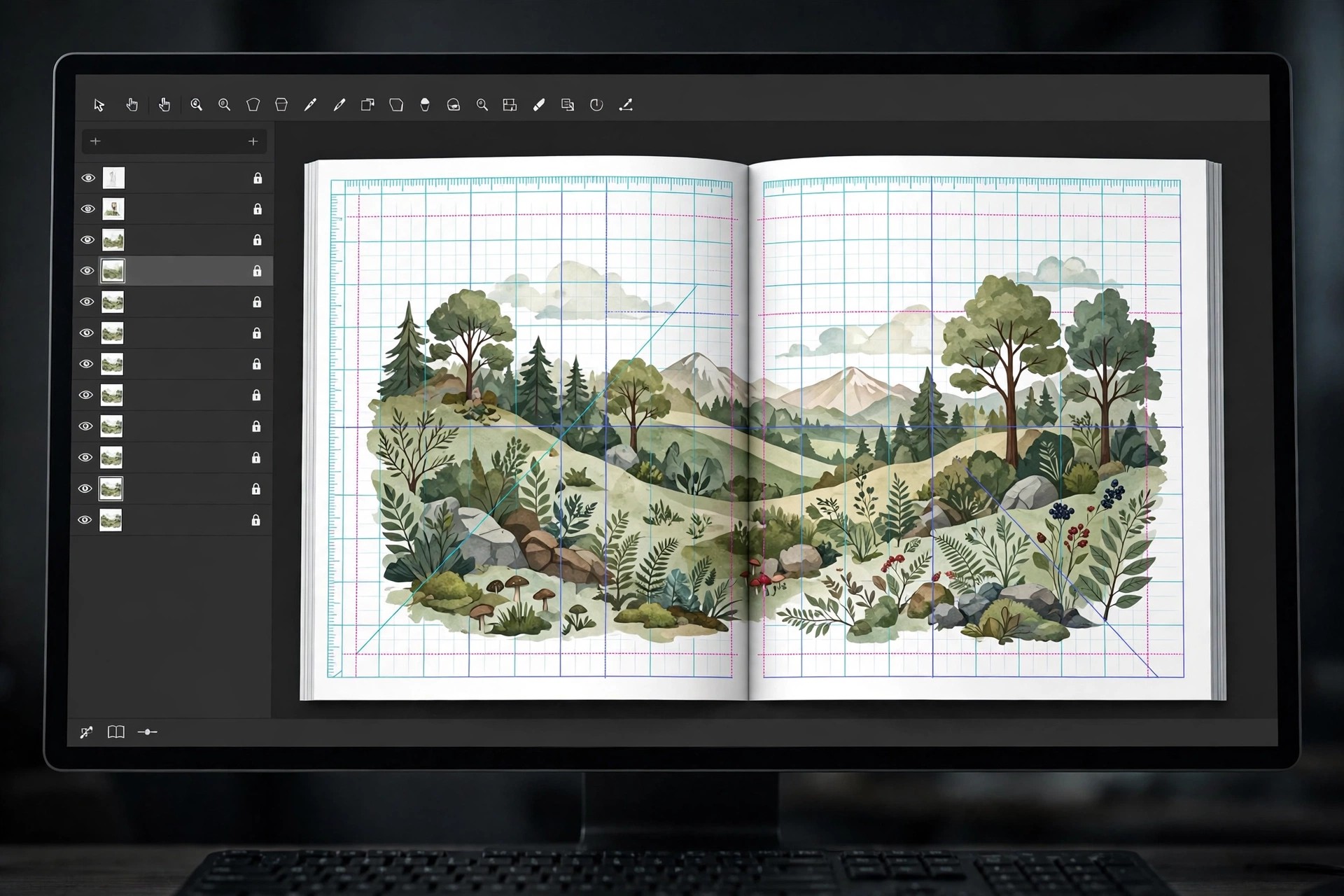
Adobe InDesign 21.5.1 for Mac
Mac Photo & DesignAdobe InDesign 21.5.1 for Mac is Adobe's industry-standard page layout and desktop publishing application. It is the tool designers reach for when a document runs to many pages and every detail matters: books, magazines, brochures, annual reports, eBooks, posters and interactive PDFs are all designed, preflighted and published from inside InDesign.
Its strength is control — precise typography, master pages, threaded text frames and professional print output with CMYK and spot colours. InDesign is aimed at graphic designers, publishers and production teams rather than casual users. It is paid software, sold as a single-app subscription or as part of Creative Cloud plans, and Adobe offers a 7-day free trial of the current version. There is no free full version of InDesign.
Key Features
- Multi-page layout with parent pages, grids, guides and threaded text frames
- Professional typography with OpenType features and Adobe Fonts integration
- Publish print-ready PDFs, EPUB eBooks and interactive PDFs with buttons and media
- Preflight and packaging tools collect fonts and links for error-free print handover
- Share for Review lets stakeholders comment in the browser without InDesign installed
How to Download
- Download from the official site
- Start the 7-day free trial or sign in with the Adobe account that holds your subscription, then download the Creative Cloud desktop app.
- Install InDesign from the Apps panel, launch it and sign in to activate it on your Mac.
Is Adobe InDesign free?
No. InDesign is paid subscription software. Adobe provides a 7-day free trial of the full current version, but once the trial ends a paid plan is required — there is no permanently free edition.
Does InDesign 21.5.1 run on Apple silicon Macs?
Yes. Recent InDesign releases, including the 21.x series, run natively on Apple silicon as well as Intel Macs. Check Adobe's published system requirements for the minimum macOS version before installing.







Leave a Reply