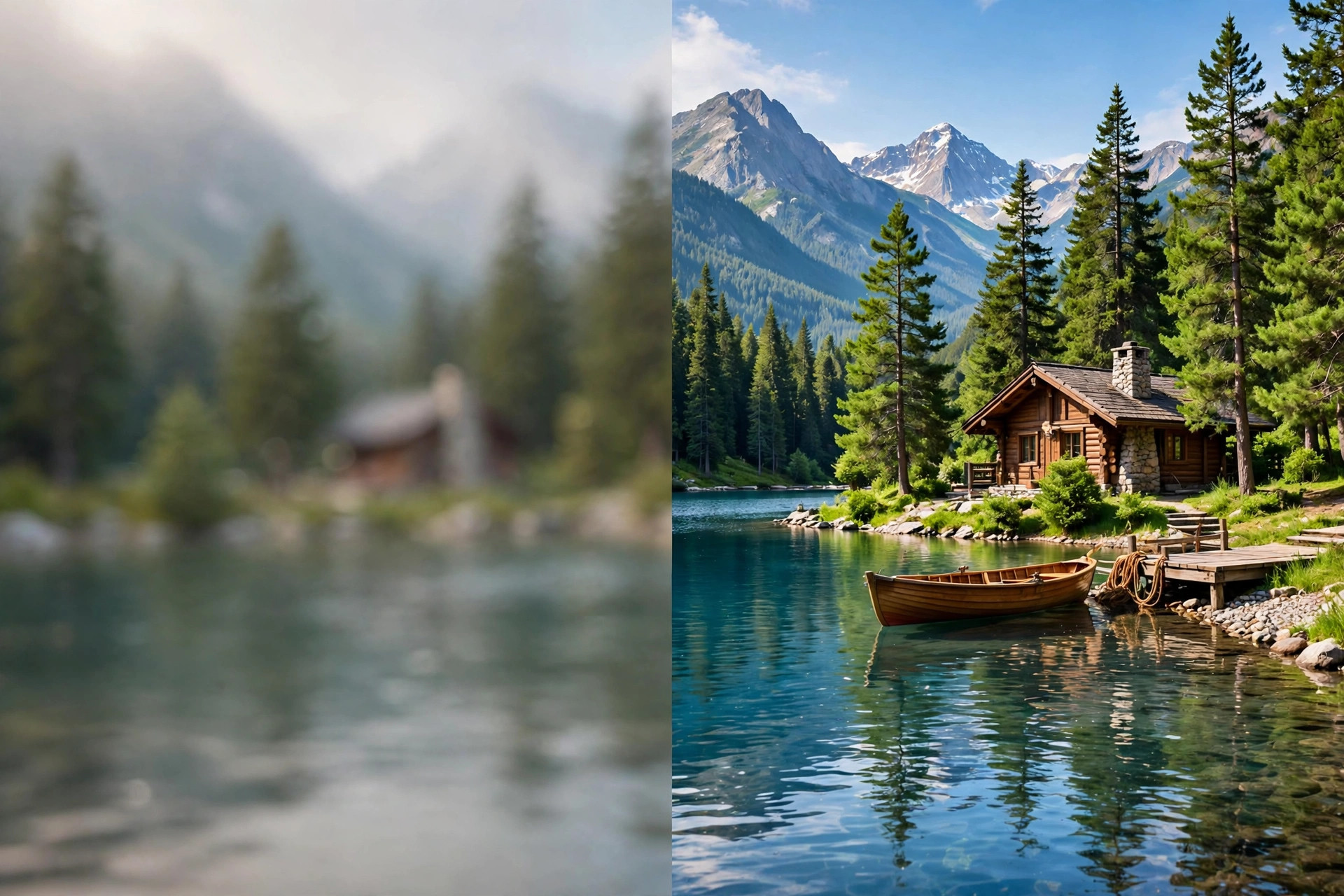
Aiarty Image Enhancer 3.10 for Mac
Mac Photo & DesignAiarty Image Enhancer 3.10 for Mac is an AI photo enhancement app from Digiarty Software, the team behind VideoProc and WinXDVD. It is built to rescue imperfect pictures: it removes noise, sharpens blur, cleans up compression artefacts and enlarges images while rebuilding realistic detail, all processed locally on your Mac rather than in the cloud.
Photographers use it to save high-ISO and older camera shots, while designers, print shops and online sellers use the upscaling to prepare images for large displays, packaging and product pages. Batch processing means a whole folder of photos can be improved with the same settings in one run.
Key Features
- AI denoise, deblur and de-JPEG tools that restore clarity in one click
- Upscale images by 2x, 4x or 8x, up to 32K resolution for print-ready output
- Dedicated face restoration for clearer, more natural portraits
- Batch enhancement for large photo sets with consistent settings
- Supports JPG, PNG, TIFF, HEIC, WebP and camera RAW formats, fully offline
How to Download
- Download from the official site to get the genuine macOS installer from Digiarty.
- Open the DMG, move Aiarty Image Enhancer to Applications and launch it.
- Try the free trial first, then enter a licence code in the app if you decide to buy the full version.
Is Aiarty Image Enhancer free?
There is a free trial so you can test the enhancement quality on your own photos, but the full version is paid software sold as yearly or lifetime licences. It is not a free full version.
Does it work offline and on Apple Silicon?
Yes. Processing runs locally on your Mac, with optimisation for Apple Silicon as well as Intel machines, so your photos are not uploaded to a server and you can work without an internet connection.







Leave a Reply