Nik Collection by DxO 9.1.0 for Mac
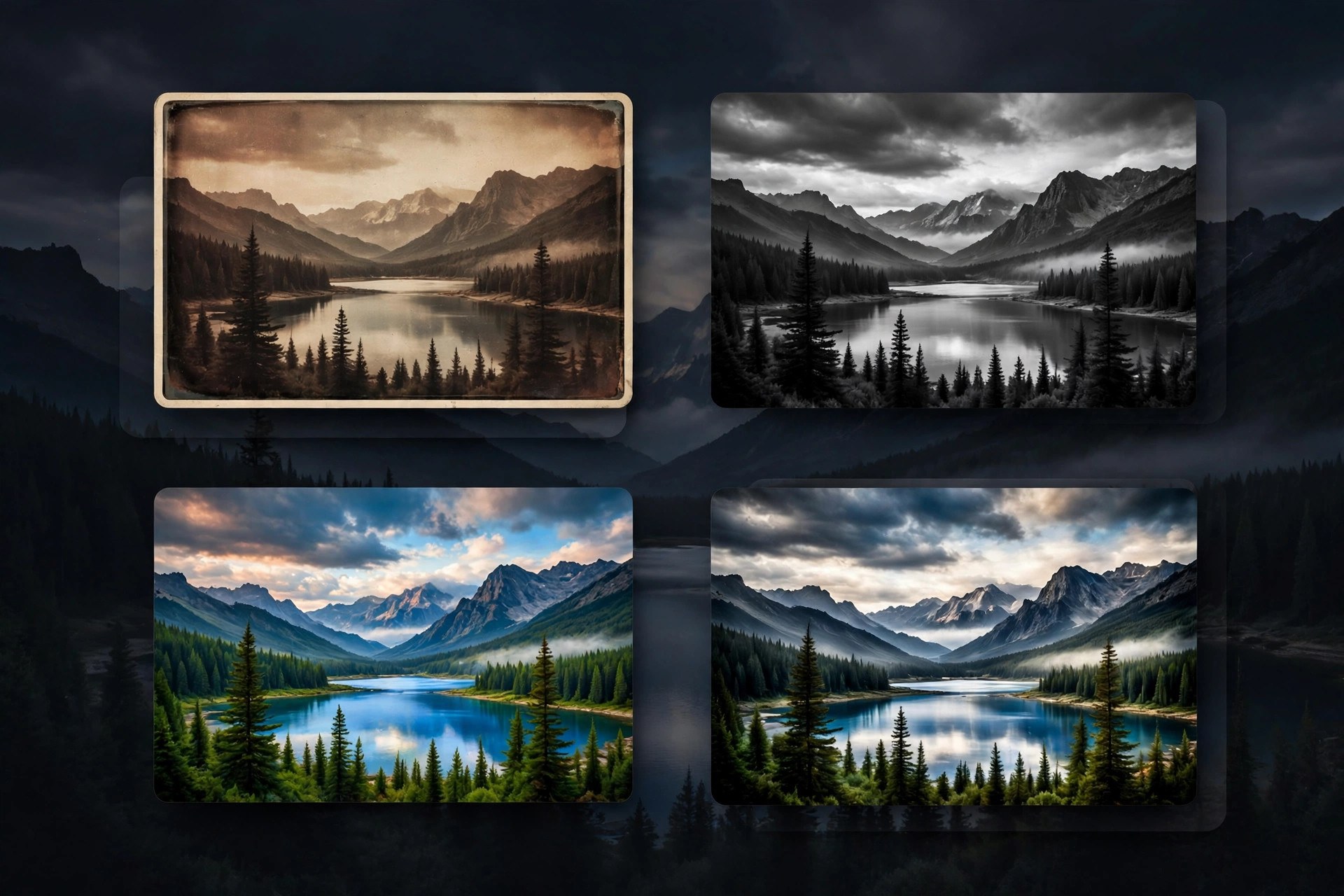
Mac UtilitiesNik Collection by DxO is a suite of creative photo editing plugins used to finish images with a distinct look. The collection includes tools for creative color effects, black and white conversion, analog film styles, local adjustments, sharpening, noise reduction and HDR. Version 9 adds AI assisted masking, depth masks, a redesigned color grading tool in Nik Color Efex and new filters, while keeping the preset driven workflow photographers like. Updated Aug 21, 2026.
Key Features
- Creative plugins covering color, mono, analog and HDR work
- AI masks and depth masks for faster local adjustments
- Color grading tool for shadows, midtones and highlights
- Control points for precise local edits without selections
- Large preset library with full manual control
- Plugins for Photoshop, Lightroom Classic and PhotoLab
How to Download
- Check that your Mac runs a supported host app such as Photoshop.
- Use this link to get the installer: Download from the official site and choose the trial or a license.
- Run the installer and pick the host apps you want to connect.
- Open your photo editor and launch a Nik plugin from its filters menu.
System Requirements
You need a Mac running a recent version of macOS and a supported host application such as Adobe Photoshop, Lightroom Classic, Affinity Photo or DxO PhotoLab. Photo editing is memory hungry work, so plenty of RAM helps.
FAQs
Can I use Nik Collection without Photoshop?
Yes. The plugins also work with Lightroom Classic, Affinity Photo and DxO PhotoLab.
Is there a free trial?
Yes. DxO offers a free trial of the full suite, so you can test every plugin on your own photos before buying.
Is it a subscription?
No. Nik Collection is sold as a perpetual license. Owners of recent earlier versions can usually upgrade at a lower price.







Leave a Reply