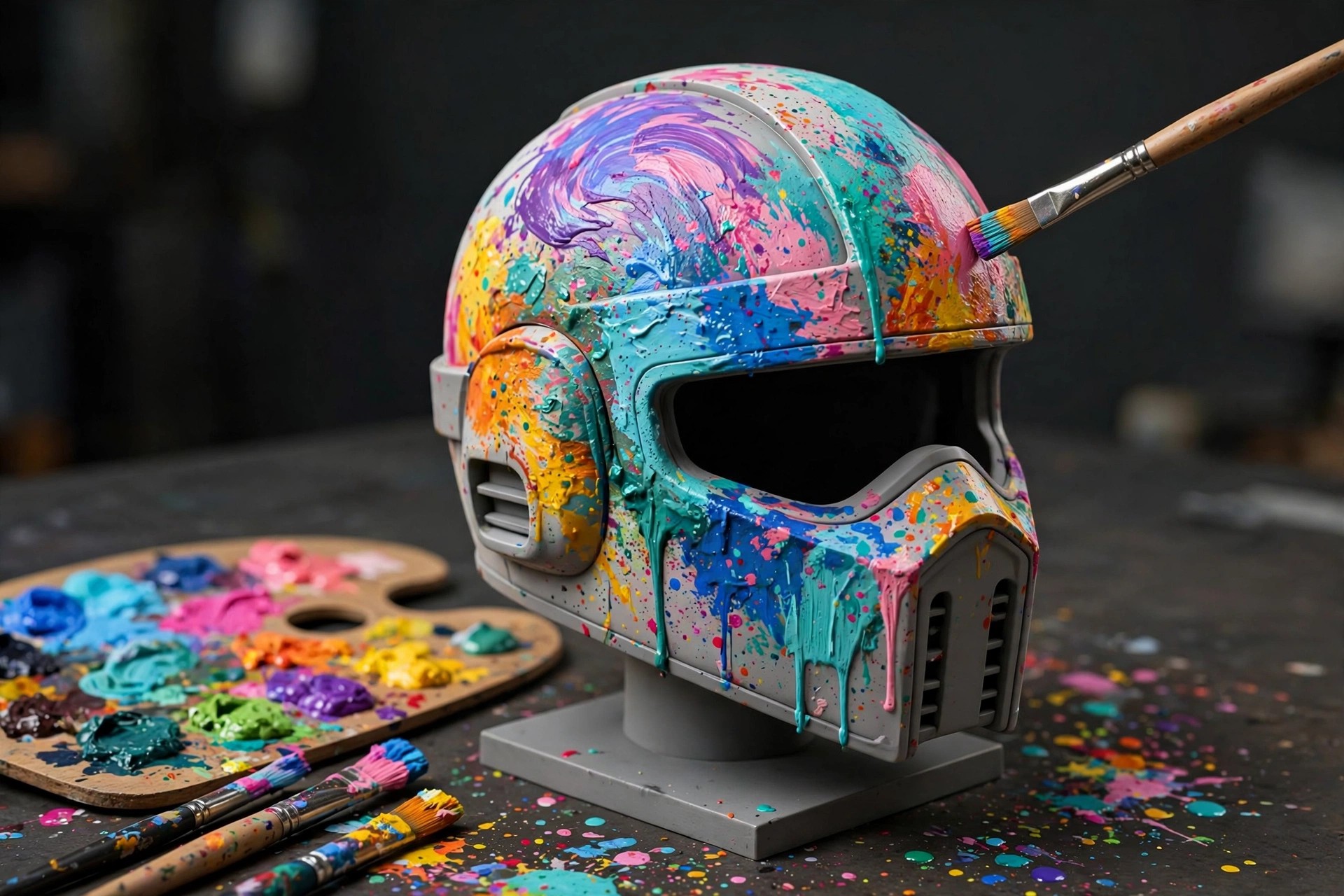
Adobe Substance 3D Painter 8.3.0 for Mac
Mac Photo & DesignAdobe Substance 3D Painter 8.3.0 for Mac is the industry-standard app for texturing 3D models. You paint directly onto the model in a real-time viewport, layering materials, effects and detail much like painting in Photoshop, while Painter handles UVs, baking and physically based rendering behind the scenes.
It is aimed at game artists, film and VFX teams, and product designers who need believable surfaces, from worn metal and leather to skin and fabric. Painter is available through Adobe's Substance 3D Texturing and Collection plans with a 30-day free trial. It is subscription software, not a one-time purchase, and there is no free full version.
Key Features
- Paint textures in real time directly onto 3D models with full PBR workflow
- Smart materials and smart masks that adapt wear and detail to your geometry
- Integrated bakers for normal, ambient occlusion, curvature and other mesh maps
- Particle brushes and effects for dirt, scratches, leaks and edge wear
- Export presets for game engines, renderers and other Substance 3D apps
How to Download
- Download from the official site
- Start the 30-day free trial or sign in with the Adobe account that holds your Substance 3D plan, then install the Creative Cloud desktop app.
- Install Painter from Creative Cloud, launch it and sign in to activate it on your Mac.
Is Adobe Substance 3D Painter free?
No. Painter is paid, subscription-only software. Adobe provides a 30-day free trial through its Substance 3D plans, after which a paid plan is required.
Is it safe to download Painter from other sites?
No. Unofficial installers are a common source of malware and broken licences. Always get Painter through Adobe's official site and the Creative Cloud app.







Leave a Reply