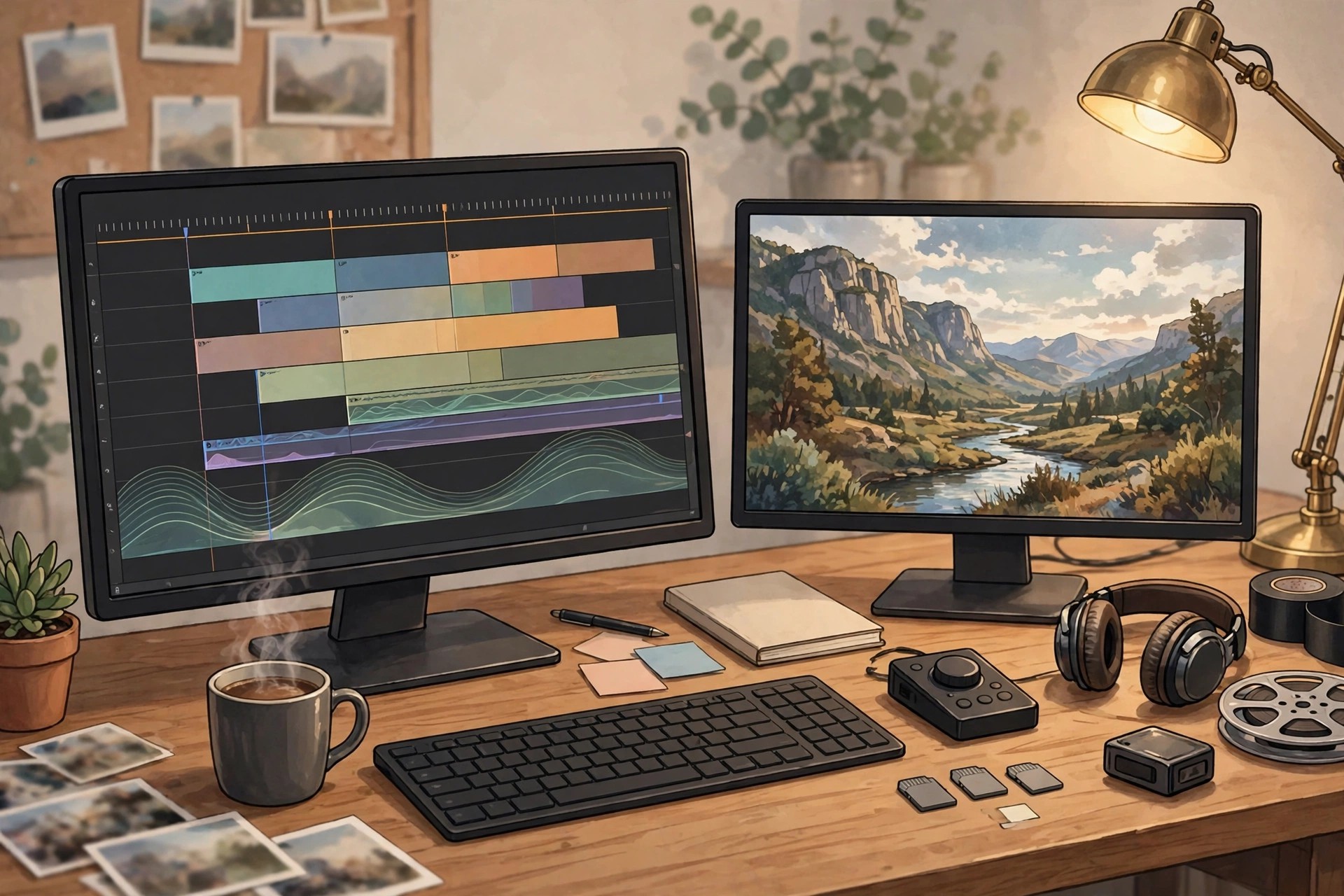
Adobe Premiere Pro CC 13.1 for Mac
Mac VideoAdobe Premiere Pro CC 13.1 for Mac is the 2019 release of Adobe's professional video editor, from the period when Adobe used the "CC" name for its Creative Cloud apps. It brought the familiar Premiere timeline to film, TV and online video work, editing most camera formats natively and connecting with After Effects and Audition for effects and sound.
This version suited professional editors and creators on Macs of that era, with tools for multi-camera edits, colour correction and delivery in many formats. Version 13.1 is a legacy release: Adobe no longer sells it separately, and Premiere Pro is now a continuously updated Creative Cloud subscription, with a short free trial for new users rather than any free full version.
Key Features
- Full professional timeline editing with multi-camera support and native format playback
- Lumetri Color panel for correction, grades and creative looks
- Essential Graphics and Essential Sound panels for titles, captions and audio mixing
- Freeform view in the Project panel for visually organising and storyboarding clips
- Rulers and guides for precise titles, plus faster mask tracking for effects and blurs
How to Download
- Download from the official site
- That page covers the current Premiere Pro: start the free trial or subscribe, then install the Creative Cloud app.
- Install the current Premiere Pro release from Creative Cloud — legacy version 13.1 itself is no longer offered as a separate download.
Is Adobe Premiere Pro CC 13.1 free?
No. Premiere Pro CC was paid subscription software in 2019 and remains paid today. Adobe offers a short free trial of the current version, but version 13.1 was never a free full release.
Should I still use version 13.1 today?
For most people, no. It predates native Apple silicon support and years of format, security and performance updates. If you hold an old project in 13.1, back it up first, then open a copy in the current Premiere Pro.







Leave a Reply