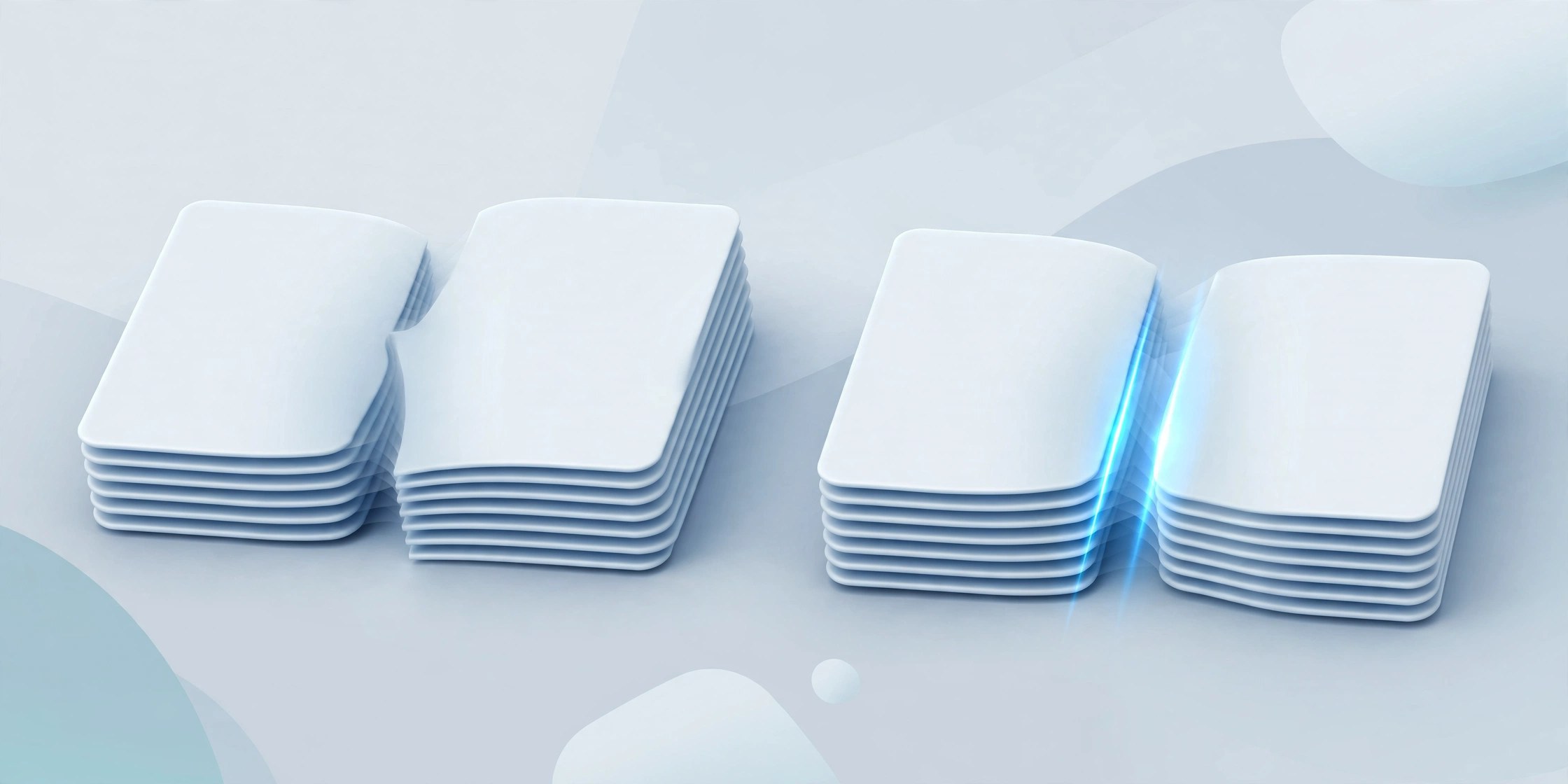
PDF Merge and PDF Splitter Plus 6.4.6 for Mac
Mac UtilitiesPaperwork rarely arrives in the shape you need. Contracts come as five separate scans, reports need one chapter pulled out, and a client asks for a single tidy file instead of a folder of attachments. This small utility handles those two everyday jobs. Add your files, put them in order, and merge them into one PDF. Going the other way, open a large document and split it into single pages or page ranges you define. Private files stay on your Mac, with no uploads to a website.
Key Features
- Merges many PDF files into a single document in the order you choose
- Splits a PDF into individual pages or custom page ranges
- Lets you add and remove files and rearrange them before you merge
- Works fully offline on your Mac with no uploads and no account needed
- Simple window and clear controls for occasional and daily use
How to Download
- Check that your Mac meets the requirements below.
- Use the download button on this page to get the app package for your Mac.
- Install the app, open it, and add your first files to merge or split.
System Requirements
You need a Mac with recent macOS and enough free space for the output files. Any Mac that opens PDFs comfortably in Preview will handle this app well.
FAQs
Can I change the order of files before merging?
Yes. Files can be added, removed and rearranged before you merge, so the final page order is fully under your control.
Does splitting a PDF change the original file?
No. Split pages are saved as new files and your original stays untouched, so you can try different ranges safely.
Are my documents uploaded anywhere?
No. All work happens locally on your Mac, a safer choice for contracts, invoices and private paperwork.







Leave a Reply