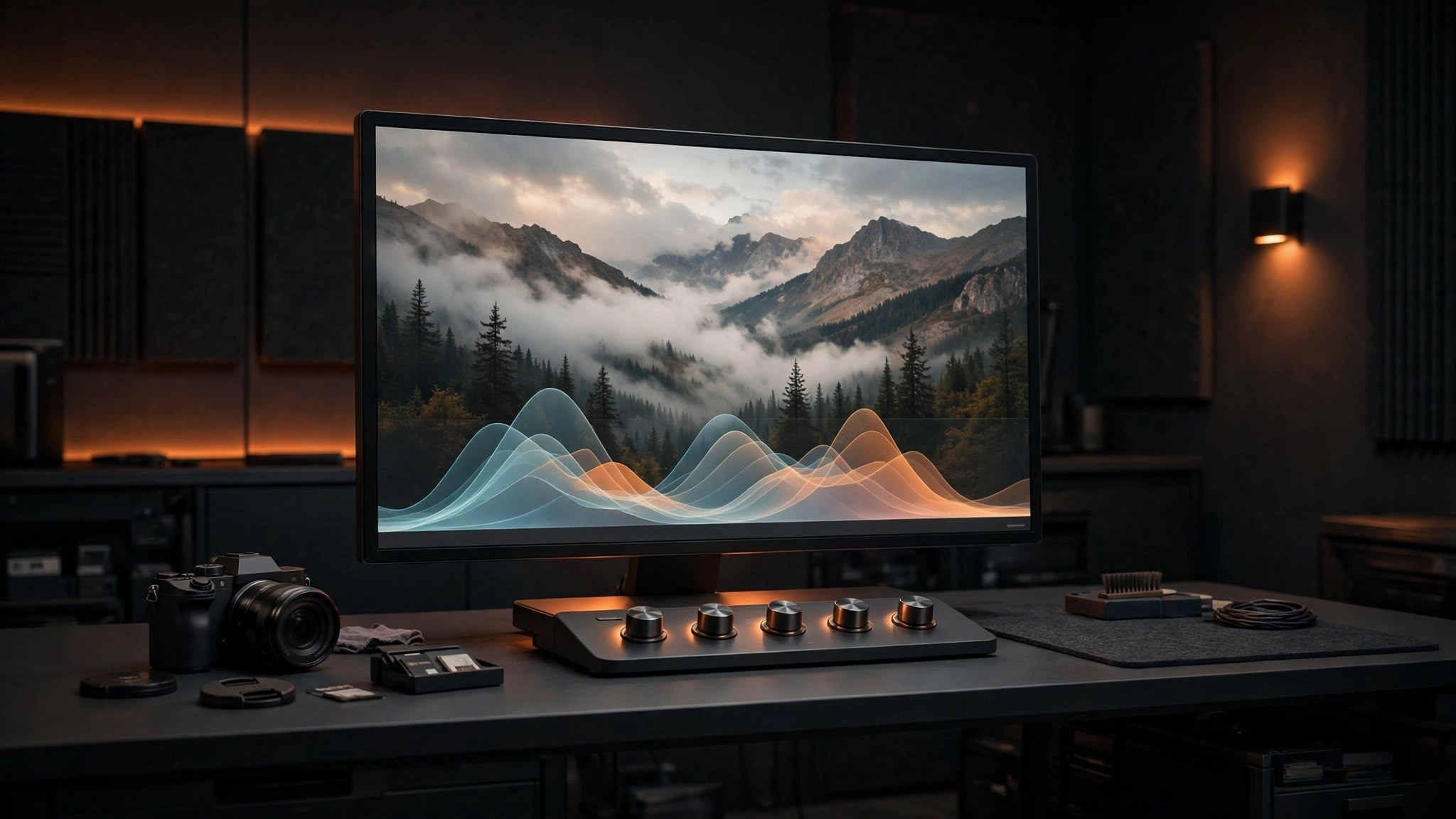
ON1 Photo RAW MAX 2026.5.2 for Mac
Mac UtilitiesON1 Photo RAW MAX puts a photo studio in one app. You browse and organize your shoots, develop raw files, retouch with layers and masks, and finish with effects, without sending files between programs. The MAX edition can also run as a plugin inside other editors and carries extra tools such as Restore AI.
Key Features
- Complete raw editor with browsing, develop tools, layers and local adjustments in one place
- AI tools for noise removal, sharpening, sky swaps, portraits and smart subject selection
- Effects and Resize AI built in, so styling and large prints stay in the same workflow
- MAX edition runs as a plugin in Photoshop, Lightroom Classic, Apple Photos and Affinity Photo
- Restore AI in MAX helps recover old, faded and damaged photos with guided repairs
How to Download
- Use the download button on this page to get the Mac installer, or Download from the official site instead.
- Open the installer and follow the steps, then launch Photo RAW MAX from Applications.
- Point the browser at your photo folders and open your first raw file.
System Requirements
Needs a Mac running a current version of macOS with solid memory and graphics power for AI tools, plus free space for your photo library.
FAQs
What does MAX add over the standard edition?
Mainly plugin use in other editors, Restore AI and an extra installation. The core editor and AI tools are shared with the standard edition.
Do I need a subscription to use it?
No. ON1 sells it as a one time purchase you own. An optional subscription adds cloud sync and included upgrades.
Can it replace Lightroom for raw work?
For many photographers, yes. It covers organizing, develop, layers and effects in one app, and MAX can join a Lightroom workflow as a plugin.







Leave a Reply