JixiPix Simply HDR 3.2.20 for Mac
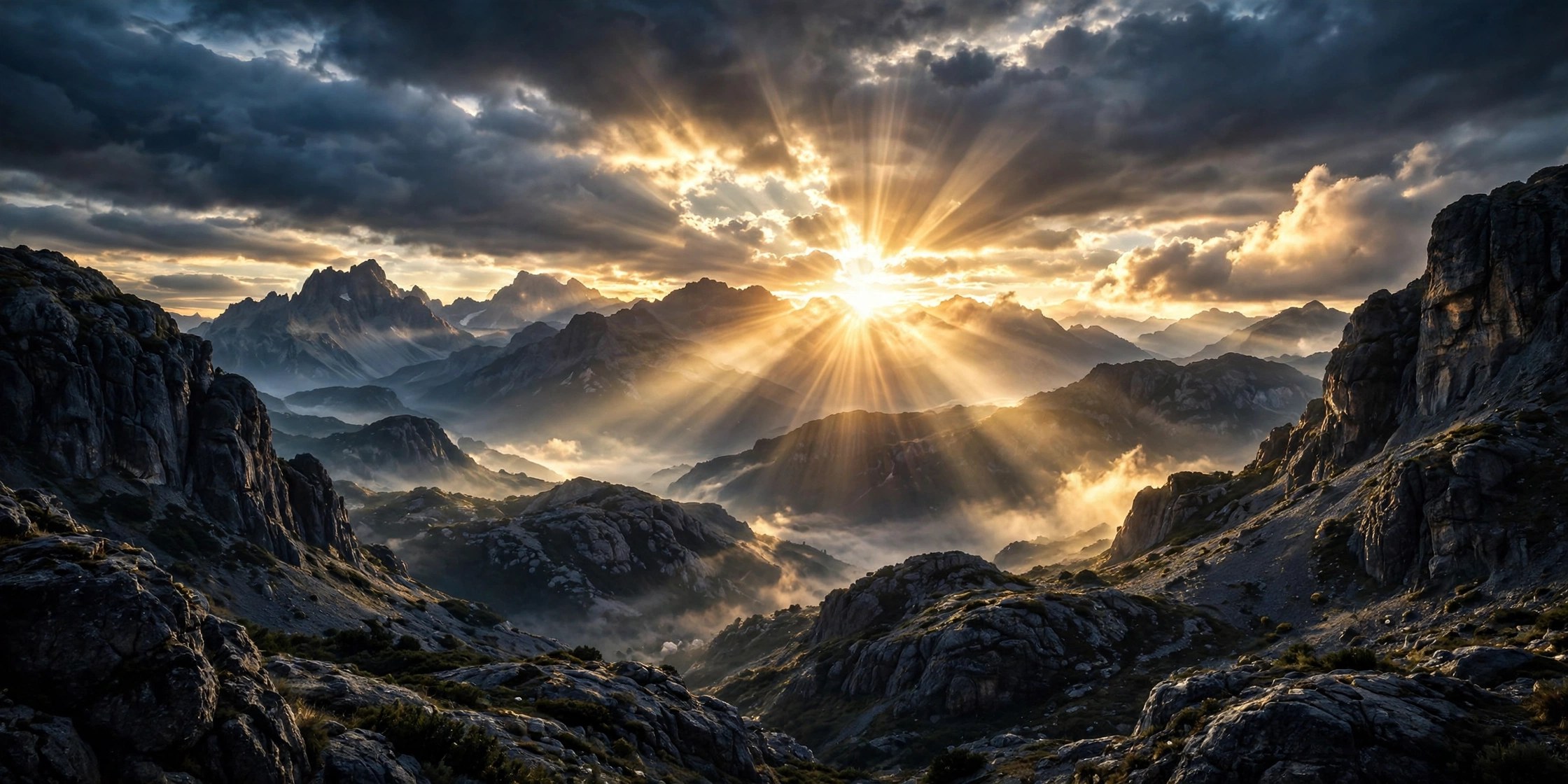
Mac UtilitiesSimply HDR takes one ordinary photo and gives it the depth and detail people expect from high dynamic range work. Instead of merging several exposures, it builds the effect from a single image, which makes it handy for travel shots, landscapes and phone photos. Photographers who want a bold look without a long editing session will feel at home here.
Key Features
- Six HDR styles including HD Art, Contrasted HDR and Shadows and Light
- Controls for strength, smoothing and detail so the effect stays natural
- Built in presets that give you a strong starting point in one click
- Works as a stand alone app and as a plugin for Photoshop and Lightroom
- Support for high resolution images and output for print ready results
How to Download
- Use the download button on this page and save the installer to your Mac.
- Open the downloaded file and follow the steps shown on screen to install.
- For trials and license options, Download from the official site and check the vendor page.
System Requirements
The vendor lists Mac OS X 10.9 or later in 64 bit for the stand alone app. You can confirm your own system under About This Mac before you install.
FAQs
Does Simply HDR need several photos to work?
No. It creates the HDR effect from a single photo, so older shots and phone images work fine.
Can I use it inside Photoshop?
Yes. The desktop purchase includes a plugin for Photoshop, Elements and Lightroom on Mac. The App Store build does not include the plugin.
Can I control how strong the effect looks?
Yes. Sliders for strength and smoothing let you keep things subtle or push the image toward a more artistic finish.







Leave a Reply