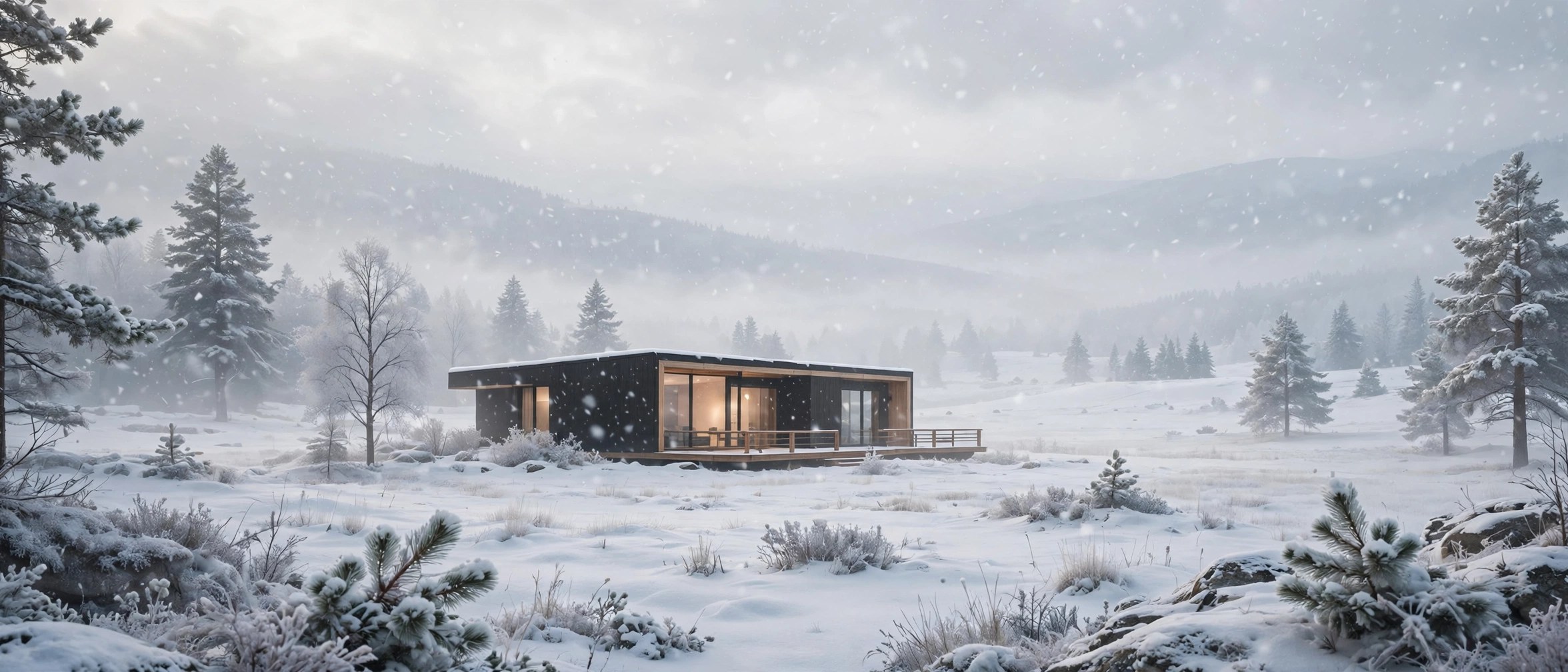
JixiPix Snow Daze 1.32 for Mac
Mac UtilitiesJixiPix Snow Daze is a photo effect app that adds falling snow and frosty tones to pictures taken in any season. It suits families making holiday cards, social media creators chasing a winter mood, and anyone who missed real snow on the day they took the photo.
Key Features
- Snow styles range from a light flurry to a heavy fall, chosen from ready made thumbnails
- Snow strength and fade controls decide how much of the scene the snowfall covers
- A snow brush lets you wipe snow away from faces and key details, then brush it back in
- Built in presets create a finished winter look in one click for fast card making
- Works as a standalone Mac app, and the effect is also included in the JixiPix Premium Pack
How to Download
- Use the download button on this page and save the app installer to your Mac
- Open the installer and follow the prompts to place the app in your Applications folder
- For vendor purchase options, see Download from the official site and look for the Premium Pack listing
System Requirements
Snow Daze is a small photo app for Mac and needs little storage beyond room for your edited pictures. Check your macOS version under About This Mac before installing any current vendor build.
FAQs
Is Snow Daze still sold on its own?
The vendor now presents this effect mainly inside the Premium Pack, so check its purchase page for current options.
Can I keep snow off a person face?
Yes. The snow brush is made for clearing flakes from faces and other areas you want clean.
What photos work best with this effect?
Outdoor scenes, portraits and holiday shots respond well, especially images with some depth and open sky.







Leave a Reply