Adobe Acrobat Pro DC 2025.001.21111 for Mac
Mac BusinessAdobe Acrobat Pro DC is the complete PDF workhorse for Mac users who do more than read documents. You can create PDFs from almost any file, edit text and images directly in a PDF, rearrange pages, and convert documents to and from Word, Excel and PowerPoint while keeping the layout intact.
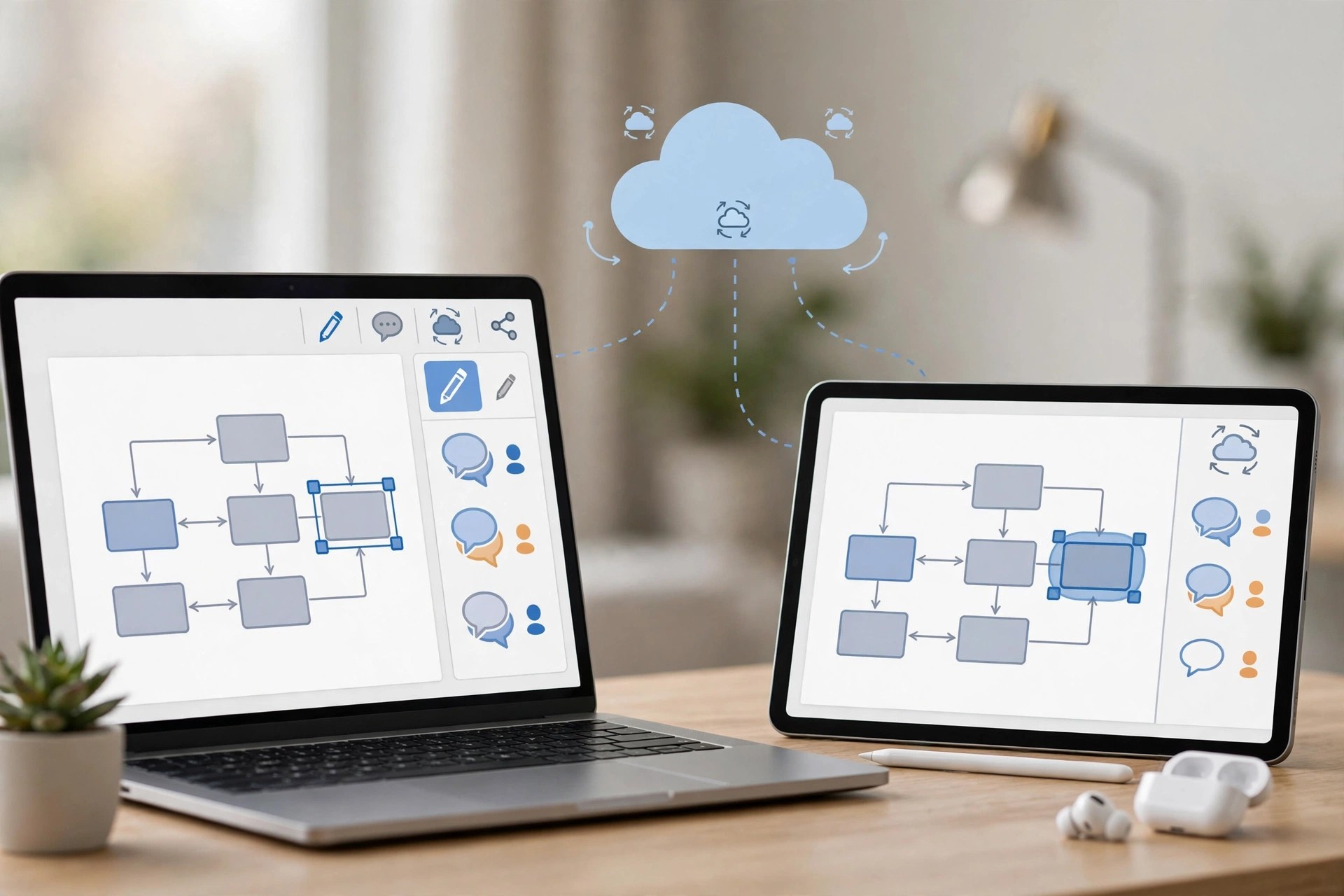
On macOS it works alongside Acrobat on the web and mobile, so a contract started on your Mac can be sent for signature, tracked and filed from anywhere. Optical character recognition turns scans into searchable, editable files, and redaction, comparison and protection tools cover the serious business and legal work Reader cannot do.
Key Features
- Create, edit and organise PDFs, fixing text, fonts and images in place
- Convert PDFs to Microsoft formats and back, and make scans editable with OCR
- Unlimited e-signatures, reusable templates and tracked signing workflows
- Compare two PDFs, redact sensitive information and protect files
- Desktop, web and mobile access with cloud storage included in the plan
How to Download
- Open Adobe's official Acrobat Pro page and choose the plan that fits you.
- Download from the official site
- Start the 7-day free trial, install Acrobat on your Mac, and sign in with your Adobe account.
Is Acrobat Pro DC free?
No. It is subscription software with a 7-day free trial; Acrobat Reader is the separate free app for viewing PDFs. There is no free full version of Pro.
Is it safe to install Acrobat from other download sites?
No. Unofficial installers are a frequent source of malware and broken updates. Always get Acrobat from Adobe directly and avoid unofficial download sites.







Leave a Reply