Acon Digital DeFilter 1.1.4 for Mac
Mac AudioAcon Digital DeFilter 1.1.4 for Mac is an automatic equalisation plug-in for recordings that sound boxy, harsh or uneven. It is aimed at podcasters, dialogue editors and musicians who recorded in a spare room, office or other space that was never treated for sound.
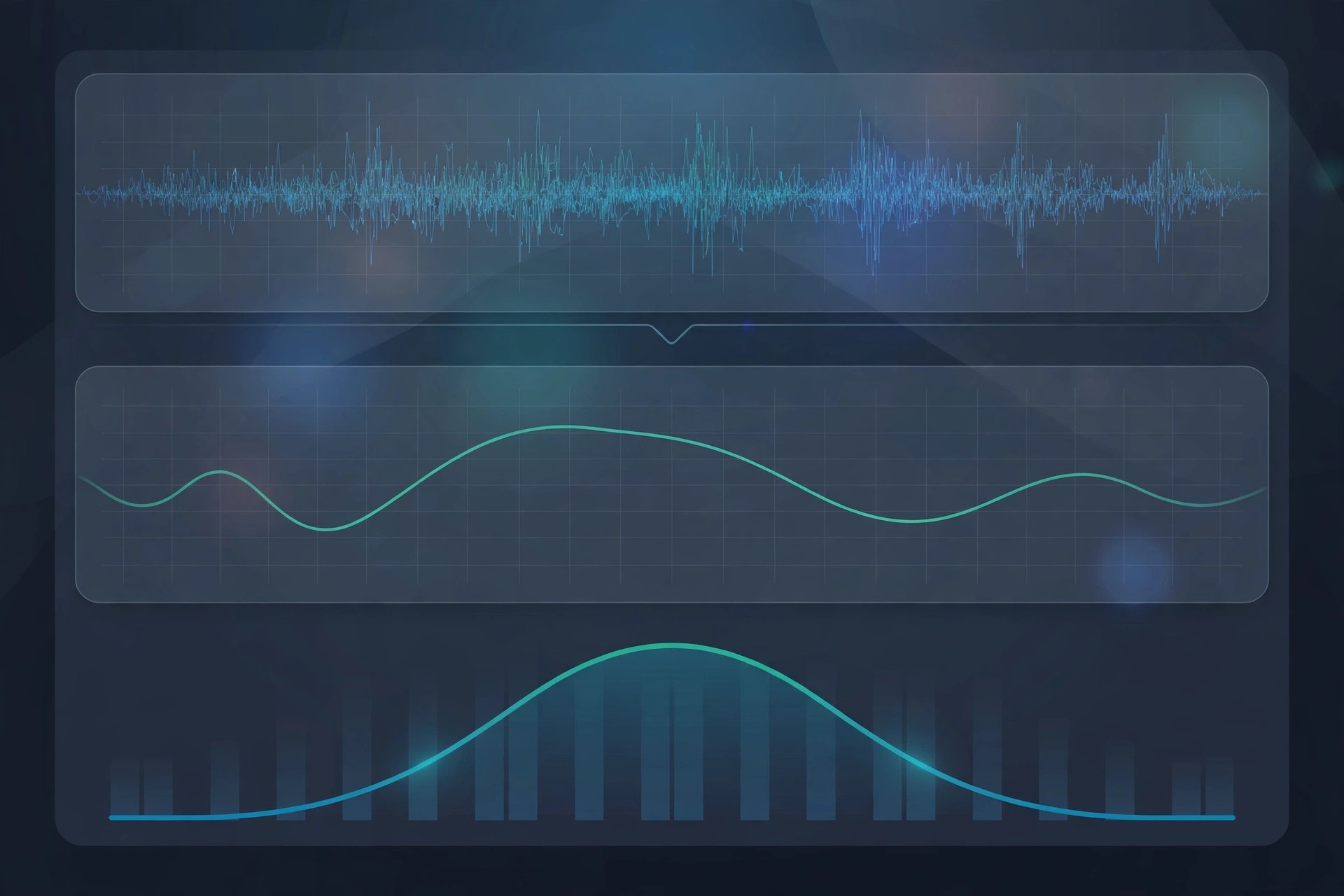
Rather than asking you to hunt for problem frequencies by ear, DeFilter listens to your audio, learns its tonal balance, and builds a correction filter for you. You can match a recording to a speech or music target, use a reference track, or let it preserve the overall character while smoothing the narrow peaks and dips.
Key Features
- Automatic correction of tonal imbalances in speech and music
- Reduces resonant peaks, dips and audible comb filter effects
- Match recordings to built-in target profiles or a reference recording
- Adjustable correction strength and filter length for subtle or strong fixes
- Works as VST, VST3, AAX and Audio Units plug-in in Mac hosts
How to Download
- Confirm your DAW or editor on Mac supports VST, AU or AAX plug-ins.
- Download from the official site and install the trial version.
- Load DeFilter on a problem track, press Learn, and compare before and after.
Is Acon Digital DeFilter free?
No, DeFilter is a paid plug-in. Acon Digital provides a free trial, which is the safest way to check whether it improves your own recordings.
Should I download DeFilter from a free plug-in site?
No, unofficial sites often bundle modified installers. Download only from Acon Digital to get a clean, current and properly licensed copy.







Leave a Reply