BatchOutput PDF 3.1.7 for Mac
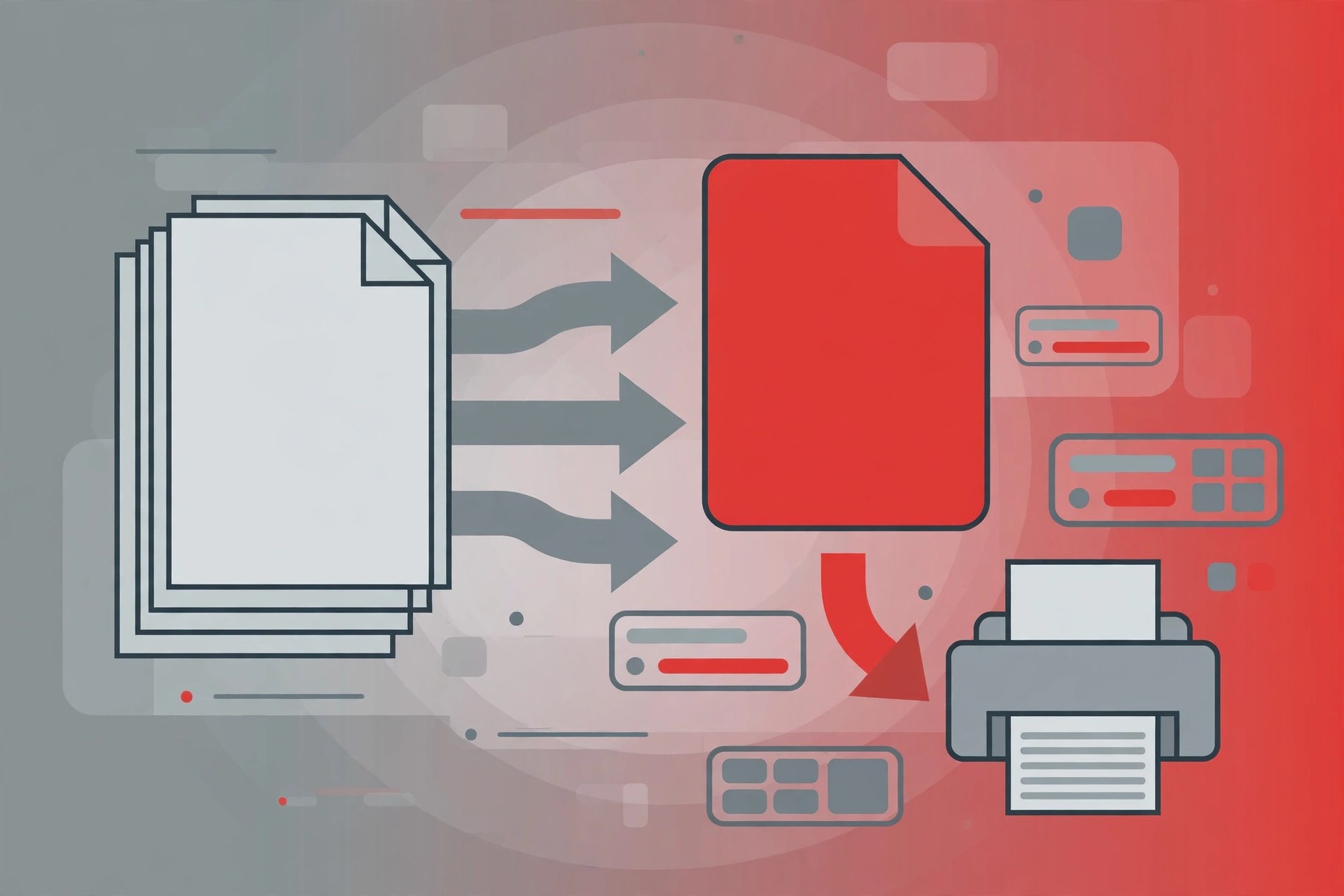
Mac BusinessBatchOutput PDF is a PDF printing automation tool for the Mac from Zevrix Solutions. Printing a long list of PDFs normally means opening each file, choosing the printer and repeating, over and over. BatchOutput PDF removes that loop: you give it PDF files, or point it at watched hot folders, and it prints them automatically with the settings you chose. Zevrix positions it as the only consumer-grade tool for automatic PDF printing on the Mac market. The current version is 3.1.7, a maintenance update for macOS Tahoe.
Key Features
- Automatically print batches of PDF documents without opening each one
- Process PDFs from watched hot folders as new files arrive
- Choose printer and output settings once and reuse them for every job
- Optional Server version for shared, centralised PDF printing workflows
- Free updates for licensed users of version 3
How to Download
- Check that your Mac and printer setup work with a recent version of macOS before installing.
- Use the green Download button on this page, or visit the developer Zevrix's website to check the trial and current editions on offer.
- Install the app, set up your printer profile, and test it with a short PDF before relying on hot folders.
System Requirements
BatchOutput PDF 3 supports macOS 10.13 through macOS 26, on Apple silicon and Intel Macs. It needs a printer your Mac can already print to; the app automates the queue rather than replacing printer drivers.
FAQs
What is the Server version for?
The standard version suits one Mac printing its own files. The Server version costs more and suits teams who want PDFs in shared hot folders printed centrally.
Is there a trial?
Zevrix offers a trial download for BatchOutput PDF, so you can test your printer workflow first. Buy from Zevrix or the Mac App Store; this post offers no modified copy.







Leave a Reply