batchGIF 1.92 for Mac
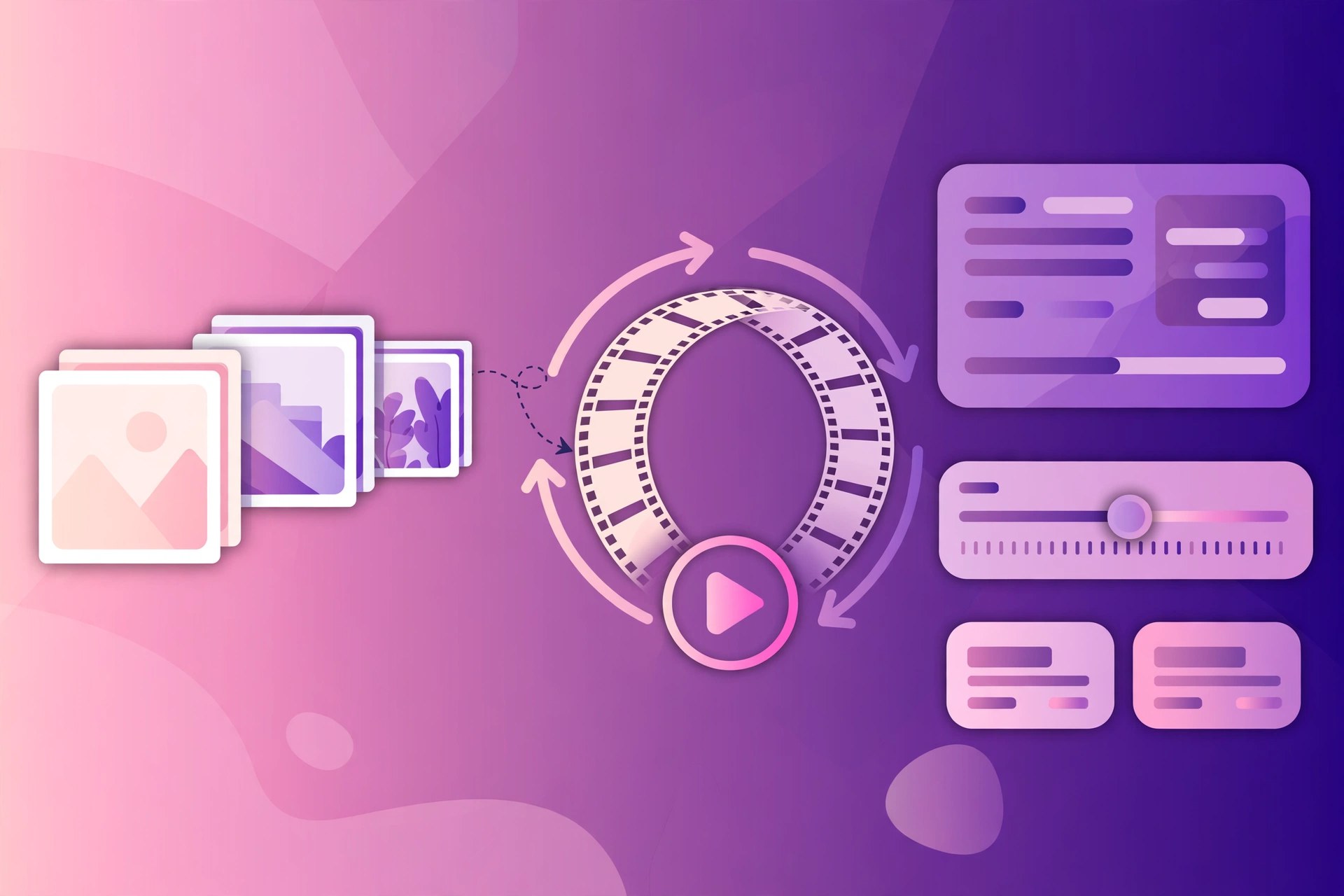
Mac Photo & DesignbatchGIF is a Mac utility built around one format: the GIF. GIFs remain the simplest way to share short, looping, silent animations and lightweight images that play anywhere with no plugins or video player. Working with them one file at a time is slow, so batchGIF applies the batch approach: gather your images, choose your settings once, and let the app produce the whole set together.
Key Features
- Create GIF images from sets of pictures in a batch workflow
- Convert images to GIF format with consistent settings across the whole set
- Applies the same output rules to every file, avoiding one-by-one repetition
- Handy for web graphics, documentation and quick visual previews
- Simple, focused interface in the style of other batch image tools
How to Download
- Check that your Mac runs a recent version of macOS before installing.
- Use the green Download button on this page, or visit the developer's website to check the current edition they offer.
- Install the app, test it on a few copied images, and check the GIF output before processing a full set.
System Requirements
batchGIF runs on Macs with a recent version of macOS, on Apple silicon or Intel hardware. GIF work is lightweight; the main practical limit is storage for source images and finished files.
FAQs
Why does GIF quality look limited?
GIF supports a maximum of 256 colours per image, a hard limit of the format itself, not the app. Photos with smooth gradients may band, while graphics, logos and screenshots usually convert cleanly.
Should I use GIF or video for animations?
For short, silent loops that must play everywhere, GIF is still convenient. For anything longer or larger, a modern video format will give better quality at a smaller file size.







Leave a Reply