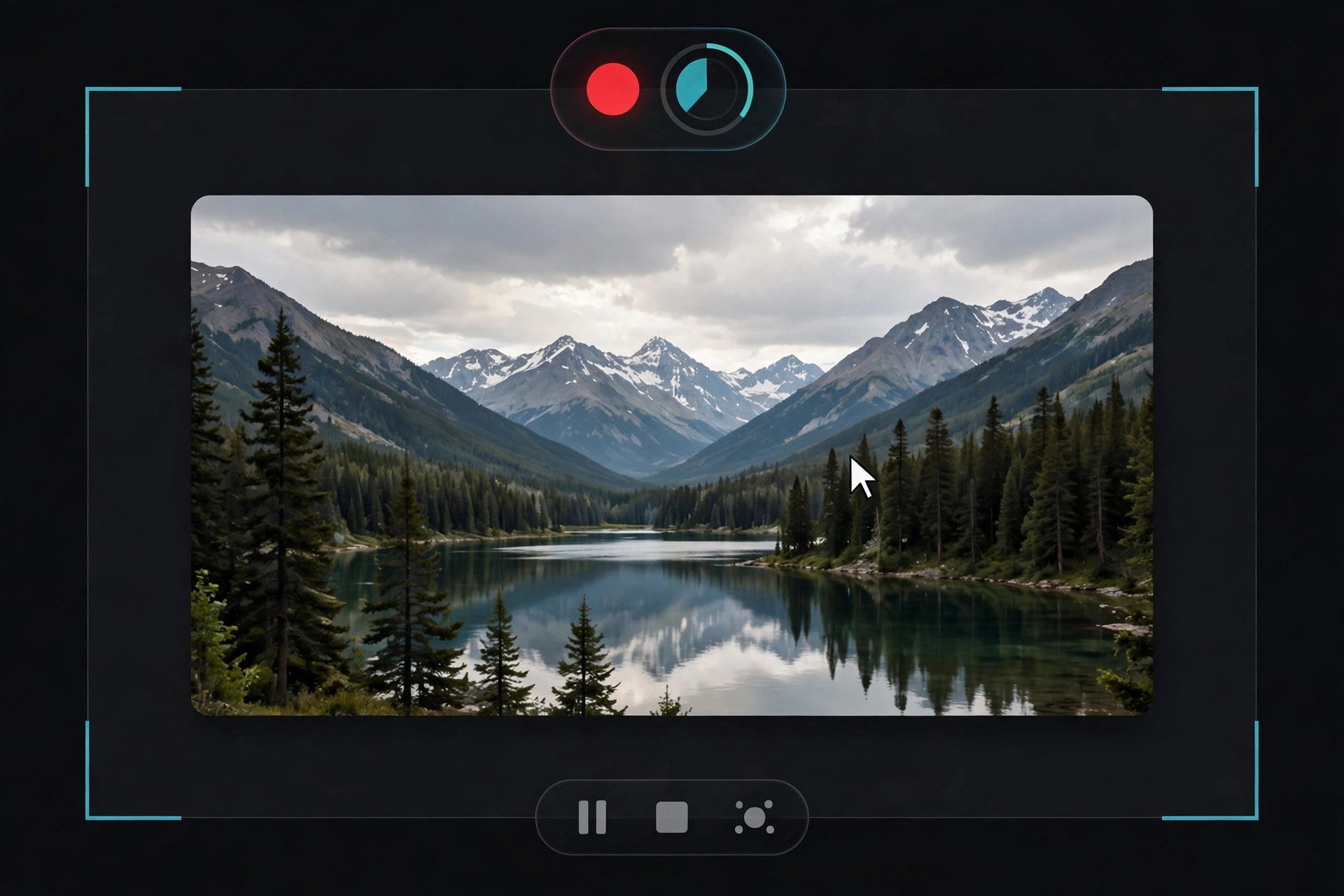
Apeaksoft Screen Recorder 2.2.16 for Mac
Mac VideoApeaksoft Screen Recorder 2.2.16 for Mac captures what happens on your screen along with the sound that goes with it. You can record the full display or a chosen region, add a webcam overlay, and capture system audio and microphone together — the basic recipe for software tutorials, recorded lessons, video calls and walkthrough videos where narration matters as much as the picture.
During recording you can draw on screen with annotations and highlight the cursor so viewers can follow along, and afterwards simple trimming tidies up the start and end of a clip before you share it. Apeaksoft sells it as paid software with a free trial, so you can check recording quality and audio sync on your own Mac before buying — there is no free full version.
Key Features
- Record full screen or a custom region, with webcam picture-in-picture
- Capture system sound and microphone at the same time for narrated videos
- Annotate while recording with text, arrows and shapes, plus cursor highlighting
- Take screenshots during a session and trim recordings afterwards
- Schedule recordings and save in popular video and audio formats
How to Download
- Review the Mac system requirements and trial terms on Apeaksoft's product page.
- Start your download from the official site: Download from the official site
- Install the app, then grant Screen Recording and microphone permissions in System Settings when macOS prompts you.
Is Apeaksoft Screen Recorder free?
No. It is paid software with a free trial. The trial is useful for testing, but expect limits, and a licence is needed for regular unrestricted recording.
Why is there no sound in my first recording?
Usually a permissions or source issue: check that the app has Screen Recording permission, that system sound and microphone are both enabled in the recorder, and test with a short clip first.







Leave a Reply