AnyMP4 Screen Recorder 2.2.16 for Mac
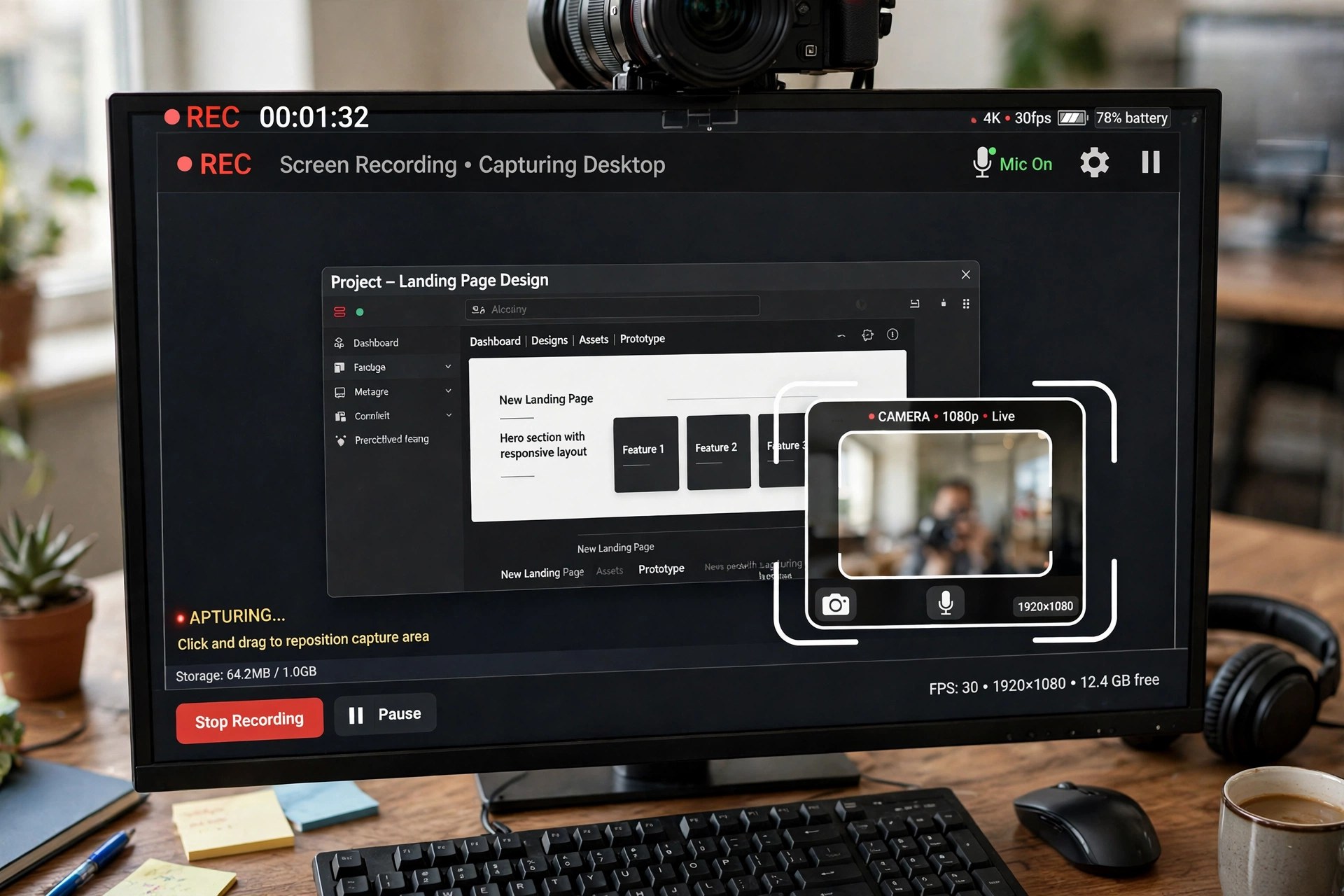
Mac VideoQuickTime can record a Mac screen, but it cannot capture system sound on its own — which is exactly where recordings of meetings, classes and gameplay usually fall down. AnyMP4 Screen Recorder 2.2.16 for Mac is a 7-in-1 recorder that captures full screen, a custom region or a single window together with system audio, microphone narration and a webcam overlay, at up to 4K resolution and 60 frames per second.
While recording you can draw, add text and callouts in real time, schedule a recording in advance, and take annotated screenshots. Separate modes cover audio-only recording, gameplay, webcam and mirroring a phone screen to your Mac. It is paid software for macOS 10.13 or later: the free trial lets you save only short recordings, so a licence is needed for real projects.
Key Features
- Records screen, window or custom region in up to 4K at 60 fps with GPU acceleration
- Captures system sound and microphone together — no virtual audio driver setup needed
- Webcam overlay, phone screen mirroring and dedicated game and audio recorder modes
- Real-time drawing, text, arrows and callouts while you record, plus a screenshot tool
- Scheduled recordings, hotkey control and export to MP4, MOV, WMV, GIF and audio formats
How to Download
- Check your Mac runs macOS 10.13 or later and grant screen-recording permission when macOS asks.
- Start your download from the official site: Download from the official site
- Install and launch the app, choose Video Recorder, set your area and audio sources, and press REC.
Can it record internal audio on a Mac?
Yes. Unlike QuickTime, it captures system sound alongside your microphone without extra virtual-cable tools, which makes recording calls and webinars far simpler.
Is AnyMP4 Screen Recorder free?
No. The free trial limits how long a recording you can save — AnyMP4 lists it at just a few minutes. Full use needs a paid monthly or lifetime licence; there is no free full version.







Leave a Reply