AnyMP4 PDF Converter 3.2.10 for Mac
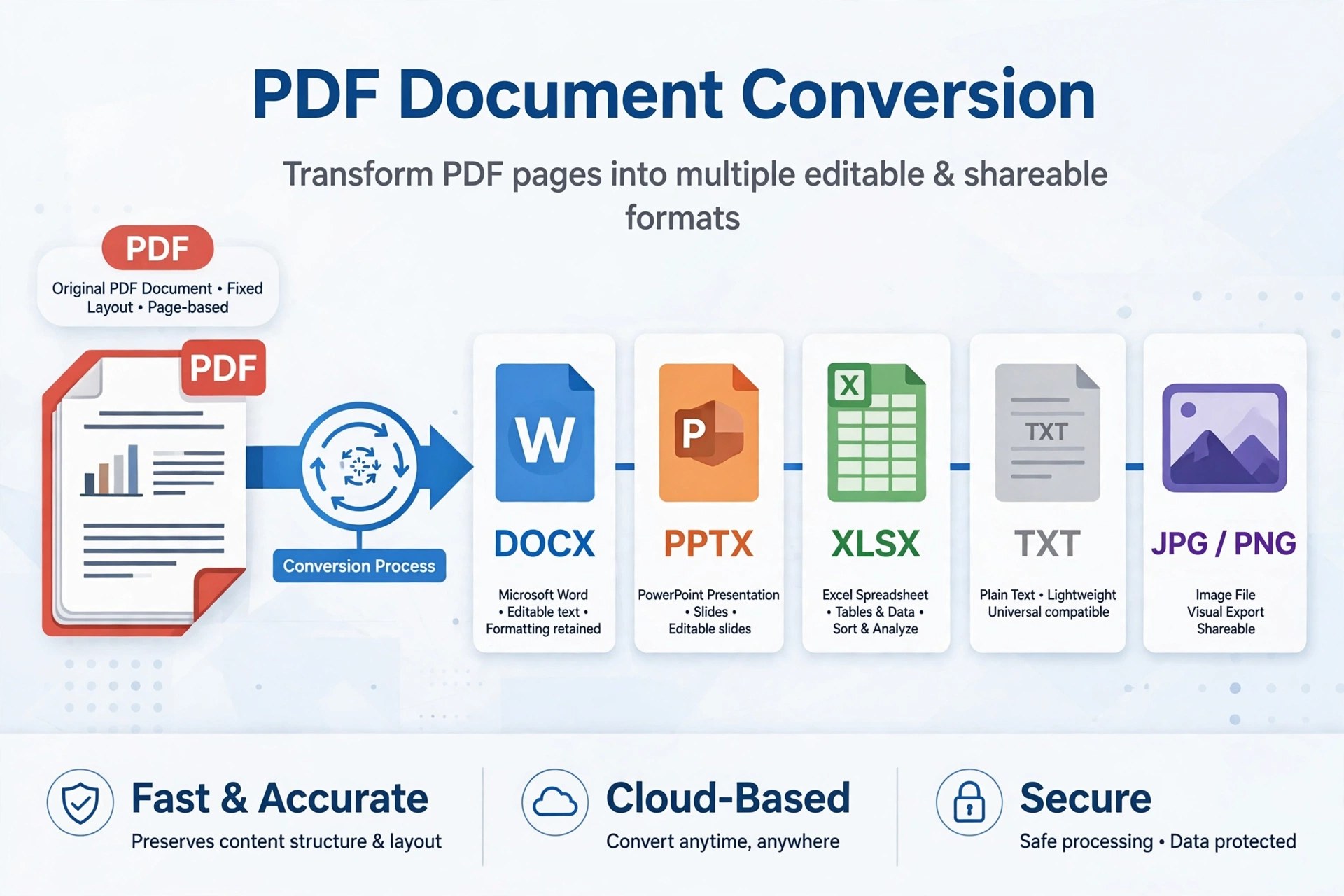
Mac BusinessAnyMP4 PDF Converter 3.2.10 for Mac turns locked-down PDFs back into files you can actually work with. It converts a PDF to Word, Excel, PowerPoint, Rich Text, plain text, ePub and HTML documents, or renders pages as images in JPEG, PNG, GIF, BMP, TIFF and other formats — useful when a report, invoice or manual needs editing rather than just reading.
Scanned pages are covered too: built-in OCR recognises text in image-based PDFs, with Accuracy, Balance and Speed modes and multiple languages. You can convert whole documents or a chosen page range, and queue several PDFs for batch conversion. It is a paid Mac App Store-era app from AnyMP4, so expect to pay for full use rather than finding a free full version.
Key Features
- Converts PDF to Word, Excel, PowerPoint, RTF, text, ePub and HTML
- Exports PDF pages to JPEG, PNG, GIF, BMP, TGA, PPM, JPEG2000 and TIFF images
- OCR for scanned PDFs with Accuracy, Balance and Speed recognition modes
- Batch conversion with a different output format allowed for each file
- Page-range selection, output folder control and file renaming before converting
How to Download
- Have a sample PDF ready — ideally one scanned page — to test the OCR quality.
- Start your download from the official site: Download from the official site
- Install the app, add your PDFs, pick the output format and page range, then start the conversion.
Can it convert a scanned PDF to editable Word?
Yes, that is what the OCR mode is for. Choose Accuracy mode for important documents, check the result for recognition errors, and expect clean printed pages to convert better than handwriting or low-quality scans.
Is AnyMP4 PDF Converter free?
No. It is paid software distributed through AnyMP4's official App Store pages. Pricing can change, so check the current listing — and ignore unofficial sites advertising a free full version.







Leave a Reply