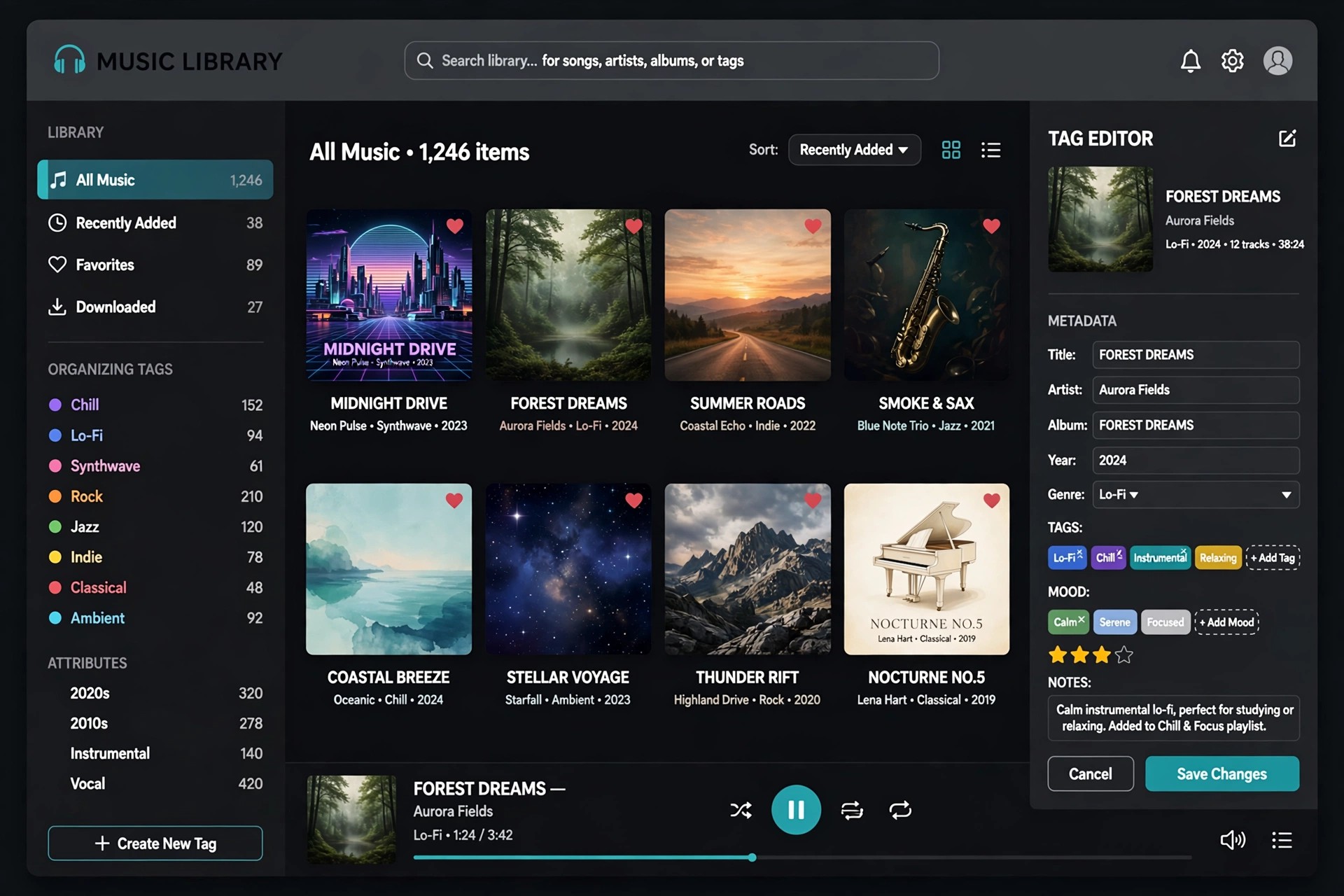
2ManyRobots Yate for Mac
Mac AudioYate is a music tag editor for Mac made for collectors who want complete control over their audio library. Instead of fixing tags one file at a time, it lets you edit whole albums at once, clean up inconsistent artist and title fields, and keep your collection tidy as it grows.
It supports a wide range of audio formats, including MP3, FLAC, M4A, AIFF, and WAV, and it can pull metadata and artwork from sources such as MusicBrainz and Discogs. Its batch actions and custom editing panels make repetitive tagging work far faster once you set up a workflow you like.
Key Features
- Batch tag editing for MP3, FLAC, M4A, AIFF, WAV, and many more formats
- Metadata and artwork lookup from MusicBrainz, Discogs, and other sources
- Powerful actions to automate renaming, cleanup, and repeated tagging jobs
- Custom edit panels and templates tailored to your own library habits
- Integration with Apple Music, iTunes, and the TV app on Mac
How to Download
- Download from the official site
- Open the downloaded file and move Yate into your Applications folder.
- Launch the app, open a folder of music, and start editing tags.
Is Yate free?
Yate is paid software, but it offers a time-limited free trial so you can test its full tagging features before buying a licence. It is not offered as a free full version.
Should I download Yate from unofficial sites?
No. Unofficial copies may be outdated or tampered with, and they cannot be trusted with your music files. Always get Yate from the official 2ManyRobots site.







Leave a Reply