AnyMP4 DVD Ripper 9.0.96 for Mac
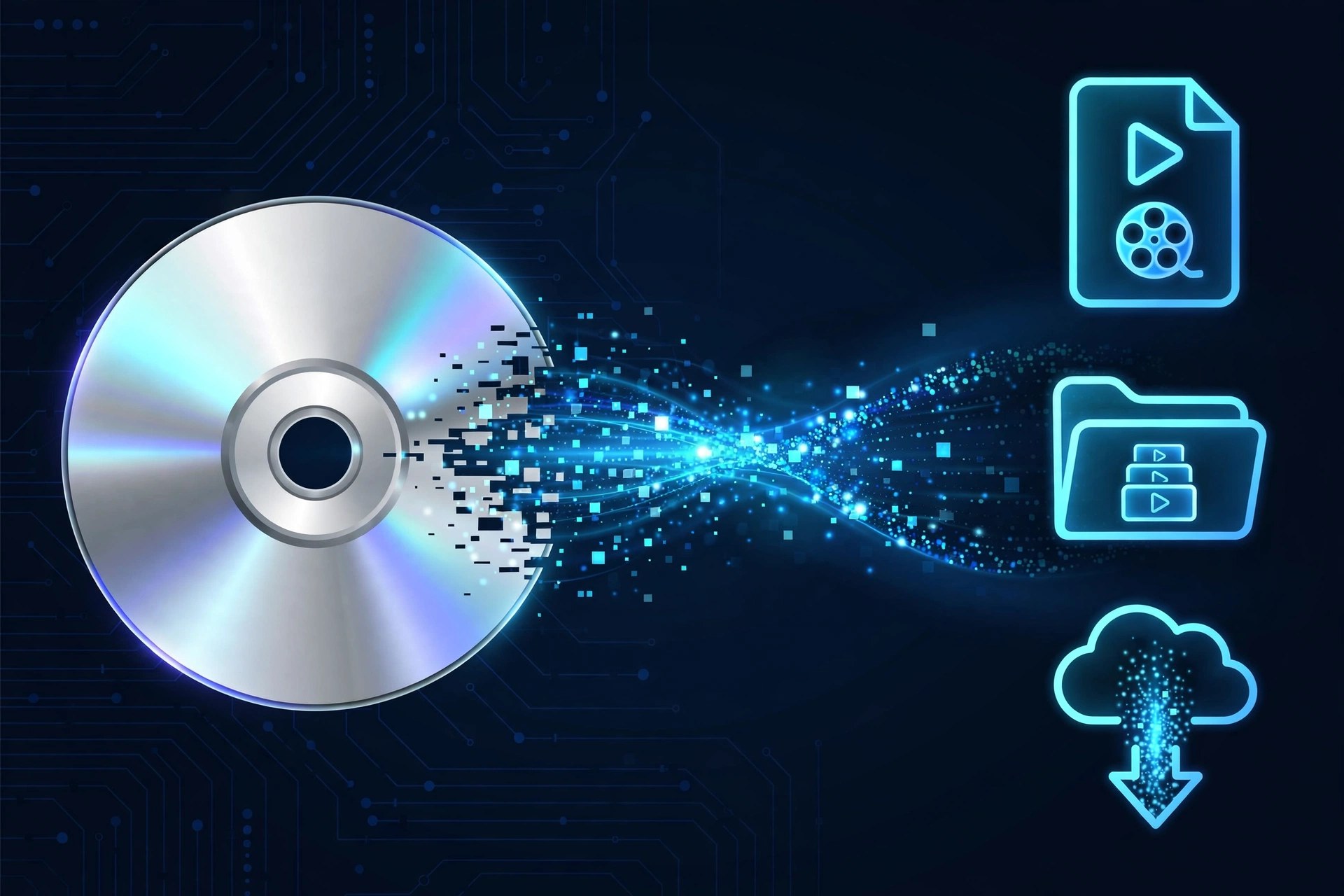
Mac VideoAnyMP4 DVD Ripper 9.0.96 for Mac is built for one job: turning a shelf of DVDs you own into files your Mac, iPhone and TV can actually play today. It loads physical discs as well as DVD folders and ISO images, then converts them to MP4, MKV, MOV and hundreds of other video and audio formats, including lossless MPG and device-ready presets. Only rip discs you own, for personal viewing and backup.
This is paid software, not a free full version. AnyMP4 offers a free trial, but it is limited — the trial converts only the first five minutes of each title — so treat it as a quality check before buying a licence. The Mac build requires macOS 10.12 or later and uses GPU acceleration to keep long movies from taking all afternoon.
Key Features
- Rips DVD discs, folders and ISO files to over 500 formats, including MP4, MKV, MOV and MPG Lossless
- GPU acceleration for much faster conversion on supported Mac hardware
- Built-in editing: trim, crop, rotate, adjust effects, add watermarks and manage audio and subtitle tracks
- Toolbox with a video compressor, GIF maker, 3D maker, metadata editor and video enhancer
- Preserves chapters, audio tracks and subtitles, with separate output formats per title if you need them
How to Download
- Check that your Mac runs macOS 10.12 or later and connect an external DVD drive if yours has none built in.
- Start your download from the official site: Download from the official site
- Install the app, insert a DVD you own, load it, pick an output format and start with the free trial to test the result.
Is AnyMP4 DVD Ripper free?
No. It is paid software with a limited free trial that converts only five minutes per title. A licence is required for full-length, unrestricted ripping.
Can I rip any DVD with it?
Use it only on DVDs you personally own, for private backup and viewing. Ripping rented discs or distributing copies is not permitted, and local copyright rules still apply.







Leave a Reply