AnyMP4 DVD Copy 3.1.36 for Mac
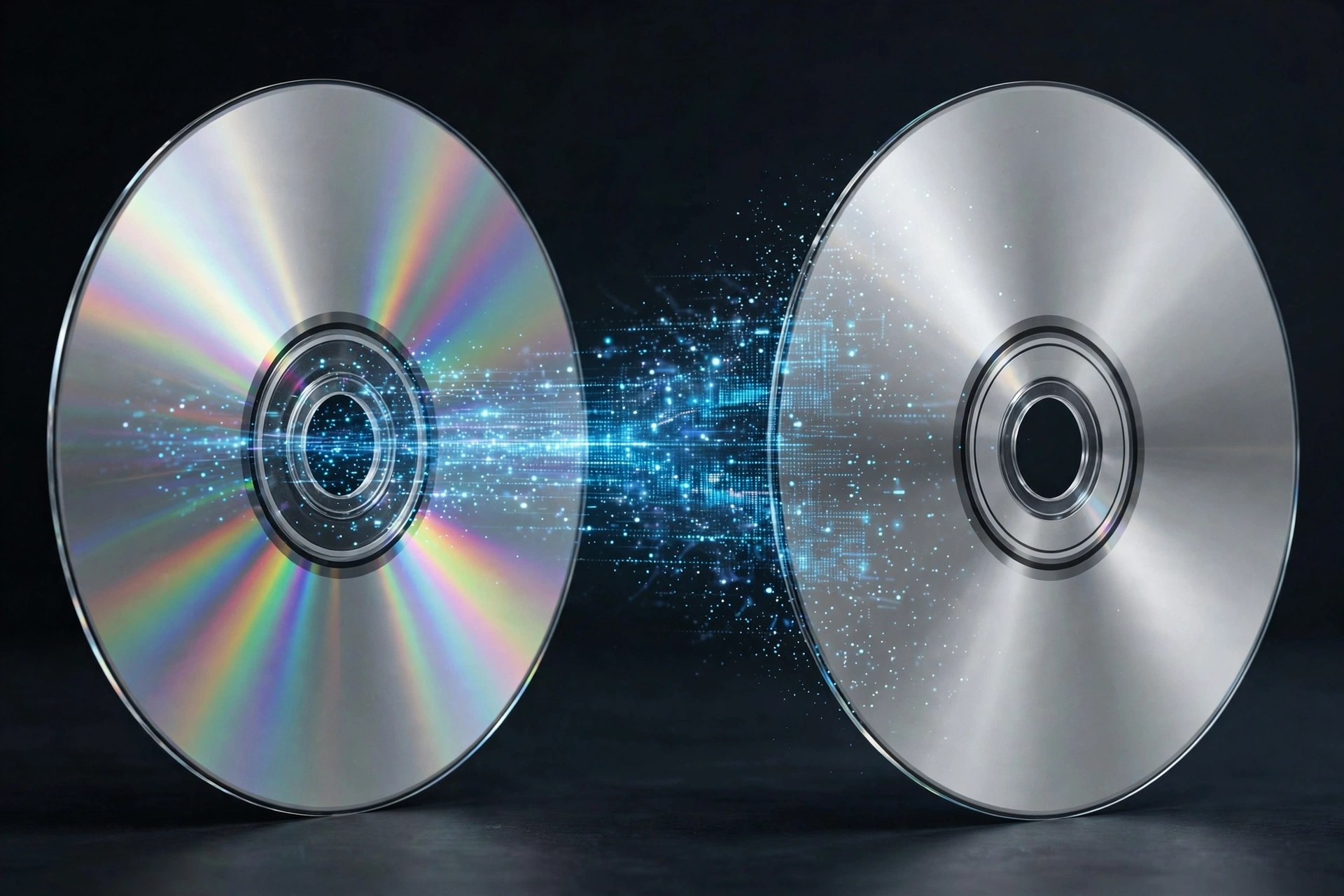
Mac VideoAnyMP4 DVD Copy for Mac does the opposite of a ripper: instead of turning a disc into a different kind of file, it clones the DVD itself. The copy keeps the original structure — menus, chapters, trailers, subtitle and audio choices — and lands on a blank disc, as an ISO image, or as a DVD folder on your hard drive, at a true 1:1 ratio with no quality loss. It can also squeeze a dual-layer DVD-9 down to a single-layer DVD-5 when blanks are scarce.
Three modes cover the usual situations: Full Copy clones everything, Main Movie keeps just the feature, and Customize lets you pick individual titles and decide which audio tracks and subtitles survive. Playback options such as removing the menu or looping titles are set before you burn. The free trial lasts 15 days and covers up to three DVDs; after that a paid licence unlocks unlimited copying of your own discs.
Key Features
- 1:1 DVD cloning to blank disc, ISO image or DVD folder with original quality
- Full Copy, Main Movie and Customize modes for different backup needs
- Compresses DVD-9 to DVD-5 while keeping the movie watchable
- Choose audio tracks and subtitles, remove or keep the menu, set loop playback
- Supports DVD±R/RW, DVD-RAM and dual-layer 8.5GB discs and most burners
How to Download
- Insert the source DVD into your Mac's built-in or external drive and have a blank disc ready if you are cloning disc-to-disc.
- Start your download from the official site: Download from the official site
- Install and launch the app, select the source and a copy mode, set your target, and click Start to clone.
How long does the free trial last?
The trial runs for 15 days and lets you copy up to three DVDs, which is enough to test disc-to-disc, ISO and folder backups.
Does copying shrink the quality like converting does?
No. A 1:1 clone keeps the disc's original data untouched. Quality only changes if you deliberately choose the DVD-9 to DVD-5 compression option.







Leave a Reply