AudioTunes FLAC APE WMA Converter 1.5.0 for Mac
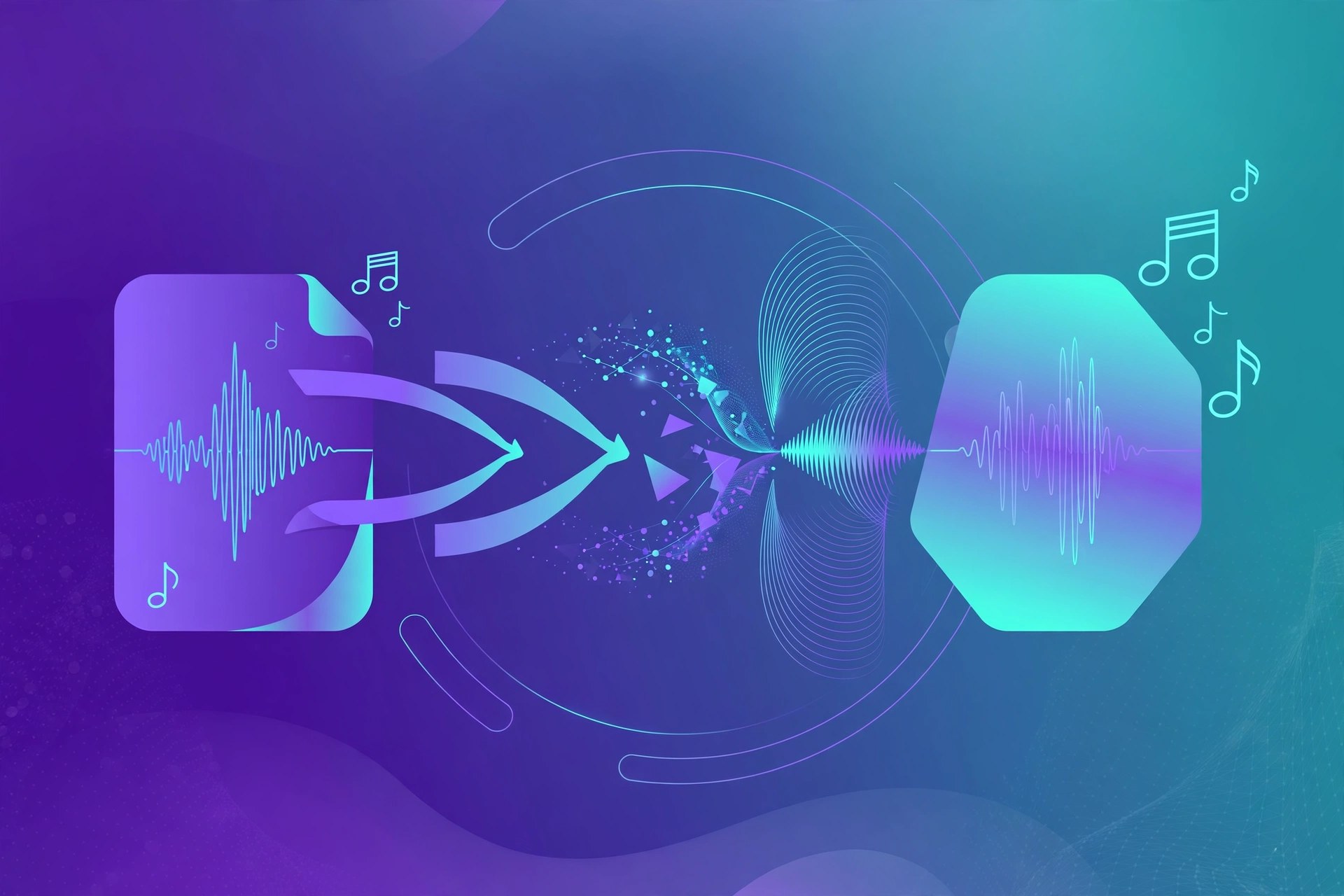
Mac AudioAudioTunes FLAC APE WMA Converter is a focused conversion tool for Mac users whose music libraries include formats Apple apps handle poorly. Version 1.5.0 for Mac takes FLAC, APE and WMA files and converts them into widely supported formats such as MP3 and AAC, so tracks can be imported into the Music app, synced to an iPhone, or played in almost any player. It is aimed at listeners tidying up older or downloaded collections rather than at audio engineers.
Key Features
- Convert FLAC, APE and WMA files to MP3, AAC and other common formats
- Batch conversion for whole folders of music at once
- Preserves basic track information during conversion where available
- Simple drag-and-drop style workflow with few confusing settings
- Output that imports cleanly into the macOS Music app
How to Download
- Check you are running a recent version of macOS.
- To get the app, use the green Download button on this page to reach the developer's website and follow the link to the developer's website or store listing.
- Install, add your FLAC, APE or WMA files, choose an output format, and start the conversion.
System Requirements
AudioTunes FLAC APE WMA Converter 1.5.0 needs a recent version of macOS. Conversion speed depends on file size and your Mac's processor, and both Intel and Apple silicon Macs can handle typical music libraries comfortably.
FAQs
Why convert FLAC or APE files on a Mac?
Apple's Music app does not play FLAC or APE natively in the way many listeners expect, and WMA is a Windows format. Converting to AAC or MP3 makes the same music usable everywhere.
Does conversion reduce quality?
Converting to a lossless-friendly workflow keeps quality high, but converting to MP3 is a lossy step by design. Keep your original FLAC or APE files as your archive copies.