Author: admin

  • Aria Sounds LSS Solo Strings Solo Viola Kontakt for Mac

    Aria Sounds LSS Solo Strings Solo Viola Kontakt for Mac

    Aria Sounds LSS Solo Strings Solo Viola Kontakt for Mac

    Aria Sounds LSS Solo Strings Solo Viola Kontakt for Mac

    Mac Audio
    Updated Nov 6, 2026
    Mac Audio • Updated Nov 6, 2026

    The Solo Viola is one of four instruments in LSS Solo Strings, the solo string library from Aria Sounds drawn from their London Symphonic Strings recordings. Where the full LSS library gives you whole string sections, this is the intimate end of the range: a single viola, recorded in a concert hall, intended for exposed solo lines, string quartet writing and small ensemble work inside Kontakt. Together with the matching solo violin, cello and double bass, the four instruments make up the 16GB LSS Solo Strings bundle, and the viola can be bought as part of that set from Aria Sounds and authorised retailers.

    Key Features

    • Dedicated solo viola instrument sampled from the London Symphonic Strings sessions
    • Recorded in a concert hall for a natural, spacious sound
    • Multiple articulations and legato patches for expressive solo lines
    • Part of a matching quartet with solo violin, cello and double bass
    • Scripted Kontakt interface shared across the LSS Solo Strings instruments

    How to Download

    1. Use the green Download button on this page to reach the options for this library.
    2. LSS Solo Strings is sold through the developer's website and authorised sample-library retailers, so buy it from Aria Sounds or a retailer you trust — no single official product page could be verified for this listing.
    3. Download and extract the library, then load the viola instrument from Kontakt's file browser.

    System Requirements

    The library runs on Mac inside the full, paid version of Native Instruments Kontakt 4 or above; it is not compatible with the free Kontakt Player. Allow space for your share of the 16GB bundle, plus a recent version of macOS and a DAW if you work inside one.

    FAQs

    Can I buy the solo viola on its own?

    The solo instruments are marketed mainly as the LSS Solo Strings bundle of violin, viola, cello and bass. Check the developer's store and retailers for current bundle and single-instrument offers.

    Does it work in Kontakt Player?

    No. The LSS libraries require the full retail version of Kontakt. That is stated clearly by the sellers, so factor a Kontakt licence into the cost if you do not already own one.


  • Aria Sounds Bansuri Flute Kontakt for Mac

    Aria Sounds Bansuri Flute Kontakt for Mac

    Aria Sounds Bansuri Flute Kontakt for Mac

    Aria Sounds Bansuri Flute Kontakt for Mac

    Mac Audio
    Updated Nov 6, 2026
    Mac Audio • Updated Nov 6, 2026

    The Bansuri Flute from Aria Sounds is a sample library for Native Instruments Kontakt that captures the bansuri, the traditional Indian bamboo flute heard across classical Indian music and countless film scores. It was recorded with a specialist ethnic flute player, and the emphasis is on expression: the library's headline feature is true legato, meaning the transitions between notes were actually performed and recorded, so melodic lines sound connected rather than stitched together. On Mac it runs inside Kontakt in any major DAW, and it is also sold as part of Aria Sounds' Ethnic Flutes bundle alongside the Xiao and a pan flute.

    Key Features

    • Deeply sampled traditional Indian bansuri flute for Kontakt
    • True legato interval playing for realistic melodic lines
    • Expressive articulations including vibrato and non-vibrato playing
    • Performance details such as turns, FP (loud–sudden quiet) and accelerating vibrato
    • Airy soft and harder attack options for different musical moods

    How to Download

    1. Use the green Download button on this page to reach the options for this library.
    2. Aria Sounds sells its libraries through its own store and authorised sample-library retailers, so purchase it from the developer's website or a retailer you trust — no single official product page could be verified for this listing.
    3. Download the library files, extract them, and add the folder in Kontakt's file browser to start playing.

    System Requirements

    You need macOS with the full, paid version of Native Instruments Kontakt (version 4 or above for this library) — it does not run in the free Kontakt Player. Any DAW on a recent Mac that hosts Kontakt will work.

    FAQs

    Does it work in the free Kontakt Player?

    No. Like most Aria Sounds libraries, the Bansuri Flute requires the full retail version of Kontakt. In Kontakt Player it would only run in a time-limited demo mode.

    Is this a standalone app?

    No, it is a sample library, not an application. You load and play it inside Kontakt, which you can use standalone or as a plugin in Logic Pro, Cubase and other DAWs.

  • Aria 2.0.6 for Mac

    Aria 2.0.6 for Mac

    Aria 2.0.6 for Mac

    Aria 2.0.6 for Mac

    Mac Audio
    Updated Nov 6, 2026
    Mac Audio • Updated Nov 6, 2026

    ARIA Player is the sample playback engine, developed by Plogue, that powers Garritan sound libraries and many other instruments built on the open SFZ format. On its own it makes no sound — it is the player you load inside your DAW or run standalone, into which libraries such as Garritan Personal Orchestra, Instant Orchestra and third-party SFZ instruments are loaded and played from a MIDI keyboard. If you own a Garritan library on Mac, ARIA Player is almost certainly already at the heart of your setup, handling multi-timbral playback across 16 MIDI channels per instance.

    Key Features

    • Plays Garritan libraries and SFZ-format instruments from many developers
    • Runs standalone and as a plugin inside major DAWs on macOS
    • Multi-timbral playback, with multiple instrument slots per instance
    • Built-in mixer, effects and convolution reverb for shaping the sound
    • Lightweight engine designed to stream large orchestral libraries efficiently

    How to Download

    1. Use the green Download button on this page to reach the download options for this title.
    2. ARIA Player is distributed by the library makers rather than sold on its own, so get the current Mac installer from the official Garritan/MakeMusic downloads area or with your library purchase — no separate verified product page could be confirmed for this listing.
    3. Install the player, then load your library inside it, either standalone or as a plugin in your DAW.

    System Requirements

    ARIA Player runs on a recent version of macOS on Intel and Apple silicon Macs, and needs a compatible sample library to load. Requirements for disk space and RAM depend mostly on the library you use with it, so check your library's own specification too.

    FAQs

    Is ARIA Player free?

    The player itself is provided free alongside the libraries built for it — when you buy a Garritan library, ARIA Player comes with it. The libraries themselves are paid products from their official stores.

    Can ARIA Player load any samples?

    It loads instruments in the SFZ format and libraries made specifically for the ARIA engine. It is not a general audio file player, and it does not load Kontakt or other proprietary library formats.

  • Arduino IDE 2.3.10 for Mac

    Arduino IDE 2.3.10 for Mac

    Arduino IDE 2.3.10 for Mac

    Arduino IDE 2.3.10 for Mac

    Mac Developer Tools
    Updated Nov 6, 2026
    Mac Developer Tools • Updated Nov 6, 2026

    The Arduino IDE is the official, free development environment from Arduino for programming Arduino boards — including the ever-popular Arduino Uno — and thousands of compatible boards. You write sketches in a C/C++-based language, click upload, and the IDE compiles and flashes your code to the board over USB. The current 2.x generation is a ground-up rewrite of the classic 1.x editor, adding autocompletion, a built-in debugger and a much faster interface, while keeping the same simple workflow beginners learn on. Version 2.3.10 is the current release for Mac.

    Key Features

    • Code editor with autocompletion, syntax highlighting and a dark theme
    • Built-in debugger for supported boards, plus Serial Monitor and Serial Plotter
    • Boards Manager and Library Manager to add support for new hardware in a click
    • Works with Uno, Nano, Mega, ESP32 and many third-party boards
    • Completely free and open source, with a huge collection of built-in examples

    How to Download

    1. Check whether your Mac has an Apple silicon or Intel chip under Apple menu > About This Mac.
    2. Download from the official site and pick the macOS build that matches your chip.
    3. Open the downloaded disk image, drag Arduino IDE to Applications, connect your board and select it under Tools > Board and Tools > Port.

    System Requirements

    Arduino IDE 2.3.10 needs a recent 64-bit version of macOS. Arduino publishes separate downloads for Apple silicon and Intel Macs, so choose the build for your processor; the legacy IDE 1.8.19 remains available for very old systems.

    FAQs

    Is the Arduino IDE really free?

    Yes. The IDE is free, open-source software from Arduino. The download page offers an optional donation, but paying is not required to use any feature.

    Does it work with an Arduino Uno?

    Absolutely — the Uno is one of the boards supported out of the box. Just connect it by USB, choose Arduino Uno in the Boards menu, pick the serial port, and upload your sketch.

  • Arctic Awakening 1.0.17 for Mac

    Arctic Awakening 1.0.17 for Mac

    Arctic Awakening 1.0.17 for Mac

    Arctic Awakening 1.0.17 for Mac

    Mac Utilities
    Updated Nov 6, 2026
    Mac Utilities • Updated Nov 6, 2026

    Arctic Awakening is a first-person narrative adventure from GoldFire Studios, an independent studio in Oklahoma City, released on 18 September 2025 for PC, Mac and consoles. Set in Alaska in 2062, you play Kai, a pilot whose plane goes down in a storm during a routine supply run. Stranded in the frozen North with only Alfie — a court-mandated therapy robot — for company, you set out to find your missing co-pilot and a way home. It is a story-first game: exploration, dialogue and the choices you make shape your relationship with Alfie and how the mystery under the ice unfolds.

    Key Features

    • First-person narrative adventure focused on story and character, not combat
    • A choice-driven relationship with your robotic companion, Alfie
    • Five chapters of story, released together as one complete game
    • Hand-built Arctic environments to explore, from crash sites to research stations
    • Fully voiced cast and an adaptive original score

    How to Download

    1. Install the free Steam client on your Mac and sign in.
    2. Download from the official site — the game's Steam page is where the Mac version is sold and delivered.
    3. Purchase and download it from your Steam library; updates, including version 1.0.17, install automatically.

    System Requirements

    Arctic Awakening is available natively for Mac through Steam and runs on a recent version of macOS. As a Unity-based 3D adventure it benefits from a reasonably modern Mac; check the system requirements panel on the Steam page for the exact minimum specification.

    FAQs

    Is Arctic Awakening episodic?

    It was originally planned as separate episodes, but the developer changed to a single release: all five chapters ship together in the one purchase, so you can play the whole story at your own pace.

    Is there a demo?

    A free demo has been offered on Steam around festival events. Check the Steam page to see whether it is currently available before buying the full game.

  • Archiver 4.3.1 for Mac

    Archiver 4.3.1 for Mac

    Archiver 4.3.1 for Mac

    Archiver 4.3.1 for Mac

    Mac Utilities
    Updated Nov 6, 2026
    Mac Utilities • Updated Nov 6, 2026

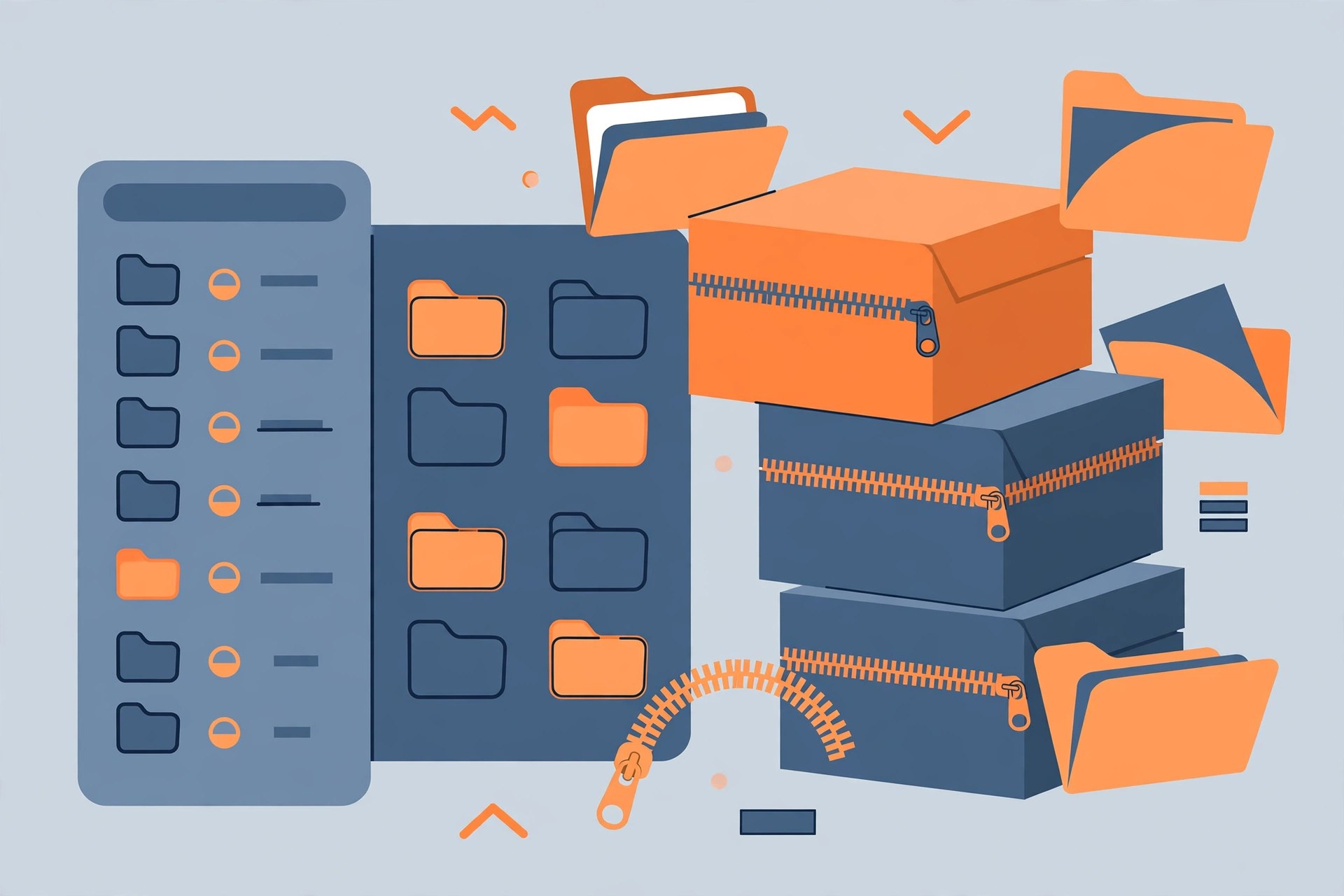
    Archiver is a polished archive utility for macOS from Incredible Bee, built around drag and drop. Where the built-in Archive Utility only handles basics, Archiver opens, creates and converts a wide range of formats — ZIP, RAR, 7-Zip, Tar and more — in one clean window. Its nicest touch is preview: you can look inside an archive and extract only the files you actually want, instead of unpacking everything onto your disk. It has been a Mac App Store and Setapp staple for years, and version 4 is the current generation of the app.

    Key Features

    • Open, create and convert archives in ZIP, RAR, 7z, TAR.GZ and many other formats
    • Preview files inside an archive and extract only what you need
    • Split large files into smaller parts and combine them again later
    • Password-protect and encrypt archives you create
    • Fast, friendly drag-and-drop interface designed for macOS

    How to Download

    1. Use the green Download button on this page, or head to the developer's website.
    2. Download from the official site to get Archiver from Incredible Bee, or find it on the Mac App Store and Setapp.
    3. Install the app, drag an archive onto its window, and preview or extract the contents.

    System Requirements

    Archiver 4 runs on a recent version of macOS and works on both Intel and Apple silicon Macs. If your Mac runs an older macOS release, the developer's site and the App Store listing will show which Archiver version fits your system.

    FAQs

    Can I try Archiver before buying?

    Yes. A trial is available from the developer, and Archiver is also included in a Setapp subscription, which offers its own trial period. Either way, you can test the full feature set first.

    Does Archiver open RAR files?

    Yes, RAR is among the formats Archiver opens and extracts, alongside ZIP, 7-Zip, Tar variants and StuffIt-era formats that the built-in macOS tool cannot handle.

  • ArchCommander 2.4 for Mac

    ArchCommander 2.4 for Mac

    ArchCommander 2.4 for Mac

    ArchCommander 2.4 for Mac

    Mac Utilities
    Updated Nov 6, 2026
    Mac Utilities • Updated Nov 6, 2026

    ArchCommander is a Mac archive manager from MPL Software Studio, the small team also behind the MaxCommander file manager. Its idea is simple: treat an archive like a folder you can work inside, instead of a box you must fully unpack first. You can peek into ZIP, RAR, TAR and older formats such as ARJ and LHA/LZH, pull out only the files you need, or add and remove files from archives that support modification. It also plugs into Finder, so common archive jobs are a right-click away.

    Key Features

    • Browse and work inside archives without extracting the whole file
    • Extract selected files or everything, and create brand-new archives
    • Add or remove files in existing archives where the format allows it
    • Finder integration: unpack and create archives from the context menu
    • Quick Look plugin to preview archive contents in Finder with the space bar
    • Filename encoding selection for archives created on non-Unicode systems

    How to Download

    1. Use the green Download button on this page, or go directly to the developer's site.
    2. Download from the official site — MPL Software Studio's ArchCommander product page links to the current Mac release.
    3. Install the app, then open any archive from Finder to start browsing its contents.

    System Requirements

    ArchCommander is a native Mac app sold at a low one-time price, with a free version available. It runs on a recent version of macOS; check the developer's product page for the exact minimum macOS version of the current build before installing.

    FAQs

    Is ArchCommander free?

    There is a free version, and the full app is a low one-time purchase rather than a subscription. Buy it from the developer or the Mac App Store so you receive updates.

    Can it open RAR files?

    Yes. ArchCommander opens RAR along with ZIP, TAR, ARJ and LHA/LZH archives, and its encoding option helps when filenames inside older archives were created on non-Unicode systems.

  • Araxis Merge Pro 2025.1 for Mac

    Araxis Merge Pro 2025.1 for Mac

    Araxis Merge Pro 2025.1 for Mac

    Araxis Merge Pro 2025.1 for Mac

    Mac Developer Tools
    Updated Nov 6, 2026
    Mac Developer Tools • Updated Nov 6, 2026

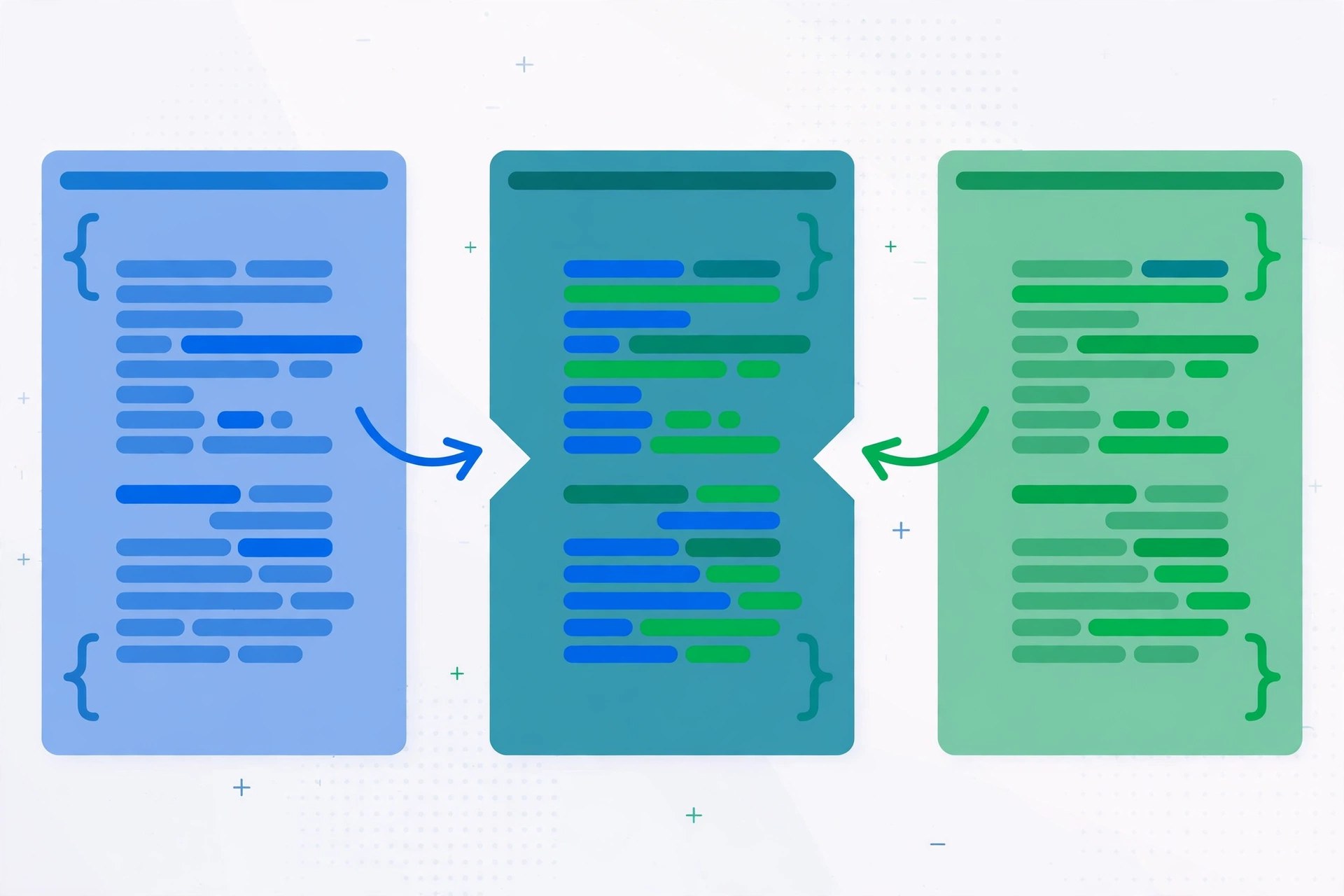
    Araxis Merge, from UK developer Araxis Ltd, is a long-established visual file comparison and merging application for macOS and Windows. The Professional edition covered here adds three-way comparison and merging on top of the Standard edition's two-way tools, which makes it popular with developers reconciling two changed versions of a file against their common ancestor. Beyond source code, Merge compares folders, extracts readable text from documents, and produces reports of the differences it finds. Version 2025.1, released in August 2025, refined the linking lines that connect matching text between panes.

    Key Features

    • Two-way comparison and merging in the Standard edition, three-way in Professional
    • Folder comparison and synchronisation for whole directory trees
    • Text extraction from Office, OpenDocument, PDF and RTF files for comparison
    • Image and binary file comparison alongside plain text
    • Comparison reports you can save and share, plus automation and command-line access

    How to Download

    1. Decide whether you need the Standard or Professional edition — three-way merging requires Professional.
    2. Download from the official site and choose the macOS download of Merge 2025.1.
    3. Install the app and evaluate it during the free 30-day trial before buying a licence.

    System Requirements

    The 2025.1 release is tested and supported on macOS 13 Ventura through macOS 15 Sequoia, on both Apple silicon and Intel Macs. It is a Universal app, so no translation layer is needed on M-series machines.

    FAQs

    Is there a free trial of Araxis Merge?

    Yes. Araxis offers a full 30-day free evaluation with no feature limits, so you can test three-way merging with your own files before paying for a licence.

    What is the difference between Standard and Professional?

    Standard handles two-way file and folder comparison. Professional adds three-way comparison and automatic merging, which is what most developers want for Git and version-control work.

  • Aragami for Mac

    Aragami for Mac

    Aragami for Mac

    Aragami for Mac

    Mac Utilities
    Updated Nov 6, 2026
    Mac Utilities • Updated Nov 6, 2026

    Aragami is a third-person stealth game developed and published by Spanish studio Lince Works, first released in 2016. You play as Aragami, a vengeful undead spirit summoned by Yamiko, a girl imprisoned in the city fortress of Kyuryu. Your power is the shadow itself: you can teleport between shadows, create them where none exist, and strike unseen — or avoid every enemy entirely. The Mac version is sold through Steam alongside the Windows and Linux builds, with a striking cel-shaded art style inspired by Japanese ink painting.

    Key Features

    • Shadow-based stealth: teleport between shadows with the Shadow Leap ability
    • Unlockable Shadow Powers for offensive and defensive play styles
    • A story campaign about Aragami and Yamiko, playable solo
    • Online co-operative multiplayer for two players
    • Cel-shaded visuals and an original soundtrack with a feudal Japanese atmosphere

    How to Download

    1. Install the free Steam client on your Mac and sign in to your account.
    2. Download from the official site — buy Aragami on its Steam store page, making sure the macOS version is listed for your account.
    3. Download the game from your Steam library and launch it; Steam keeps it updated automatically.

    System Requirements

    Steam lists the Mac minimum as OS X 10.9 or higher with an Intel Core i5-class processor. The Mac build is an Intel build, so on Apple silicon Macs it runs through macOS's built-in Rosetta 2 translation, which handles it automatically with no setup on your part.

    FAQs

    Is Aragami native on Apple silicon?

    No, the Mac build is Intel-based. It still plays on M-series Macs because macOS runs it through Rosetta 2, and performance is generally good for a game of this size.

    Is Aragami free?

    No, it is a paid game on Steam, although it is discounted heavily in Steam sales quite often. This page does not provide a free copy; the official Steam store is the safe place to buy it.

  • Aquarium HD Screensaver 3.3.0 for Mac

    Aquarium HD Screensaver 3.3.0 for Mac

    Aquarium HD Screensaver 3.3.0 for Mac

    Aquarium HD Screensaver 3.3.0 for Mac

    Mac Utilities
    Updated Nov 6, 2026
    Mac Utilities • Updated Nov 6, 2026

    Aquarium HD Screensaver is a small Mac App Store app, sold by developer Sudip Bag, that turns an idle Mac display into a high-definition virtual aquarium. Instead of a blank screen or a standard macOS screensaver, you get underwater scenes with tropical fish and coral playing in HD. It is a simple, single-purpose app: there is nothing to configure beyond choosing the scene and letting it run when your Mac is idle, or opening it whenever you want a calm backdrop on your desk.

    Key Features

    • High-definition aquarium scenes with colourful tropical fish
    • Relaxing underwater visuals suitable as a screensaver or ambient display
    • Lightweight app that runs quietly in the background
    • Simple setup through the Mac App Store, with no extra components to install
    • A low-cost paid app with no subscription

    How to Download

    1. Use the green Download button on this page to reach the download options for this app.
    2. Because no separate official vendor page could be verified, the safest route is the developer's own Mac App Store listing — search the App Store for Aquarium HD by Sudip Bag.
    3. Install it from the App Store, then select it in your macOS screensaver settings if you want it to start automatically when the Mac is idle.

    System Requirements

    Aquarium HD Screensaver runs on a recent version of macOS and is distributed through the Mac App Store, which automatically serves the correct build for Intel and Apple silicon Macs. A display capable of HD playback is recommended to enjoy the scenes at full quality.

    FAQs

    Is Aquarium HD Screensaver free?

    No. It is a low-priced paid app on the Mac App Store. This page does not offer a free copy of the paid app; buy it from the official App Store listing so you get updates and support.

    Does it work on Apple silicon Macs?

    Yes, Mac App Store apps are delivered in the format your Mac needs, and current macOS versions run the app on both Apple silicon and Intel machines. Check the App Store listing for the minimum macOS version before buying.