Author: admin

  • Arturia Augmented Strings 2.0.2.6369 for Mac

    Arturia Augmented Strings 2.0.2.6369 for Mac

    Arturia Augmented Strings 2.0.2.6369 for Mac

    Arturia Augmented Strings 2.0.2.6369 for Mac

    Mac Audio
    Updated Nov 6, 2026
    Mac Audio • Updated Nov 6, 2026

    Augmented Strings was the first title in Arturia's Augmented series. It pairs recordings of solo and ensemble strings — violin, viola, cello and double bass — with four synthesis engines. On Mac it works as both a string library for realistic parts and a sound-design tool for evolving, cinematic textures that no real section could play.

    Key Features

    • Solo, chamber and orchestral string recordings with many articulations
    • Four synth engines: virtual analog, granular, wavetable and harmonic
    • Two layers per preset, each with two sound sources
    • Morph control plus macros for time, colour, motion and effects
    • Hundreds of presets, from realistic strings to abstract soundscapes

    How to Download

    1. Click the green Download button on this page to continue.
    2. Download from the official site — Arturia's Augmented series page lists every instrument in the range.
    3. Install the Arturia Software Center, sign in, and install and activate the instrument from there.

    System Requirements

    This Augmented instrument needs a recent version of macOS (Arturia lists macOS 11 or later for the current Augmented range) and a 64-bit DAW for plugin use. It runs on Intel and Apple silicon Macs, and needs a few gigabytes of free space for its sample content.

    FAQs

    What does the Morph control do?

    Morph is the centre of every Augmented instrument. One knob blends between the acoustic sample layer and the synthesis layers, so a sound can move from natural to electronic in a single gesture.

    Can I try it before buying?

    Arturia offers demos of its software instruments through the Arturia Software Center, and the instruments are also included in the Augmented Series bundle. Check the official site for current pricing and trial options.

  • Arturia Augmented Mallets 1.0.0.5402 for Mac

    Arturia Augmented Mallets 1.0.0.5402 for Mac

    Arturia Augmented Mallets 1.0.0.5402 for Mac

    Arturia Augmented Mallets 1.0.0.5402 for Mac

    Mac Audio
    Updated Nov 6, 2026
    Mac Audio • Updated Nov 6, 2026

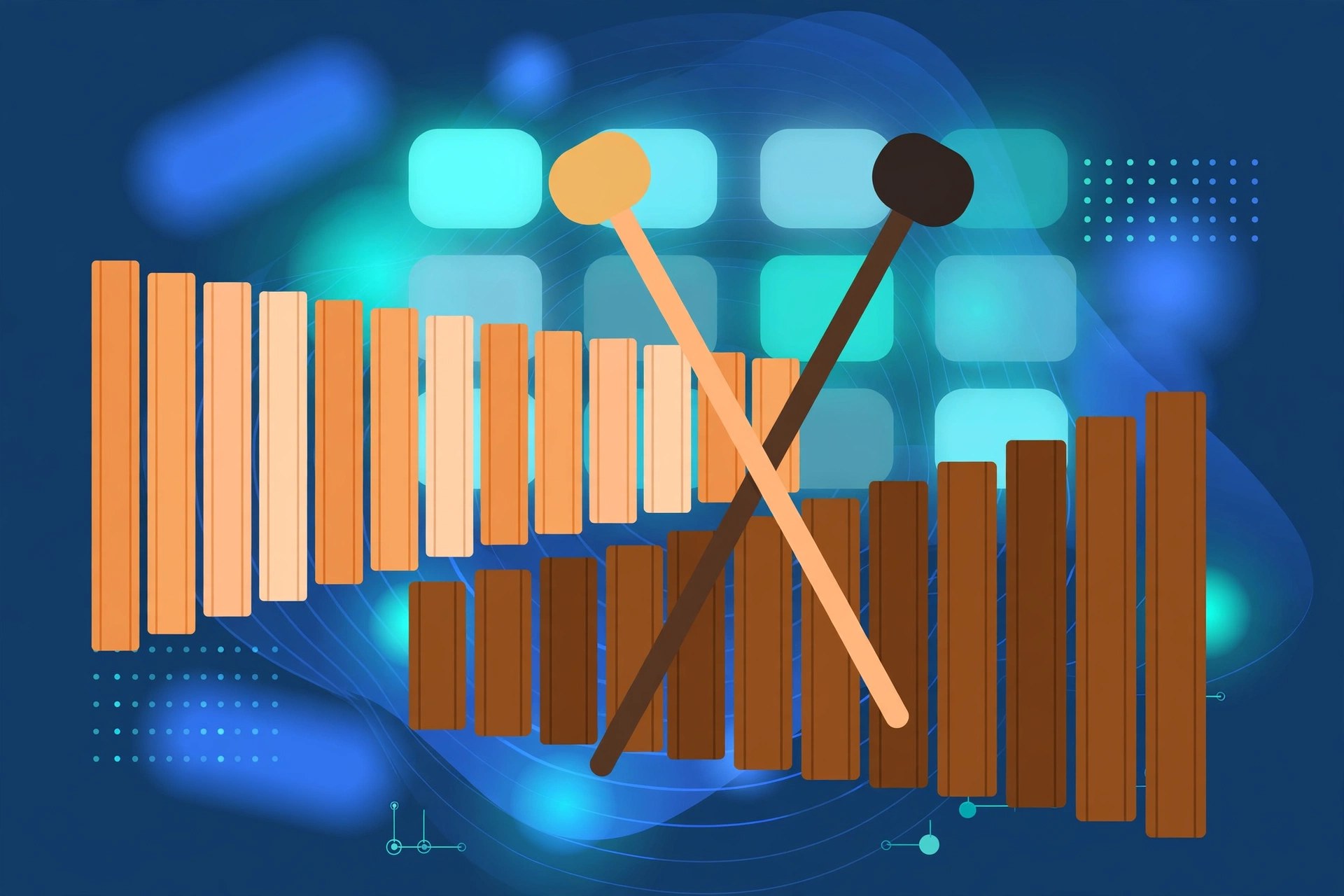
    Augmented Mallets brings tuned percussion into Arturia's Augmented family. It records instruments such as marimba, vibraphone, celeste and tubular bells, then layers them with synthesis, giving Mac producers melodic percussion sounds that can stay soft and acoustic or drift into shimmering, experimental territory.

    Key Features

    • Recordings of marimba, vibraphone, celeste and other mallet instruments
    • Two layers per preset, each mixing sampled and synthesised sources
    • Morph control for blending natural attack with electronic sustain
    • Macros and effects to shape tone, space and movement quickly
    • Presets for gentle melodies, rhythmic patterns and ambient textures

    How to Download

    1. Click the green Download button on this page to continue.
    2. Download from the official site — Arturia's Augmented series page lists every instrument in the range.
    3. Install the Arturia Software Center, sign in, and install and activate the instrument from there.

    System Requirements

    This Augmented instrument needs a recent version of macOS (Arturia lists macOS 11 or later for the current Augmented range) and a 64-bit DAW for plugin use. It runs on Intel and Apple silicon Macs, and needs a few gigabytes of free space for its sample content.

    FAQs

    What does the Morph control do?

    Morph is the centre of every Augmented instrument. One knob blends between the acoustic sample layer and the synthesis layers, so a sound can move from natural to electronic in a single gesture.

    Can I try it before buying?

    Arturia offers demos of its software instruments through the Arturia Software Center, and the instruments are also included in the Augmented Series bundle. Check the official site for current pricing and trial options.
  • Arturia Augmented Brass 1.2.1 for Mac

    Arturia Augmented Brass 1.2.1 for Mac

    Arturia Augmented Brass 1.2.1 for Mac

    Arturia Augmented Brass 1.2.1 for Mac

    Mac Audio
    Updated Nov 6, 2026
    Mac Audio • Updated Nov 6, 2026

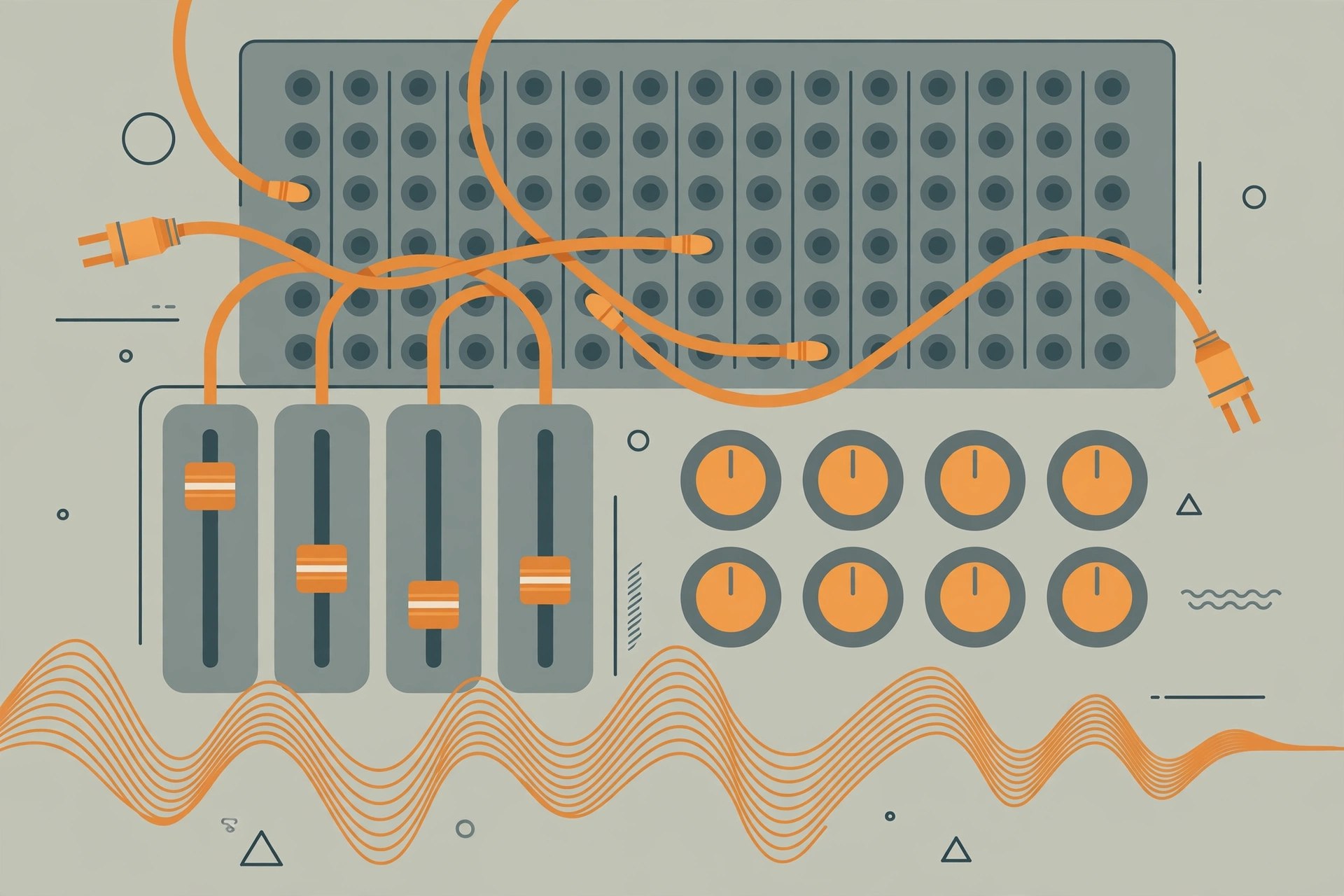
    Augmented Brass is part of Arturia's Augmented series, which pairs real instrument recordings with modern synthesis. Here, solo and section brass recordings are combined with synth engines, so you can play a natural trumpet or horn line and then morph it into something wider, darker and more cinematic, all inside your Mac DAW.

    Key Features

    • Sampled solo and ensemble brass blended with synthesis layers
    • Morph control to move between acoustic and electronic character
    • Multiple synth engines including virtual analog, granular, wavetable and harmonic
    • Built-in effects, modulation and an arpeggiator for movement
    • Presets covering orchestral brass, cinematic swells and hybrid synth brass

    How to Download

    1. Click the green Download button on this page to continue.
    2. Download from the official site — Arturia's Augmented series page lists every instrument in the range.
    3. Install the Arturia Software Center, sign in, and install and activate the instrument from there.

    System Requirements

    This Augmented instrument needs a recent version of macOS (Arturia lists macOS 11 or later for the current Augmented range) and a 64-bit DAW for plugin use. It runs on Intel and Apple silicon Macs, and needs a few gigabytes of free space for its sample content.

    FAQs

    What does the Morph control do?

    Morph is the centre of every Augmented instrument. One knob blends between the acoustic sample layer and the synthesis layers, so a sound can move from natural to electronic in a single gesture.

    Can I try it before buying?

    Arturia offers demos of its software instruments through the Arturia Software Center, and the instruments are also included in the Augmented Series bundle. Check the official site for current pricing and trial options.
  • Arturia ARP 2600 V 3.13.4.6366 for Mac

    Arturia ARP 2600 V 3.13.4.6366 for Mac

    Arturia ARP 2600 V 3.13.4.6366 for Mac

    Arturia ARP 2600 V 3.13.4.6366 for Mac

    Mac Audio
    Updated Nov 6, 2026
    Mac Audio • Updated Nov 6, 2026

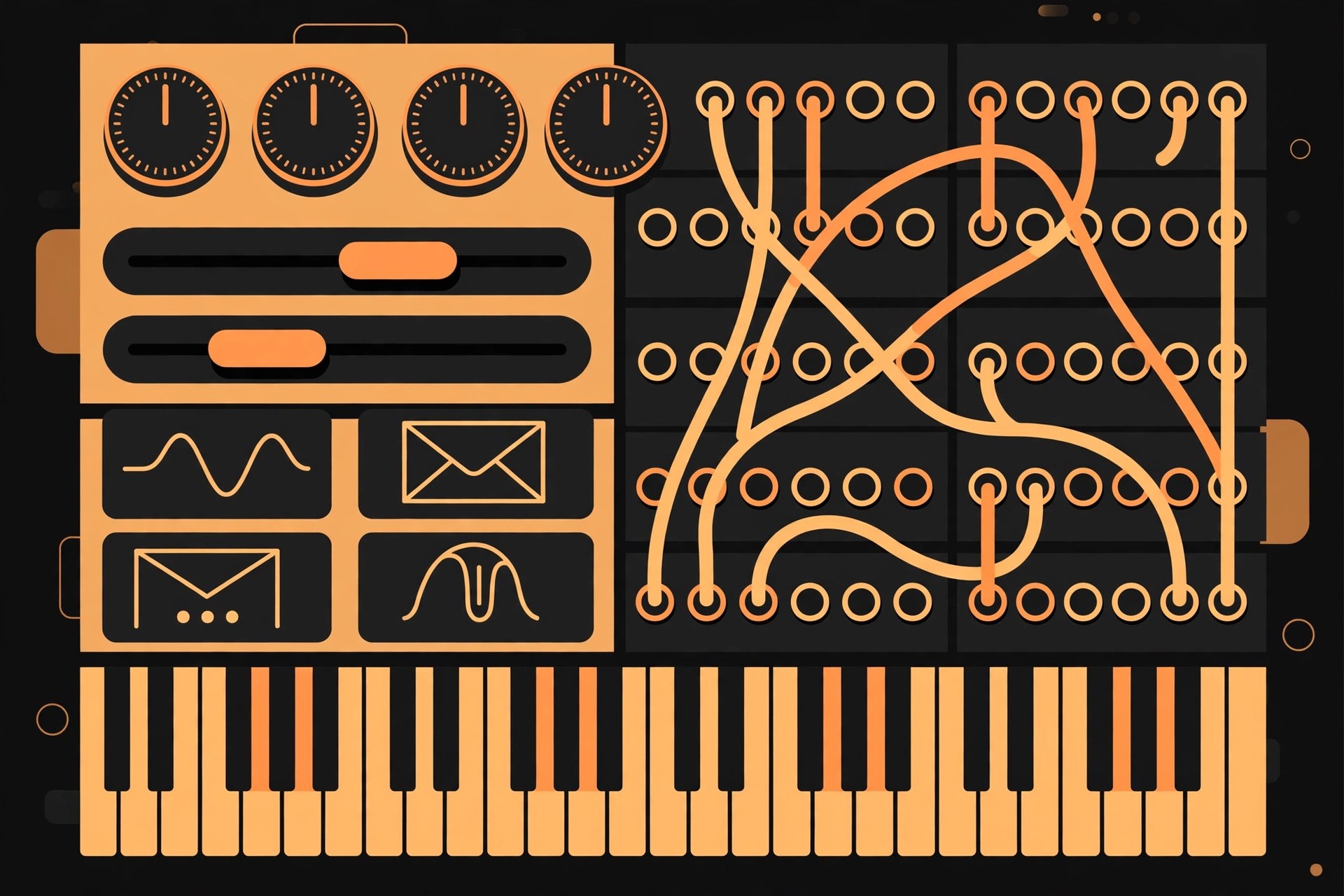
    The ARP 2600 is one of the best-known semi-modular synthesizers of the 1970s, used in studios, film soundtracks and classrooms. Arturia's ARP 2600 V recreates it in software for Mac, keeping the patch-cable workflow of the original while adding modern conveniences like presets and DAW integration.

    Key Features

    • Detailed modelling of the ARP 2600 semi-modular synthesizer
    • Three voltage-controlled oscillators, filter, envelopes and sample-and-hold
    • Virtual patch cables for flexible, experimental routing
    • Built-in sequencer-style and modulation extras beyond basic patching
    • Large preset library, standalone use and VST, AU and AAX plugin formats

    How to Download

    1. Click the green Download button on this page to continue.
    2. Use the green Download button to reach the developer's website, Arturia, and find ARP 2600 V in the software instruments range.
    3. Install the Arturia Software Center, sign in, and install and activate the plugin from there.

    System Requirements

    ARP 2600 V needs a recent version of macOS and a 64-bit DAW for plugin use. It runs on Intel and Apple silicon Macs, and a MIDI keyboard makes patching and playing far more enjoyable.

    FAQs

    Is ARP 2600 V part of a bundle?

    Yes. It is one of the instruments in Arturia's V Collection, and it is also sold on its own. Buying the collection is usually better value if you want several classic instruments.

    Can I try it first?

    Arturia provides demo versions of its instruments through the Arturia Software Center. A demo lets you test the sound and workflow on your own Mac before buying a licence.

  • Arturia ARP 2600 V 3.13.4.6366 for Mac

    Arturia ARP 2600 V 3.13.4.6366 for Mac

    Arturia ARP 2600 V 3.13.4.6366 for Mac

    Arturia ARP 2600 V 3.13.4.6366 for Mac

    Mac Audio
    Updated Nov 6, 2026
    Mac Audio • Updated Nov 6, 2026

    The ARP 2600 is one of the best-known semi-modular synthesizers of the 1970s, used in studios, film soundtracks and classrooms. Arturia's ARP 2600 V recreates it in software for Mac, keeping the patch-cable workflow of the original while adding modern conveniences like presets and DAW integration.

    Key Features

    • Detailed modelling of the ARP 2600 semi-modular synthesizer
    • Three voltage-controlled oscillators, filter, envelopes and sample-and-hold
    • Virtual patch cables for flexible, experimental routing
    • Built-in sequencer-style and modulation extras beyond basic patching
    • Large preset library, standalone use and VST, AU and AAX plugin formats

    How to Download

    1. Click the green Download button on this page to continue.
    2. Use the green Download button to reach the developer's website, Arturia, and find ARP 2600 V in the software instruments range.
    3. Install the Arturia Software Center, sign in, and install and activate the plugin from there.

    System Requirements

    ARP 2600 V needs a recent version of macOS and a 64-bit DAW for plugin use. It runs on Intel and Apple silicon Macs, and a MIDI keyboard makes patching and playing far more enjoyable.

    FAQs

    Is ARP 2600 V part of a bundle?

    Yes. It is one of the instruments in Arturia's V Collection, and it is also sold on its own. Buying the collection is usually better value if you want several classic instruments.

    Can I try it first?

    Arturia provides demo versions of its instruments through the Arturia Software Center. A demo lets you test the sound and workflow on your own Mac before buying a licence.

  • Arturia Analog Lab V Pro 5.11.1.6049 for Mac

    Arturia Analog Lab V Pro 5.11.1.6049 for Mac

    Arturia Analog Lab V Pro 5.11.1.6049 for Mac

    Arturia Analog Lab V Pro 5.11.1.6049 for Mac

    Mac Audio
    Updated Nov 6, 2026
    Mac Audio • Updated Nov 6, 2026

    Analog Lab V Pro is the full edition of Arturia's keyboard anthology for Mac. It combines more than 2,000 presets from dozens of modelled instruments — vintage synths, pianos, organs and more — with instant-access controls and close integration with Arturia's controllers, all in a single plugin and standalone app.

    Key Features

    • More than 2,000 presets spanning the whole V Collection and Pigments
    • Powerful browsing by instrument, type, style and musical genre
    • Macro controls, built-in effects and two sound layers per preset
    • Playlists and a Stage view made for gigs and rehearsals
    • Access to the Arturia Sound Store for extra preset banks

    How to Download

    1. Click the green Download button on this page to continue.
    2. Download from the official site and install the Arturia Software Center.
    3. Register your licence in your Arturia account, then install and activate Analog Lab from the Software Center.

    System Requirements

    You will need a recent version of macOS, a 64-bit host if you run it as a plugin, and enough free disk space for the multi-gigabyte sound library. Analog Lab runs on Intel and Apple silicon Macs as a standalone app and as VST, AU and AAX.

    FAQs

    How is Pro different from Intro and Play?

    Play is free with a small starter library, Intro includes a larger set and often comes with Arturia hardware, and Pro has the full library of over 2,000 sounds plus the complete feature set.

    Does Pro unlock editing of the original instruments?

    Pro gives you preset-level control with macros and effects. Deep editing of an individual instrument requires owning that instrument, such as through the V Collection, which then opens inside Analog Lab.

  • Arturia Analog Lab V 5.4.5 for Mac

    Arturia Analog Lab V 5.4.5 for Mac

    Arturia Analog Lab V 5.4.5 for Mac

    Arturia Analog Lab V 5.4.5 for Mac

    Mac Audio
    Updated Nov 6, 2026
    Mac Audio • Updated Nov 6, 2026

    Analog Lab V is Arturia's all-in-one preset instrument for Mac. It brings together sounds from the V Collection of classic synth and keyboard emulations, plus Pigments, behind one clean browser. It suits players who want great sounds quickly, and live performers who need reliable setlists of presets.

    Key Features

    • Over 2,000 curated presets from V Collection instruments and Pigments
    • Advanced browser to find sounds by type, style, genre or designer
    • Four macro controls on each preset for quick, musical tweaks
    • Two-part layers and splits, plus effects, for bigger combined sounds
    • Stage view and playlists designed for live performance

    How to Download

    1. Click the green Download button on this page to continue.
    2. Download from the official site and install the Arturia Software Center.
    3. Sign in, activate your licence, and install Analog Lab V from the Software Center.

    System Requirements

    Analog Lab V requires a recent version of macOS and runs in standalone mode or as a VST, AU or AAX plugin in a 64-bit DAW. It supports Intel and Apple silicon Macs, with several gigabytes of free space for its library.

    FAQs

    What is the difference between Analog Lab V and Analog Lab Pro?

    Analog Lab Pro is the current name for the full edition of Analog Lab V. The software itself is still called Analog Lab V, so older projects open as before. Play and Intro are smaller, cheaper editions.

    Can I try it before buying?

    Yes. The free Analog Lab Play edition gives you a taste of the workflow, and Arturia also offers demos through the Arturia Software Center. Check the official site for current trial options.

  • Arturia Analog Lab 4.2.3.3897 for Mac

    Arturia Analog Lab 4.2.3.3897 for Mac

    Arturia Analog Lab 4.2.3.3897 for Mac

    Arturia Analog Lab 4.2.3.3897 for Mac

    Mac Audio
    Updated Nov 6, 2026
    Mac Audio • Updated Nov 6, 2026

    Analog Lab, from French music company Arturia, is a preset instrument that collects sounds from Arturia's V Collection of vintage synth and keyboard recreations. Instead of opening many separate plugins, you browse thousands of ready-to-play presets in one place, tweak them with simple controls, and get straight to making music on your Mac.

    Key Features

    • Thousands of presets drawn from Arturia's modelled synths, pianos and organs
    • Fast browser with search by instrument, type, style and genre
    • Simple macro-style controls to shape a sound without deep editing
    • Layer and split two sounds for richer keyboard setups
    • Runs standalone and as a VST, AU and AAX plugin in 64-bit DAWs

    How to Download

    1. Click the green Download button on this page to continue.
    2. Download from the official site and install the Arturia Software Center.
    3. Sign in to your Arturia account, then download, activate and open Analog Lab from the Software Center.

    System Requirements

    Analog Lab needs a recent version of macOS and a 64-bit DAW if you use it as a plugin. It runs on Intel and Apple silicon Macs, and a few gigabytes of free space are needed for the sound library.

    FAQs

    Is there a free version of Analog Lab?

    Yes. Arturia offers Analog Lab Play free of charge with a smaller sound set, plus Intro and Pro editions with larger libraries. The official site lists what each edition includes.

    Do I need the full V Collection to use it?

    No. Analog Lab works on its own with its included presets. If you own the full V Collection instruments, you can open and edit those instruments in more depth from inside Analog Lab.

  • Artstudio Pro 5.2.9 for Mac

    Artstudio Pro 5.2.9 for Mac

    Artstudio Pro 5.2.9 for Mac

    Artstudio Pro 5.2.9 for Mac

    Mac Photo & Design
    Updated Nov 6, 2026
    Mac Photo & Design • Updated Nov 6, 2026

    Artstudio Pro is a painting and photo editing app for Mac made by Lucky Clan. It is built for illustrators, painters and photo editors who want a fast, layer-based workspace without a subscription, and it uses Apple's Metal technology and multi-core processing to keep big canvases feeling smooth.

    Key Features

    • A large brush library with customisable brushes, pencils, pens and airbrushes
    • Full layer support with blending modes, masks and adjustment layers
    • Photo editing tools including filters, curves, levels and selective adjustments
    • GPU-accelerated engine built on Metal for responsive drawing on large files
    • iCloud Drive support, so work can move between Mac and the iOS version

    How to Download

    1. Click the green Download button on this page to start.
    2. Download from the official site — the Mac App Store listing is the official source for the desktop version.
    3. Install the app, open it, and start a new canvas or import a photo to edit.

    System Requirements

    The Mac App Store listing states Artstudio Pro requires macOS 11.0 or later. It is a 64-bit app optimised for multi-core processors, and it runs on both Intel and Apple silicon Macs.

    FAQs

    Is Artstudio Pro a subscription?

    No. Artstudio Pro for Mac has traditionally been sold as a one-time purchase on the Mac App Store, rather than a monthly subscription. Check the current listing for the up-to-date price.

    Can I open Photoshop files?

    Artstudio Pro can import and export common image formats and works with layered documents, which makes it practical for moving work between apps. For complex PSD effects, results can vary, so keep a copy of your original file.

  • Artpaper 5K Daily Wallpapers 4.0.0 for Mac

    Artpaper 5K Daily Wallpapers 4.0.0 for Mac

    Artpaper 5K Daily Wallpapers 4.0.0 for Mac

    Artpaper 5K Daily Wallpapers 4.0.0 for Mac

    Mac Utilities
    Updated Nov 6, 2026
    Mac Utilities • Updated Nov 6, 2026

    Artpaper is a small, quiet Mac app from the team at Gikken that turns your desktop into a rotating art gallery. Instead of a static photo, it sets famous paintings from museums and galleries around the world as your wallpaper, in high 5K resolution, and can refresh the picture automatically so you regularly see something new.

    Key Features

    • A large hand-picked collection of artworks from well-known museums and galleries
    • Wallpapers prepared in 5K quality, so paintings stay sharp on Retina displays
    • Automatic rotation on a schedule you choose, from frequent changes to daily or slower
    • Shows the painting title and artist, so you learn a little about each work
    • Lives neatly in the menu bar and lets you build a list of favourite paintings

    How to Download

    1. Click the green Download button on this page to go to the download options for Artpaper.
    2. Alternatively, search for Artpaper on the Mac App Store or the developer's website and get the app from there.
    3. Open the app, grant it permission to change your wallpaper if macOS asks, and pick how often you want a new painting.

    System Requirements

    Artpaper is a lightweight utility that runs on a recent version of macOS and works on both Intel and Apple silicon Macs. Because the artwork is high resolution, a Retina display shows it at its best, and you will want some free disk space for the image collection.

    FAQs

    Where do the paintings come from?

    The collection is drawn from public museum and gallery collections around the world, including famous European galleries. Each wallpaper is labelled with the artwork's name and its artist.

    Is Artpaper free?

    Artpaper has been offered as a paid app with a core collection included. Check the current listing before buying, as pricing and the size of the included collection can change between versions.