Amadine 1.6.7 for Mac
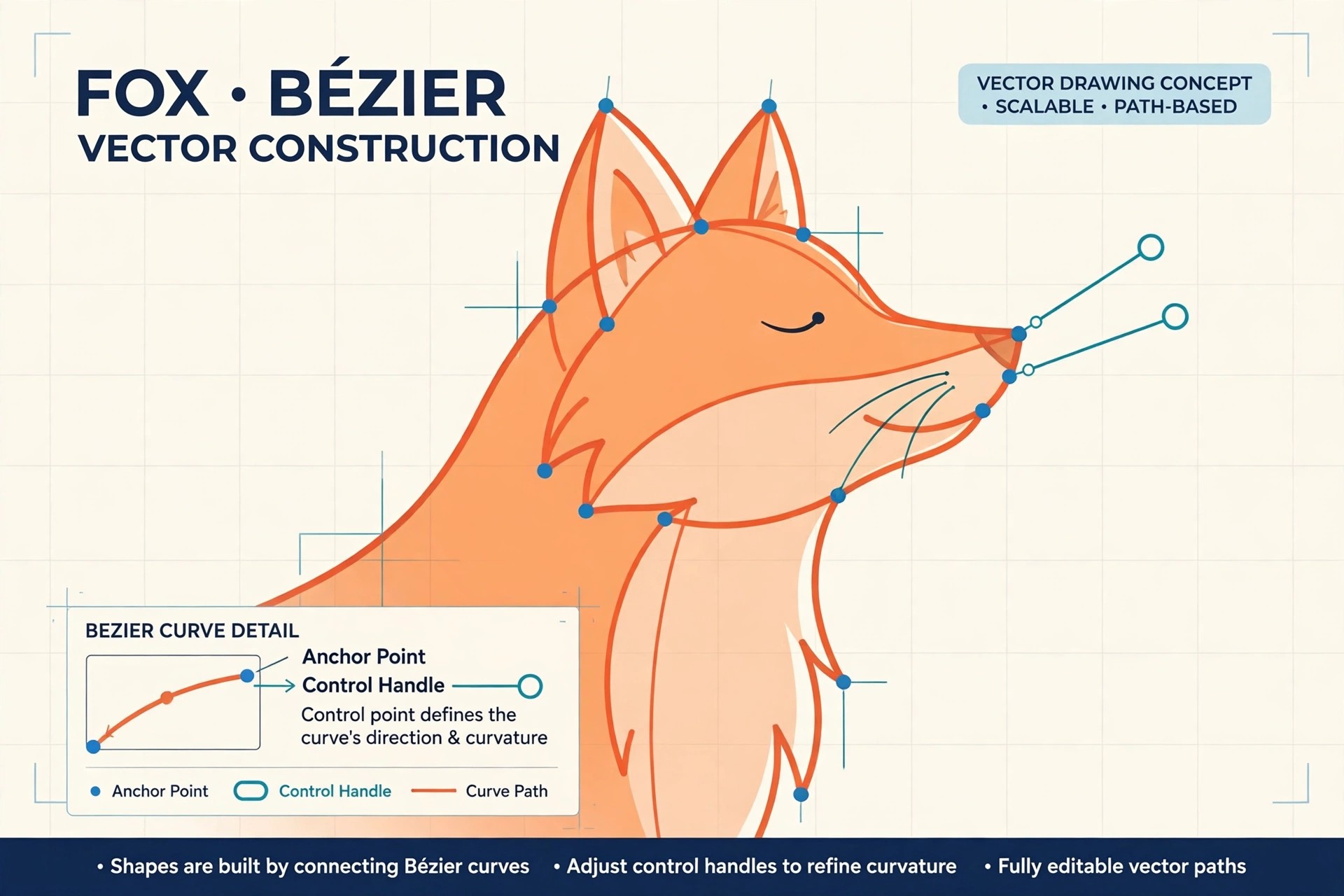
Mac Photo & DesignAmadine 1.6.7 for Mac is a vector graphics and illustration app from BeLight Software, built specifically for macOS rather than adapted from another platform. It is aimed at designers and illustrators who create logos, icons, lettering, infographics, print layouts and interface graphics, and who want professional vector tools in a clean, approachable interface.
The app ships with more than thirty tools for drawing, selecting, transforming and typesetting, including a precision pen, a pressure-sensitive draw tool and text on a path. Amadine is free to download and draw with; exporting, printing and image tracing are unlocked with a licence, which BeLight sells as either a one-time lifetime purchase or a subscription, with matching iPad and iPhone versions that sync through iCloud.
Key Features
- Over 30 vector tools, including a precision Pen and a freehand Draw tool with stroke pressure
- Advanced path editing, boolean shape operations, gradients, blend modes and layer effects
- Image tracing to convert raster artwork into editable vectors (licence required)
- Exports to SVG, PDF, EPS, PNG, JPEG and TIFF for print and web workflows
- Native Apple Silicon performance with Metal acceleration and iCloud sync across Mac, iPad and iPhone
How to Download
- Download from the official site
- Download the free app from BeLight's site or from the Mac App Store and start drawing straight away.
- When you need export, printing or tracing, buy the lifetime licence or subscription through the official store or in-app purchase.
Is Amadine free?
The download itself is free and the drawing tools work without paying, but it is not an unlimited free full version: exporting, printing and image tracing stay locked until you buy a licence or start a subscription.
Can Amadine replace Adobe Illustrator?
For many illustrators and logo designers, yes. It covers pen work, shapes, typography and SVG/PDF export at a far lower cost, though heavy Illustrator users may miss some specialised plugins and collaboration features.







Leave a Reply