AllClips 1.3.5 for Mac
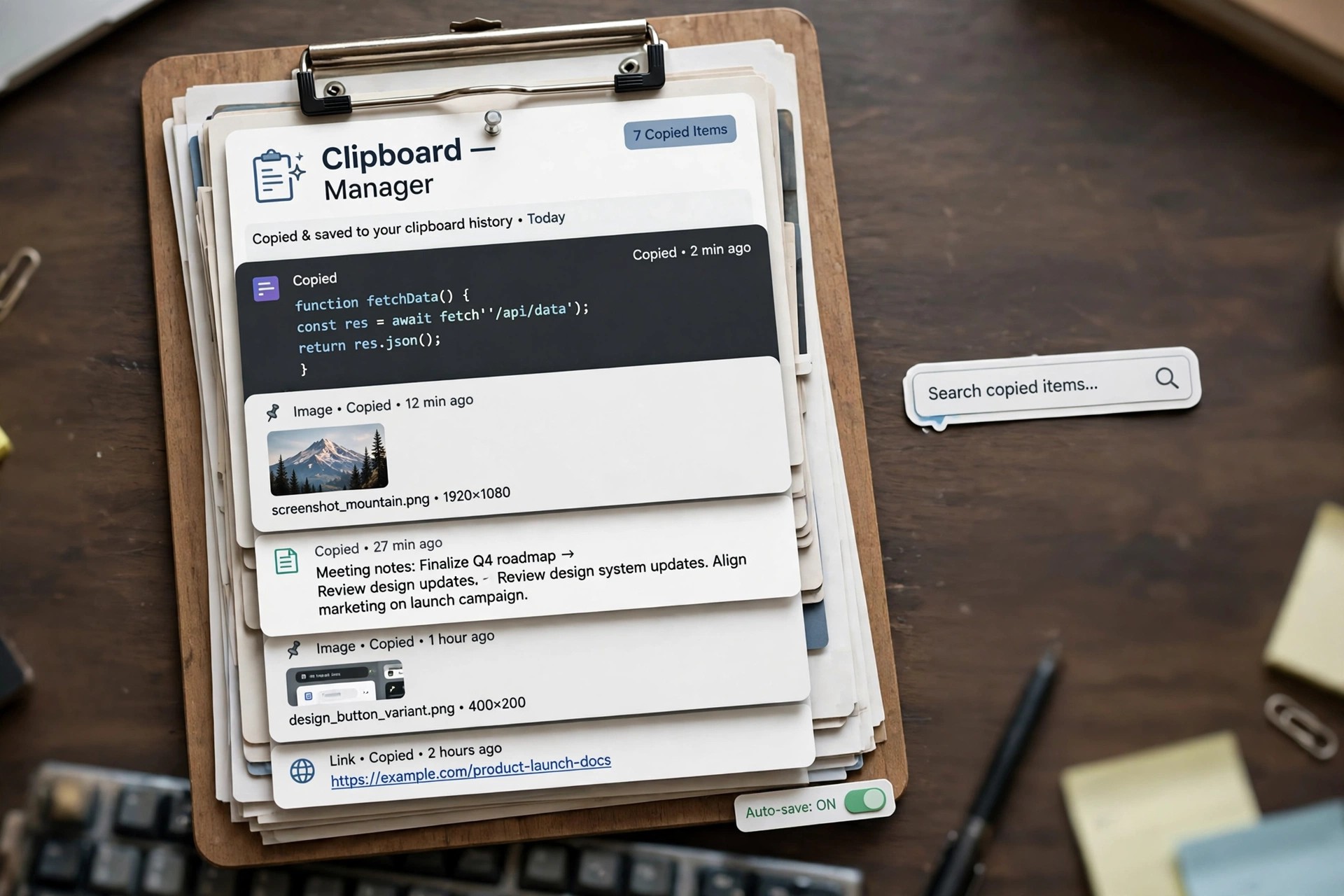
Mac UtilitiesAllClips 1.3.5 for Mac is a clipboard history utility from enSili, the one-developer studio of Yanis Zafiropulos, who has been writing native Mac apps since 2010. macOS normally remembers only the last thing you copied, so one careless copy wipes out the link or paragraph you needed. AllClips quietly keeps a history of your clippings so you can find and reuse them later.
The app sits in the background recording copied text and content, then lets you browse the history and restore an older clipping when something gets overwritten. It is a small, single-purpose tool in the enSili catalogue, sold as an inexpensive standalone app and also included in the developer's multi-app bundles. Pricing is a modest one-off cost rather than a subscription, but confirm the current price and macOS support on the official site, as version 1.3.5 is an older release.
Key Features
- Keeps a running history of everything you copy on your Mac
- Recovers clippings that were overwritten by newer copies
- Lets you browse past items and restore one to the clipboard
- Native, lightweight build that runs quietly in the background
- Part of the wider enSili family of small Mac utilities
How to Download
- Download from the official site
- Find AllClips in the enSili catalogue and follow the developer's current purchase or bundle route.
- Install and launch the app, then copy as normal — your history builds automatically from that point on.
Does AllClips store passwords safely?
Clipboard managers record what you copy, so avoid copying passwords while any history tool is active, and clear the history after handling sensitive text. Check the app's settings for exclusion options.
Is AllClips a subscription?
No. enSili sells its apps with one-off licences, and AllClips has also appeared in lifetime bundles of the full catalogue. Check the official site for today's price and terms.







Leave a Reply