Alex4D Animation Transitions Final Cut Pro X Plugins for Mac
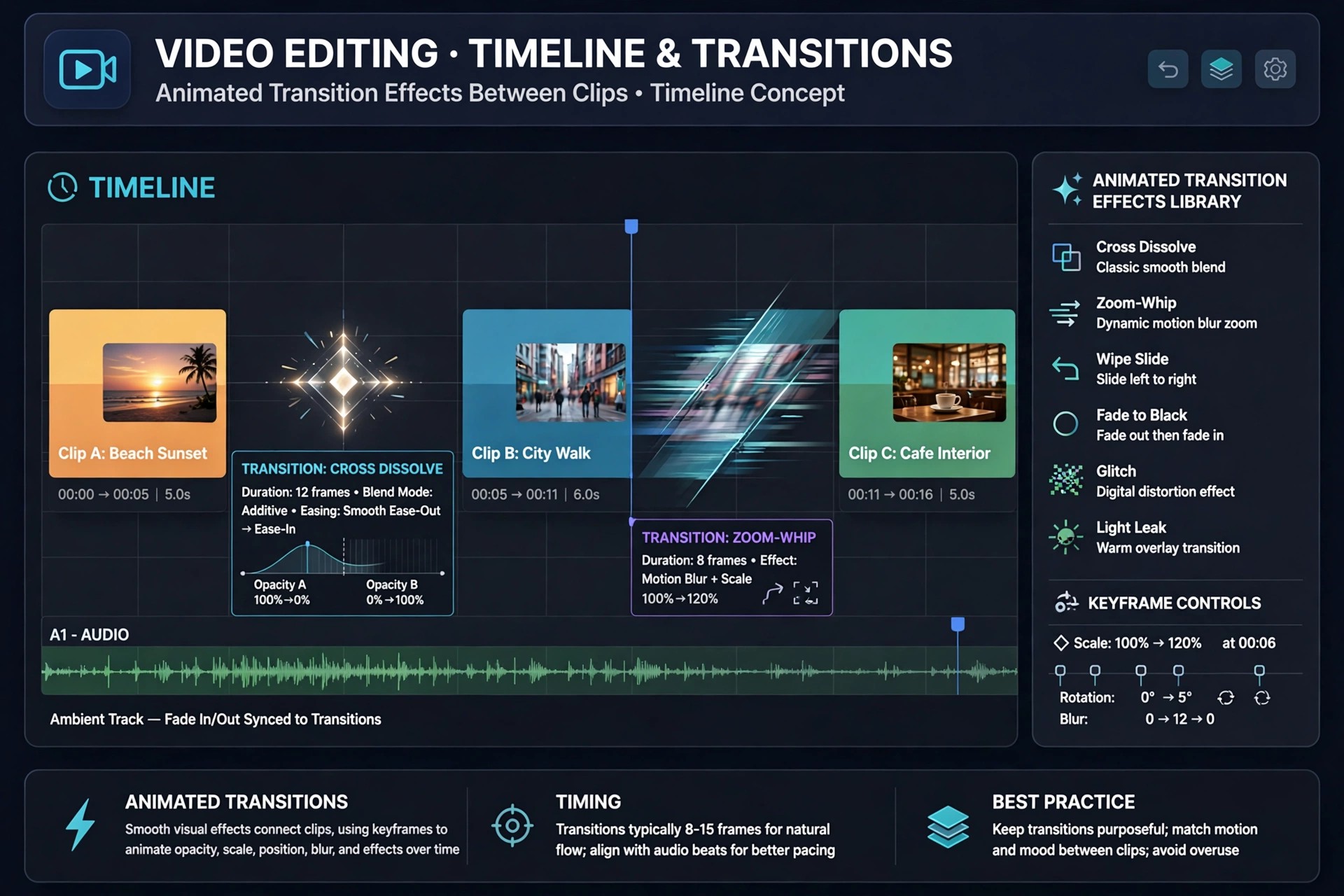
Mac VideoAlex4D Animation Transitions is a pack of 120 plugins for Final Cut Pro on the Mac by independent developer Alex Gollner. The "120" in many listings is the number of transitions in the pack, not a version number. Each one animates a clip, title, logo or graphic onto or off the screen for you.
The idea is to skip manual keyframing. Drop a transition onto an edit point, adjust a few on-screen settings, and drag its duration in the timeline to retime the move. The pack is paid software, listed at $49, and it is installed and trialled through the free FxFactory app.
Key Features
- 120 transitions that animate video clips, still images, text and logos on and off screen
- No keyframes needed: timing changes by dragging the transition in the timeline
- Styles from subtle and straightforward to complex, customisable motion graphics
- Works at many resolutions and aspect ratios, including square and vertical social video
- Installed, trialled and licensed through FxFactory, with a detailed PDF manual included
How to Download
- Download from the official site
- Install the free FxFactory app first, since the pack will not run without it, then install Animation Transitions from its catalogue page.
- Try the watermarked trial transitions inside Final Cut Pro, and buy the licence through FxFactory to remove the watermark before export.
Is Alex4D Animation Transitions free?
No. The pack costs $49 at the official listing. You can install a trial through FxFactory, but trial renders carry a watermark until you buy the licence, so it is not a free full version.
Does it work outside Final Cut Pro?
No. These plugins work exclusively in Final Cut Pro on the Mac and require FxFactory to be installed. They will not run in Premiere Pro or DaVinci Resolve, so check your workflow first.







Leave a Reply