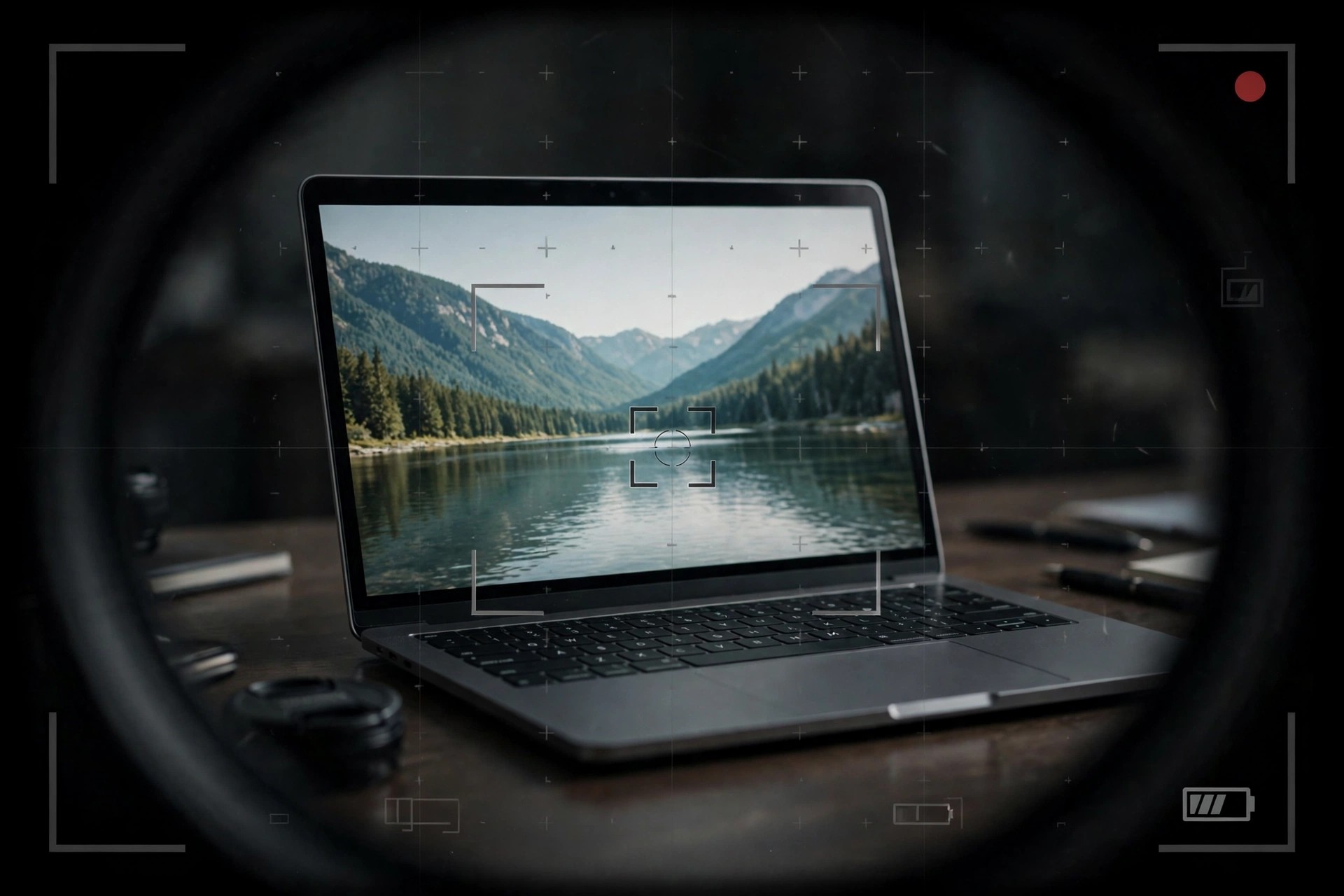
Aiseesoft Screen Recorder 2.2.66 for Mac
Mac VideoAiseesoft Screen Recorder 2.2.66 for Mac records whatever happens on your screen, along with system sound, microphone narration, and an optional webcam overlay. It covers the jobs Mac users actually record: software tutorials, online classes, video calls, gameplay, and streaming clips they want to keep.
You can capture the full screen, a single window, or a custom region, then save the result in a shareable format. Real-time annotation tools let you draw, highlight, and add text while recording, which is especially useful for teachers, support staff, and creators making step-by-step guides.
Key Features
- Record full screen, a window, or a custom area in high quality up to 4K
- Capture system audio and microphone together or separately
- Add a webcam overlay for tutorials, lessons, and reaction-style videos
- Draw and annotate live with pens, shapes, arrows, and text
- Schedule recordings, take snapshots, and export to MP4, MOV, and other formats
How to Download
- Start your download from the official site: Download from the official site and choose the Mac installer.
- Install the app and grant the screen recording and microphone permissions macOS asks for.
- Record a short test with the free trial, then buy a licence if you need longer, unrestricted sessions.
Is Aiseesoft Screen Recorder free?
It is paid software with a free trial download. The trial limits recording length, so it works best as a quick quality test before purchasing.
Does it leave a watermark on recordings?
Recordings made with a registered licence carry no watermark. Always download from the official Aiseesoft site so you get the genuine, safe Mac build.







Leave a Reply