Aiseesoft PDF Converter Pro with OCR 3.3.67 for Mac
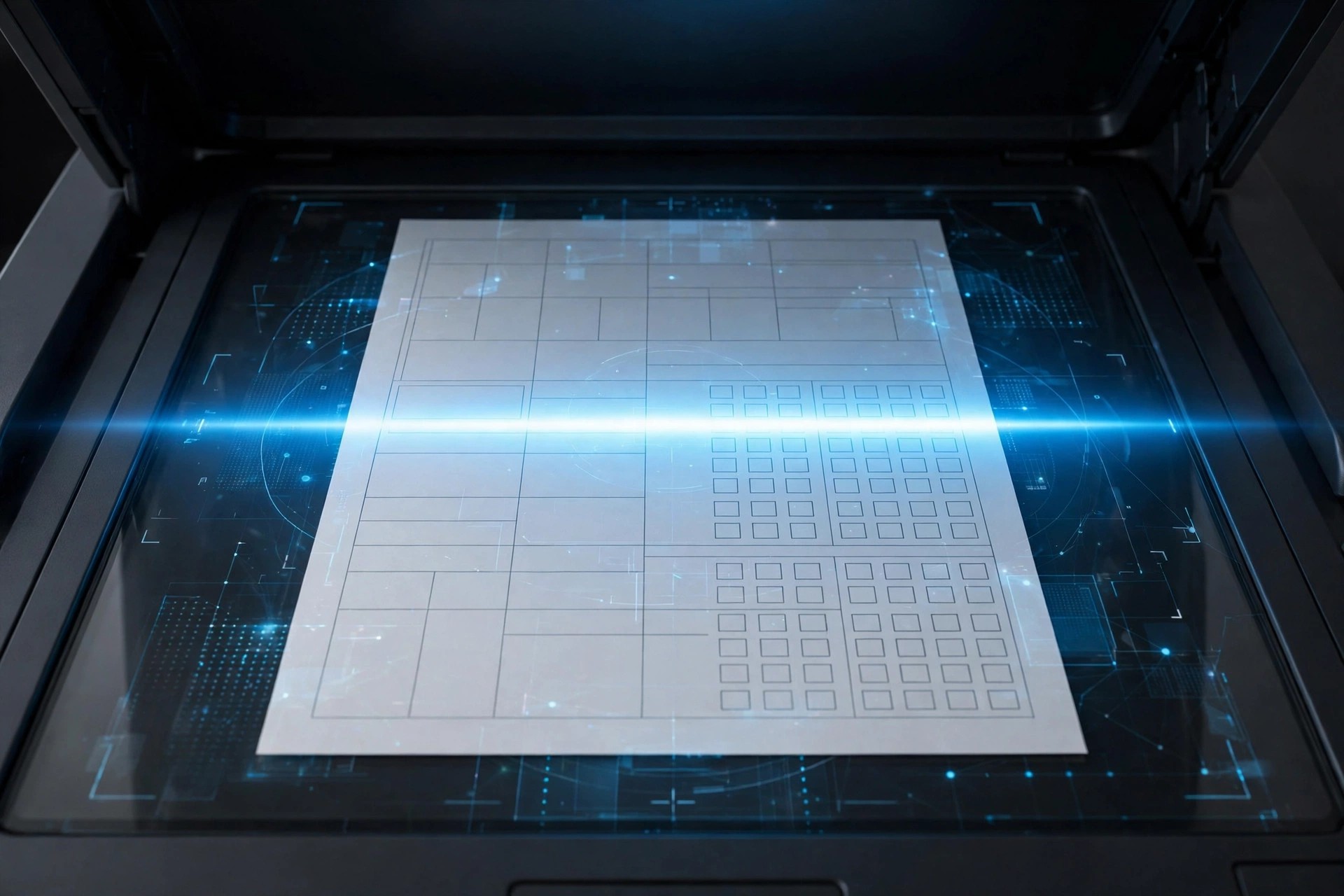
Mac BusinessAiseesoft PDF Converter Pro with OCR 3.3.67 for Mac adds the one feature standard converters lack: optical character recognition. Where a normal converter only handles PDFs with selectable text, the Pro edition reads scanned pages and photographed documents, recognises the text, and rebuilds it as an editable file.
That makes it the right choice for anyone digitising paper archives, scanned contracts, invoices, or book pages on a Mac. It converts both regular and scanned PDFs to Word, Excel, PowerPoint, Text, EPUB, and images, with OCR support for many languages and batch processing for bulk jobs.
Key Features
- OCR technology that turns scanned, image-based PDFs into editable documents
- Convert PDF to Word, Excel, PowerPoint, Text, EPUB, HTML, and image formats
- Multi-language text recognition, including English, French, German, and Chinese
- Preserves layout, tables, graphics, and formatting from the original file
- Batch conversion and page-range selection to speed up large workloads
How to Download
- Start your download from the official site: Download from the official site and get the Mac version.
- Install the app, open it, and add a scanned PDF to test the OCR accuracy.
- The free trial covers a limited test; register a licence to unlock full OCR conversion without page limits.
Is the Pro with OCR version free?
No. It is a paid edition with a free trial download. The trial is enough to check OCR accuracy on your own scans before you commit to a licence.
How accurate is the OCR on poor-quality scans?
Clean, straight scans at a decent resolution give the best results. Skewed or faded pages may need small manual corrections after conversion, which is normal for any OCR tool.







Leave a Reply