Aiseesoft Mac PDF Converter 3.3.11 for Mac
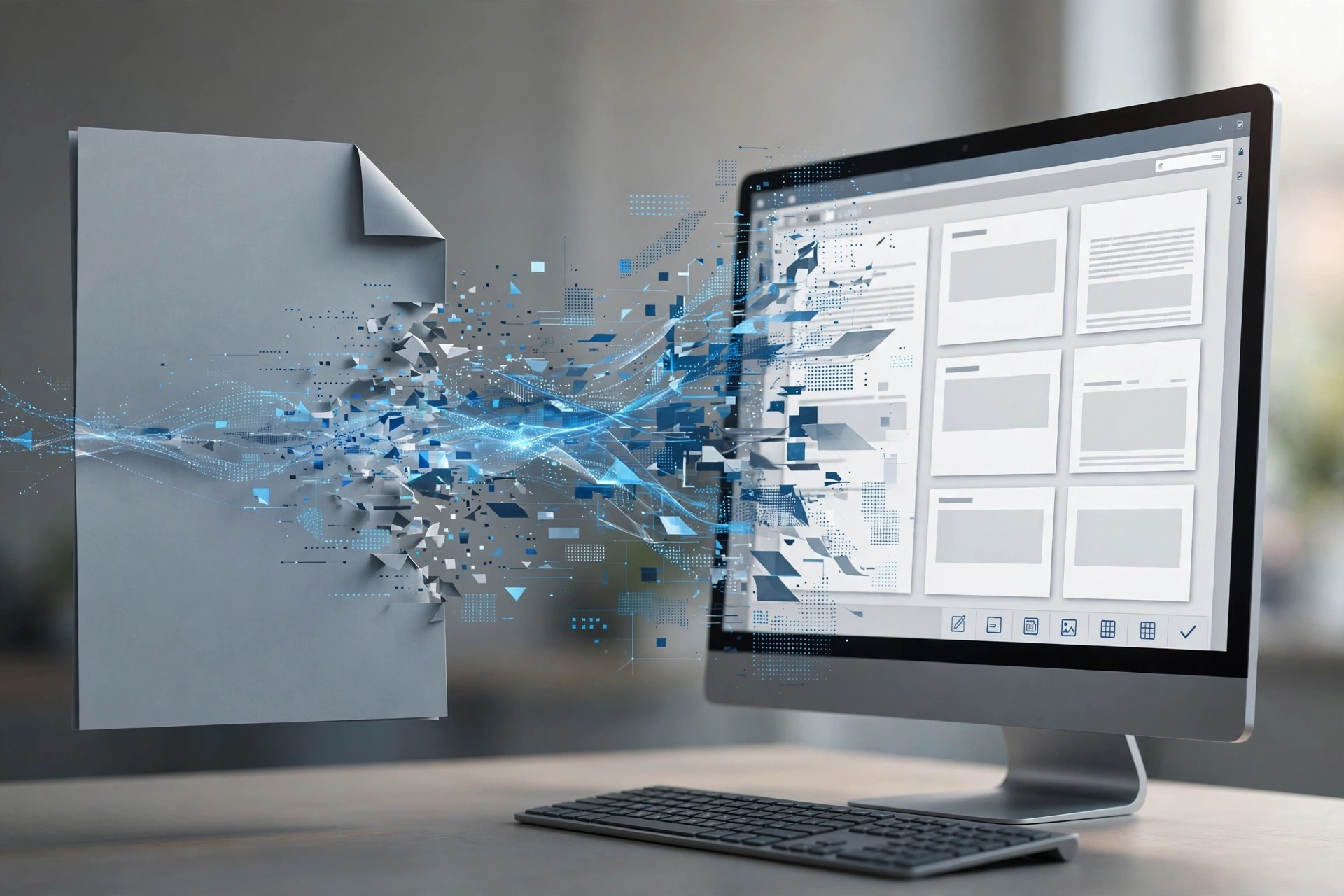
Mac BusinessAiseesoft Mac PDF Converter 3.3.11 for Mac converts PDF documents into editable files you can actually work with, including Word, Excel, PowerPoint, ePub, HTML, text and common image formats. It aims to keep the original text, images, layout and formatting intact, so a converted contract, report or table does not need hours of manual cleanup.
It is aimed at office and home users on Mac who regularly receive locked-down PDFs they need to edit, reuse or extract data from. Built-in OCR handles scanned, image-based PDFs and can recognise text in many languages. Aiseesoft sells it as a paid converter with a free trial download, so you can test a conversion before buying.
Key Features
- Convert PDF to Word, Excel, PowerPoint, HTML, ePub, text and images
- Preserves original layout, fonts, images and formatting where possible
- OCR technology recognises scanned PDFs in over 190 languages
- Batch conversion and page-range selection to convert only what you need
- Standalone Mac app — no Adobe Acrobat or Reader install required
How to Download
- Download from the official site
- Install the converter on your Mac, add a PDF, choose your output format and page range, then convert.
- Use the free trial to check output quality, and buy a licence for unrestricted conversions.
Is Mac PDF Converter free?
No. It is a paid program with a free trial. The trial lets you test conversions, and a licence removes the trial limits.
Can it convert scanned PDFs?
Yes. Its OCR feature is designed to recognise text in scanned or image-based PDFs in many languages, and turn that text into editable output.







Leave a Reply