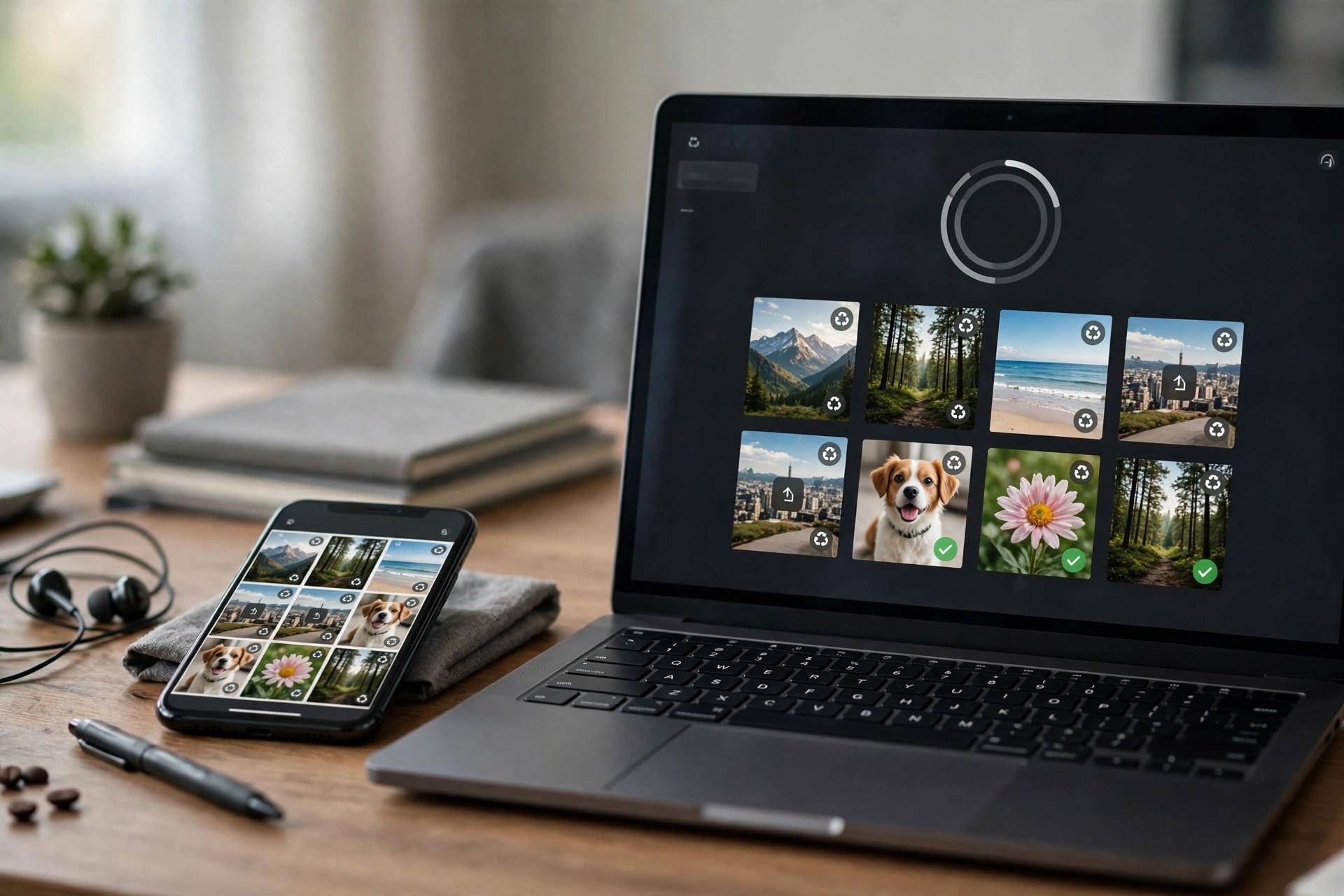
Aiseesoft FoneLab for Android 5.0.62 for Mac
Mac UtilitiesAiseesoft FoneLab for Android for Mac is a data recovery tool that helps you get back files lost from an Android phone or tablet using your Mac. If you have deleted photos by mistake, lost text messages after a system problem, or cleared contacts and call history you still need, the program scans the device and shows what can still be recovered.
It is made for everyday Android users rather than technicians. You connect the phone to your Mac, run a scan, preview the results, and then choose exactly which items to save back to your computer instead of restoring everything blindly.
Key Features
- Recover deleted photos, videos, music and documents from Android phones, tablets and SD cards
- Restore text messages, message attachments, contacts and call history, including WhatsApp data
- Preview found files before recovery so you only save the items you actually need
- Works with popular Android brands such as Samsung, Huawei, Sony, LG, HTC and Xiaomi
- Also useful for backing up existing Android data to your Mac for safekeeping
How to Download
- Check that your Mac meets the system requirements listed on the Aiseesoft product page.
- Start your download from the official site: Download from the official site
- Open the downloaded installer, install the app, then connect your Android device with a USB cable to scan it.
Is FoneLab for Android free?
No. It is paid software with a free trial download. The trial lets you scan your device and preview recoverable files, and a licence is needed to complete the recovery.
Can it recover data after a factory reset?
Recovery depends on whether the data has been overwritten. Stop using the phone as soon as possible and scan it promptly, because new data written to the storage reduces the chance of a successful recovery.







Leave a Reply