AirServer 7.2.6 for Mac
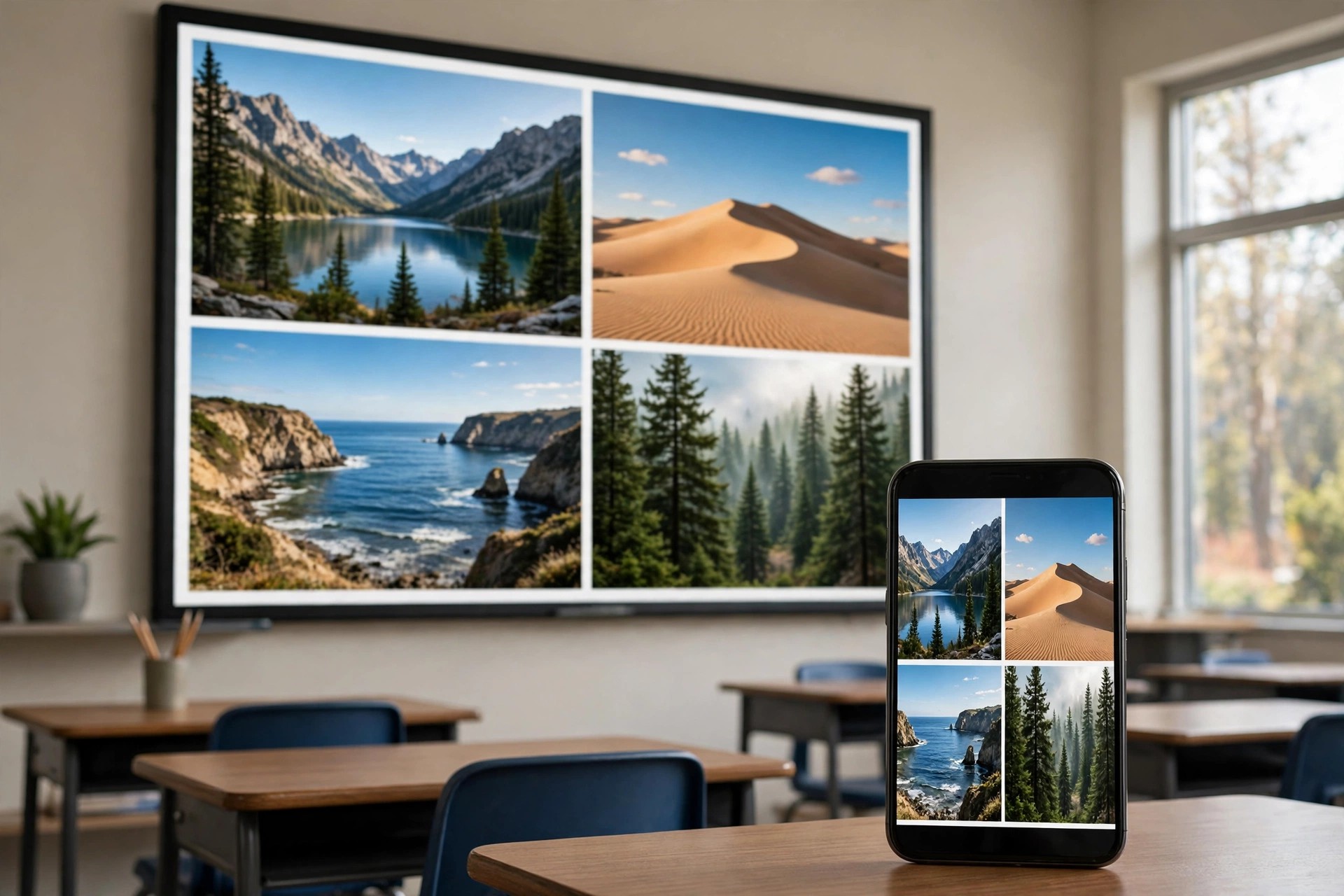
Mac VideoAirServer 7.2.6 for Mac turns your Mac into a universal screen-mirroring receiver. Instead of buying extra receiver hardware, you install AirServer and your Mac starts accepting AirPlay streams from an iPhone, iPad or another Mac, and Google Cast streams from Android phones and Chromebooks, all over your local Wi-Fi network.
It is made by AirServer, the company behind the long-running AirServer range for Mac, PC and games consoles. It suits teachers showing a student's screen in class, presenters sharing from a phone in a meeting, and home users who want photos, music and video from a handset playing on a bigger Mac display, with support for receiving several devices side by side.
Key Features
- Receive AirPlay mirroring and media from iPhone, iPad and Mac
- Receive Google Cast from Android devices, Chromebooks and Chrome tab casting
- Mirror multiple devices to one Mac at the same time
- Record mirrored sessions in high quality for demos and lessons
- Encrypted AirPlay support to protect photos and videos in transit
How to Download
- Start your download from the official site: Download from the official site
- Download the Mac version and start the free trial to test mirroring on your network.
- Open the installer, move AirServer to Applications, launch it, and pick your Mac from the AirPlay or Cast menu on your device.
Is AirServer free?
No. AirServer is paid software, offered with a free trial so you can check it works with your devices and network first. Continued use requires buying a licence for your Mac.
Do I need an Apple TV as well?
No. AirServer itself is the receiver, so your Mac takes the role an Apple TV or Chromecast would normally play. Your sending device and your Mac simply need to be on the same network.







Leave a Reply