AirBuddy 3.3.0.850 for Mac
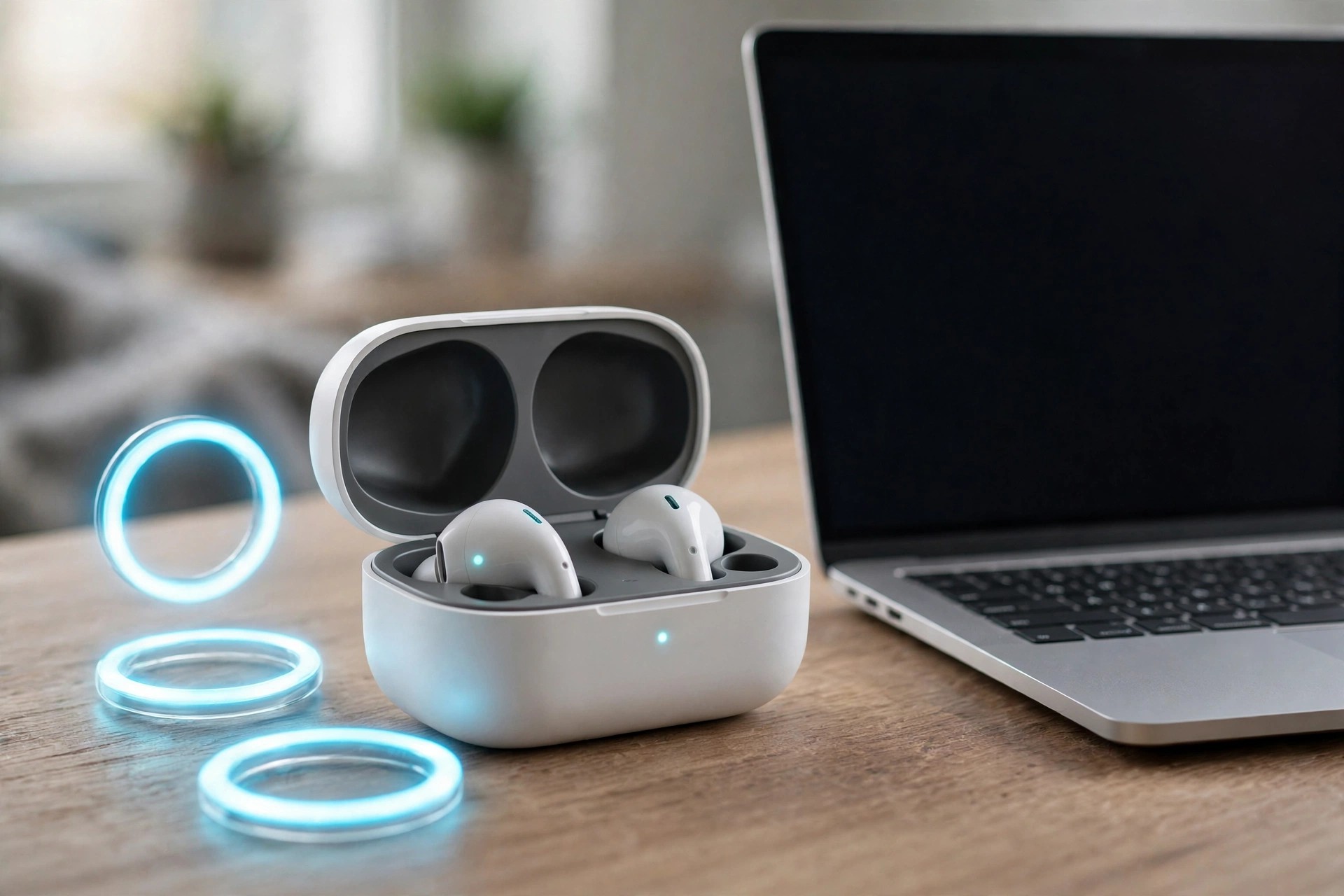
Mac UtilitiesAirBuddy 3.3.0.850 for Mac, by indie developer Guilherme Rambo, gives your Mac the polished wireless-device experience Apple gives the iPhone. Open your AirPods case near your Mac and you get a familiar status pop-up, battery levels at a glance, and one-click connections instead of digging through Bluetooth settings.
Version 3 goes well beyond AirPods. AirBuddy tracks nearby Apple and Bluetooth devices from a dashboard and widgets, shows battery alerts before something dies mid-call, controls what is playing, and can hand a Magic Mouse, Keyboard or Trackpad between Macs. It is built for people who juggle several Apple devices at one desk all day.
Key Features
- iPhone-style pop-ups and quick connect for AirPods and supported Beats headphones
- Dashboard and desktop widgets showing battery and status for your nearby devices
- Battery alerts with per-device thresholds, plus Now Playing controls and widgets
- Magic Handoff moves a Magic Mouse, Keyboard or Trackpad between Macs
- Shortcuts and AppleScript automation for connecting devices and checking status
How to Download
- Check the system requirements on the official AirBuddy website — recent versions need a current macOS.
- Start your download from the official site: Download from the official site
- Install the app, grant the Bluetooth permissions it asks for, and connect your devices.
Is AirBuddy free?
No, AirBuddy is a paid app sold as a one-time license on its official site, and it is also available through Setapp. Check the site for current pricing and any trial options before you buy.
Does it only work with AirPods?
No. AirPods and Beats are the headline devices, but AirBuddy also monitors other nearby Apple and Bluetooth devices, including iPhone, Apple Watch and Magic accessories.







Leave a Reply