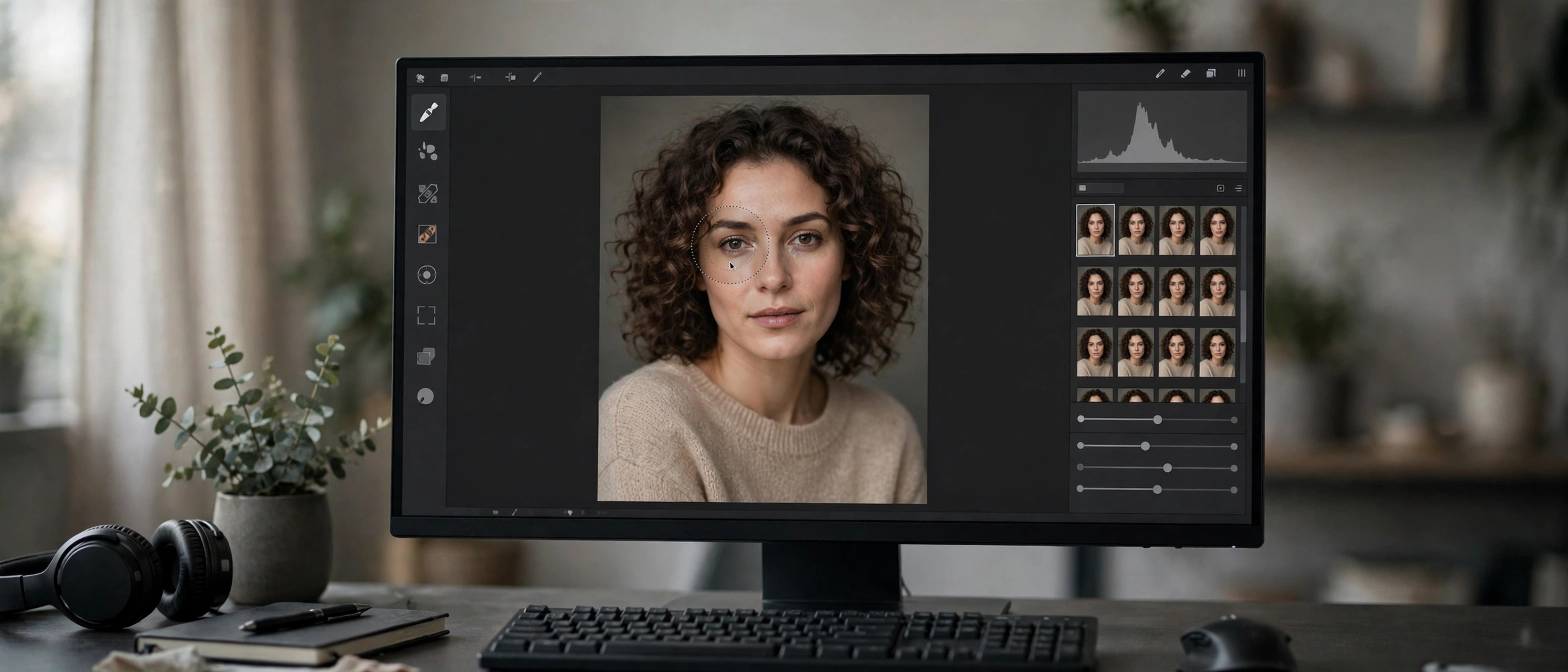
Portraiture 5 for Mac
Mac Photo & DesignImagenomic Portraiture for Photoshop (3.5.7 Build 3570) is the Mac plug-in edition of the skin-retouching tool used by portrait and fashion photographers to get clean, natural-looking skin without hours of manual work. Instead of dodging, burning and frequency separation by hand, Portraiture detects skin tones automatically and applies adaptive smoothing while preserving pores, hair and fine detail — the result reads as retouched but not plastic. It runs directly inside Adobe Photoshop, and the same license line also covers Lightroom and Affinity workflows, so it fits wherever your portraits already go through. This build is tuned for the Mac, and Imagenomic offers a 15-day free trial so you can judge the results on your own images before buying.
Key Features
- Automatic skin-tone detection with adaptive smoothing that preserves pores, hair and texture.
- AI-assisted masking for skin, eyes and hair to keep edits exactly where they belong.
- Runs natively inside Adobe Photoshop — no round-tripping between apps.
- Adjustable presets and fine controls for softening, warmth, contrast and sharpness.
- Batch-friendly workflow for processing full portrait sessions consistently.
How to Download
- Download from the official site to reach the official Portraiture product page.
- Start the 15-day free trial — no license key is needed for the trial download, just an email for the link.
- Install the plug-in on your Mac, then open it from the Photoshop Filters menu (Imagenomic → Portraiture).
Is there a free trial of Portraiture for Mac?
Yes. Imagenomic offers a 15-day free trial of its plug-ins, downloadable directly from the official site with no key required.
Does one license cover Photoshop and Lightroom?
Imagenomic's plug-ins run in Photoshop, Lightroom Classic and Affinity, and each license covers two computers on Windows and macOS.







Leave a Reply