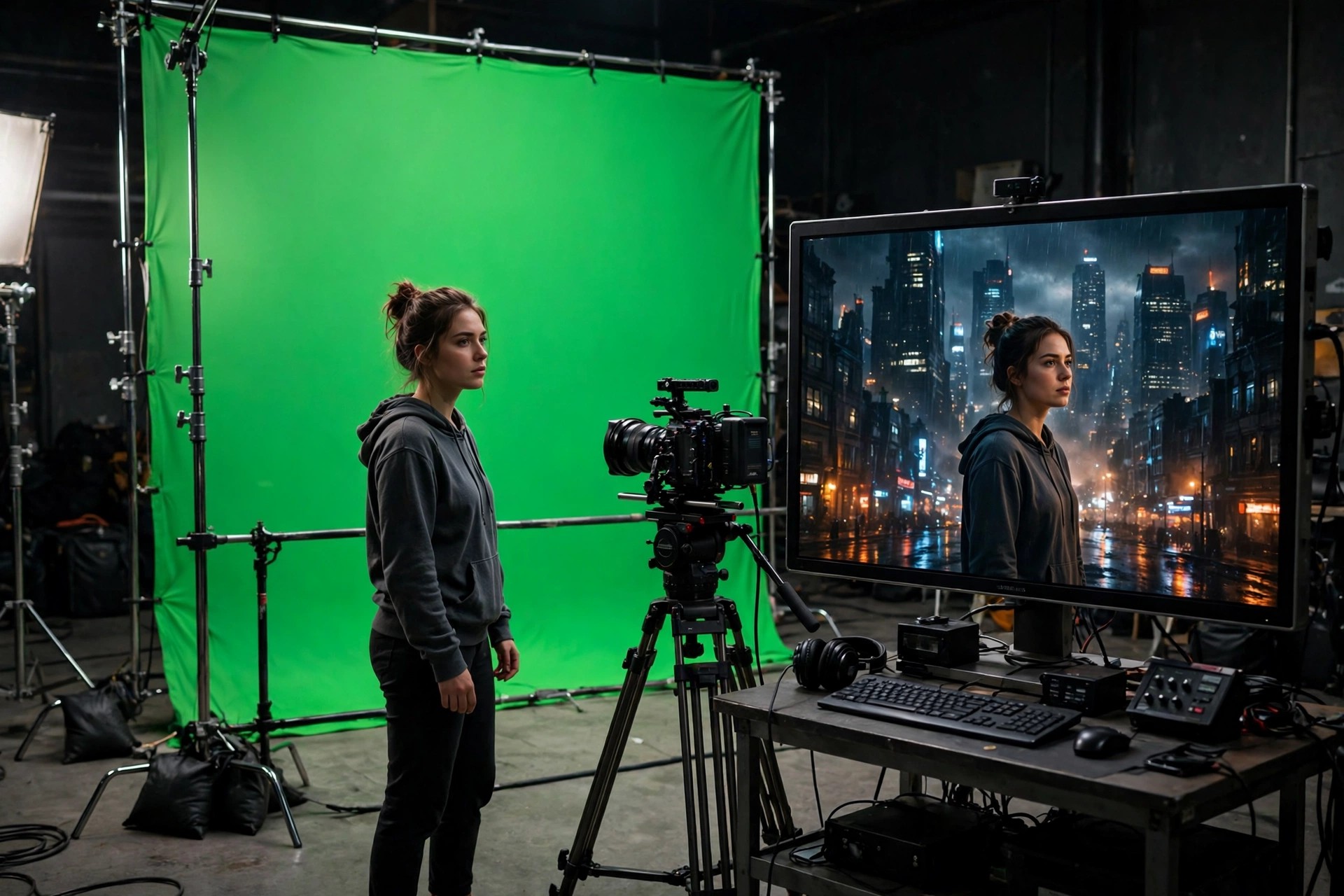
After Keying for After Effects 1.04 for Mac
Mac VideoAfter Keying for After Effects 1.04 for Mac is the After Effects edition of the After Keying compositing tool, distributed by aescripts + aeplugins. It is written for motion designers, editors and compositors who key presenters, products or characters against a green screen and need the final shot to look shot in place, not cut out and pasted on.
This 1.04 release tackles the two problems that make keys look fake. Refine Details recovers fine detail, especially hair, that a basic key eats away. Atmosphere adds an environmental feel in one click, helping light and mood match the background plate. It is a finishing step, not a replacement for good shooting and a solid initial key.
Key Features
- Purpose-built finishing tool for green-screen work in Adobe After Effects
- Refine Details recovers hair and other fine edges weakened by keying
- Atmosphere adds a scene-matching feel to keyed objects in one click
- Works within your existing After Effects compositing workflow and timeline
- Licensed, downloaded and updated through your aescripts account
How to Download
- Download from the official site
- Buy it on aescripts and download the files from your account, or install it with the aescripts + aeplugins manager.
- Add it to After Effects on your Mac, relaunch the app, and use it on your keyed layer.
Is version 1.04 free?
No. After Keying is a paid aescripts product, shown at $65 regular price with occasional sale pricing. Do not expect a free full version; check the official page for today's price, compatibility list and licence terms before purchasing.
Which After Effects versions does it support?
Support changes as both products are updated, and 1.04 is an older build. Read the Compatibility section on the official aescripts page and match it against the After Effects version installed on your Mac before you buy.







Leave a Reply