Tracery 1.1 for Mac
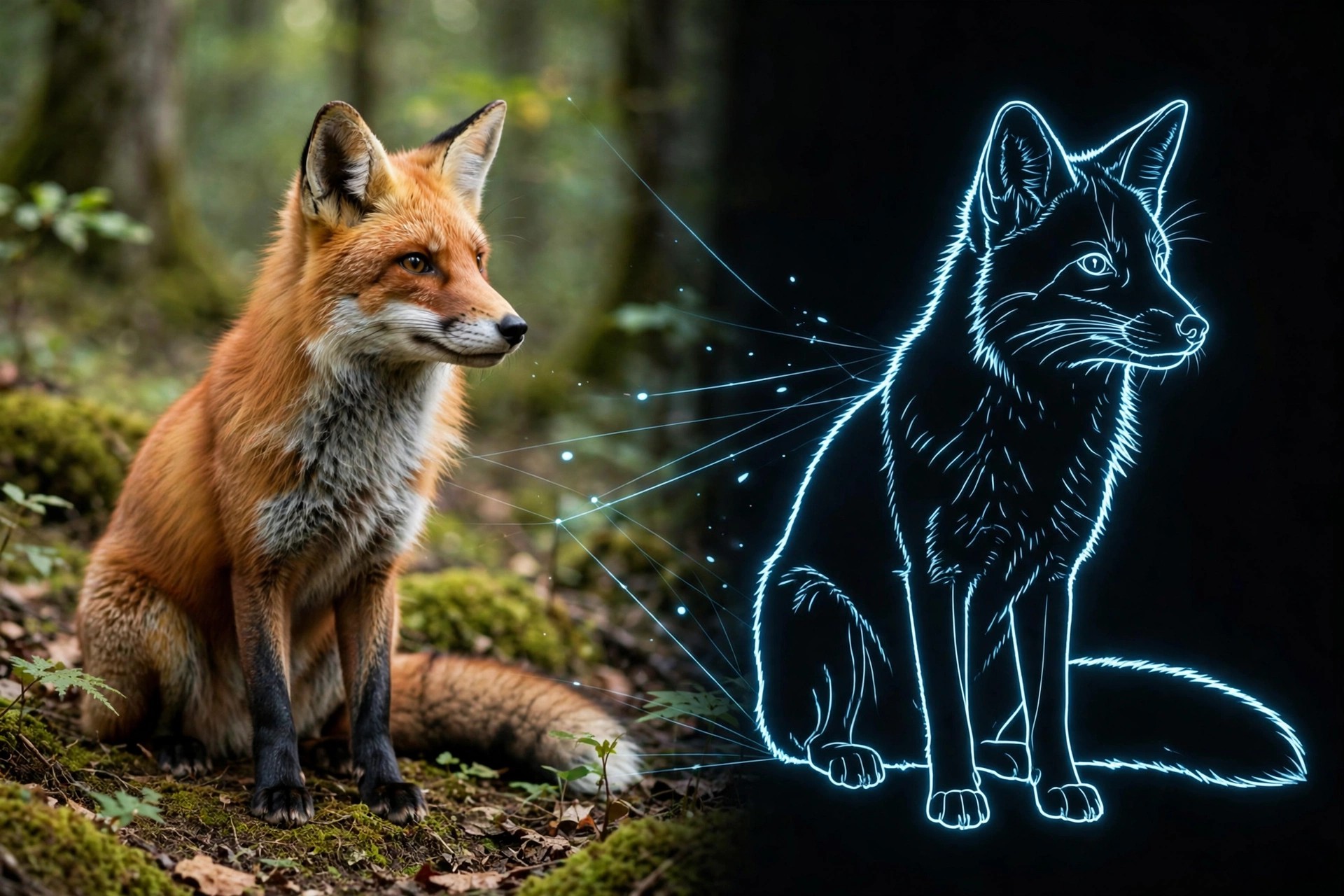
Mac VideoTracery 1.1 for Mac is a plug-in for Adobe After Effects on macOS from Plugin Everything, sold on aescripts.com. It automates colour-based object tracking: pick a colour in your footage and Tracery follows those regions through the shot, then generates sophisticated graphical overlays on top of them without manual keyframing for every frame.
Those overlays can become complex visual noise, data-style diagrams, tracking graphics and stylish motion elements derived directly from your video content. Version 1.1 added new line connection types, including Star, Full and Minimum Spanning Tree patterns between tracked points. It suits editors making sports analysis graphics, sci-fi interfaces, music visuals and data-driven motion design.
Key Features
- Automatically tracks objects and regions by colour, with no traditional keyframing
- Track and visualise up to 512 objects at once, each with its own styling
- Build boxes, markers, labels and connection lines into custom tracking graphics
- Star, Full and MST connection patterns added in version 1.1 for richer diagrams
- Works directly inside After Effects on Mac — no external tracking app or data import needed
How to Download
- Check the After Effects versions supported on Mac on the official product page.
- Get it here: Download from the official site
- Install the plug-in as instructed by the seller, restart After Effects, and apply Tracery to your footage layer.
Is Tracery free?
No. Tracery is a paid plug-in, listed at around $59.99 on aescripts.com. There is no free full version, so check the official page for current pricing or sale offers.
Do I need separate tracking software?
No. Tracery's colour-based tracking happens inside After Effects itself. It works best when your subject has a clear, distinct colour that stands out from the background of the shot.







Leave a Reply