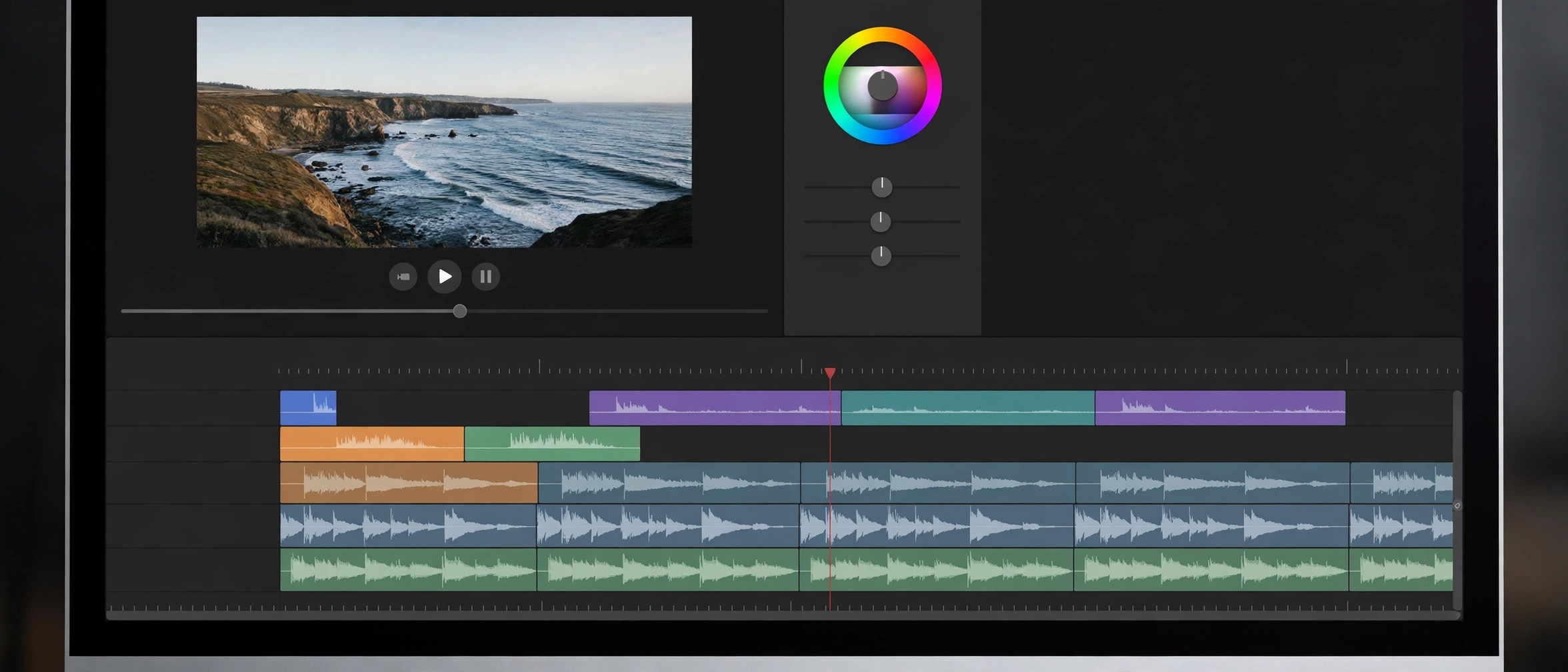
Filmora 16.0 for Mac
Mac VideoFilmora is Wondershare's video editor aimed at creators who want professional-looking results without the learning curve of pro suites. The Mac version runs natively on both Apple Silicon and Intel Macs (macOS 10.15 or later) and packs a full editing timeline together with AI-powered tools: AI video enhancer, smart short-clip generator, auto captions, and a pen tool, plus screen recording and audio editing built in. It's the kind of editor that works for YouTube videos, social clips, and marketing content where speed matters more than frame-by-frame precision.
Filmora is free to download and you can edit with every feature, but exports from the free version carry a Filmora watermark — there's no time limit on the trial. A paid plan removes the watermark, and the current release line is Filmora 16.
Key Features
- Multi-track timeline editor designed for beginners and semi-pros
- AI tools: video enhancer, smart short clips, auto captions, and pen tool
- Built-in screen recorder and audio editing workflow
- Large library of effects, transitions, titles, and stock media
- Native support for Apple Silicon and Intel Macs
How to Download
- Go to the official Wondershare Filmora website and make sure you pick the Mac version.
- Get the official installer here: Download from the official site
- Open the downloaded Filmora Installer DMG, agree to the prompts, and install it on your Mac to start the free trial.
Is Filmora free?
It's free to download and edit with, but exported videos carry a watermark until you buy a plan. There's no free full version without the watermark.
Which macOS versions are supported?
The current version supports macOS 10.15 (Catalina) through macOS 26 (Tahoe), on both Intel and Apple Silicon Macs.







Leave a Reply